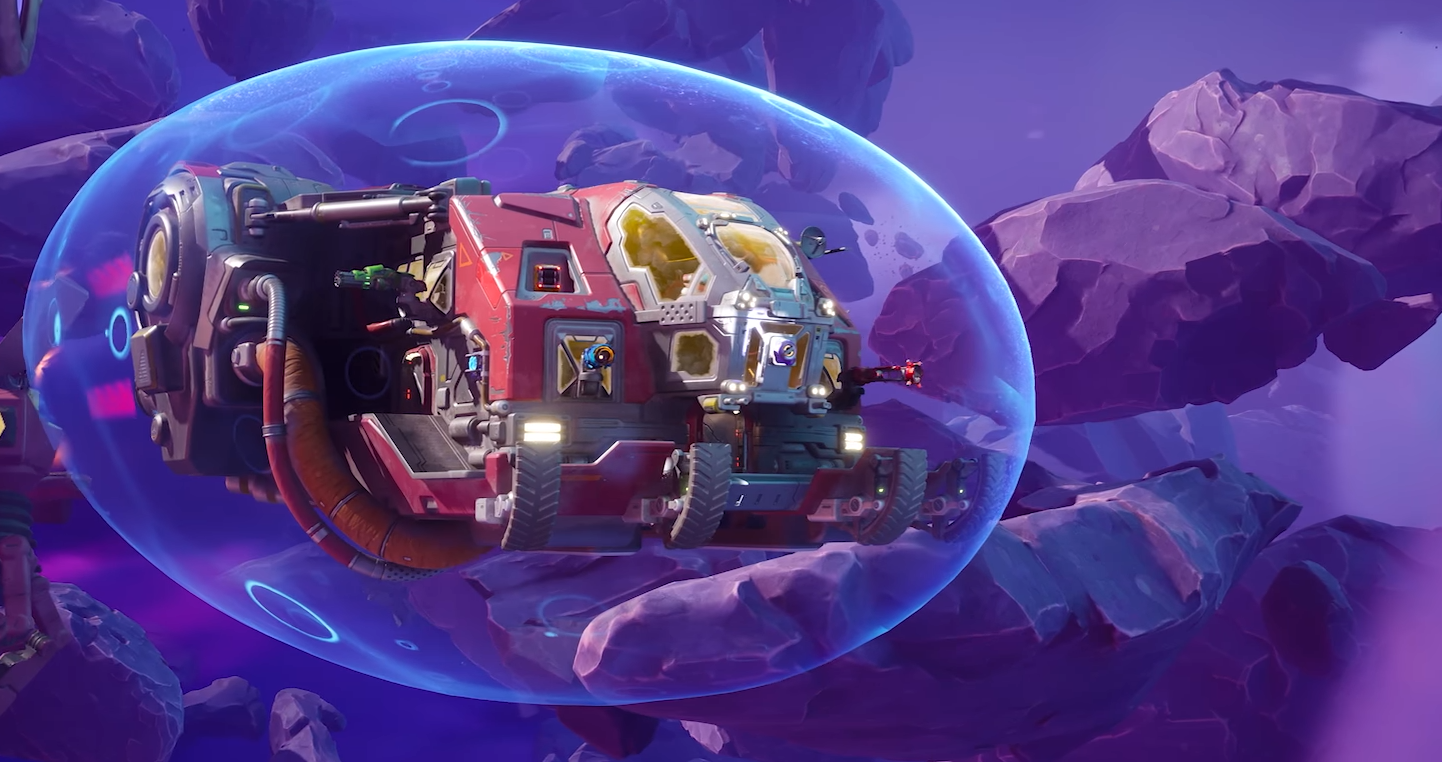
Wildgate: How to Name Your Ship

Written by Andrew Hammel | Wildgate
You can rename your ship in Wildgate from the Customization menu. The option appears alongside your ship and skin settings.
Open the Customization Menu
Click the menu icon in the top right corner of the screen. Select Customization.
Select a Ship
Go to the ship tab. This is where you choose your ship’s model and color.
Click Ship Name
Enter a new name using the ship name field, located just under the Ship Style button. Click Equip to confirm the change.
Final Blurb
You can update your ship’s name later if you like. Just head back to the customization menu.
FAQ
Can you rename your ship in Wildgate?
Yes, the option is in the Customization menu.
Where is the ship name field located?
Inside the ships section next to ship style.
Can I change the name more than once?
Yes.
Does the name affect gameplay?
No.
© 2025 GamerBlurb. All rights reserved. Feel free to link to or quote this guide; please provide a direct link back for attribution.
More Wildgate