Trying to play WoW Forever with friends can be frustrating when you're standing in the same location but can't see each other. Even joining the same party doesn't always place everyone in the same phase, leaving players unable to quest together normally. Fortunately, there are a few workarounds worth trying before giving up on your group.
How to Join Your Friend's Phase
Using the World Reset Option
Why Friends Are in Different Phases
What to Do if Nothing Works
How to Join Your Friend's Phase in WoW Forever
To join your friend's phase in WoW Forever, invite them to your party using the /invite command, then have the player who isn't the party leader log out and back into the game. This workaround has successfully placed separated party members into the same phase.
Follow these steps:
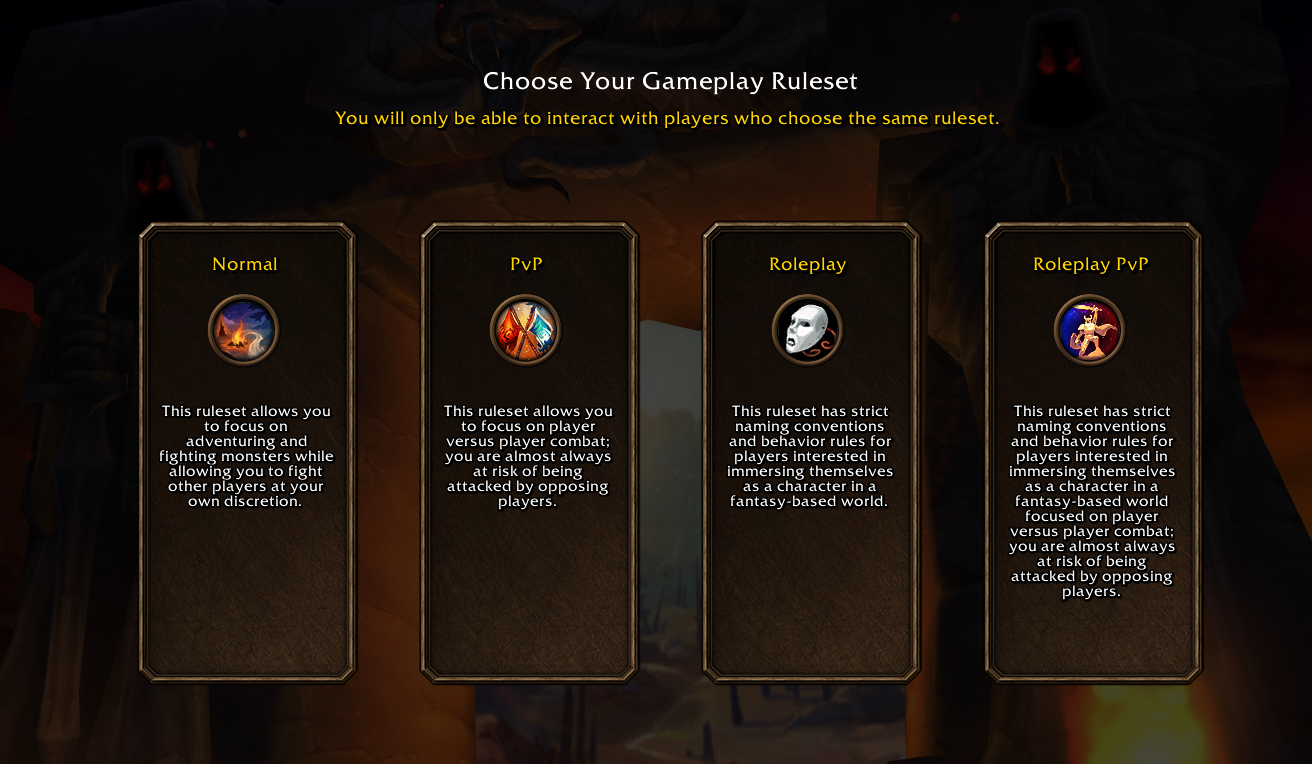
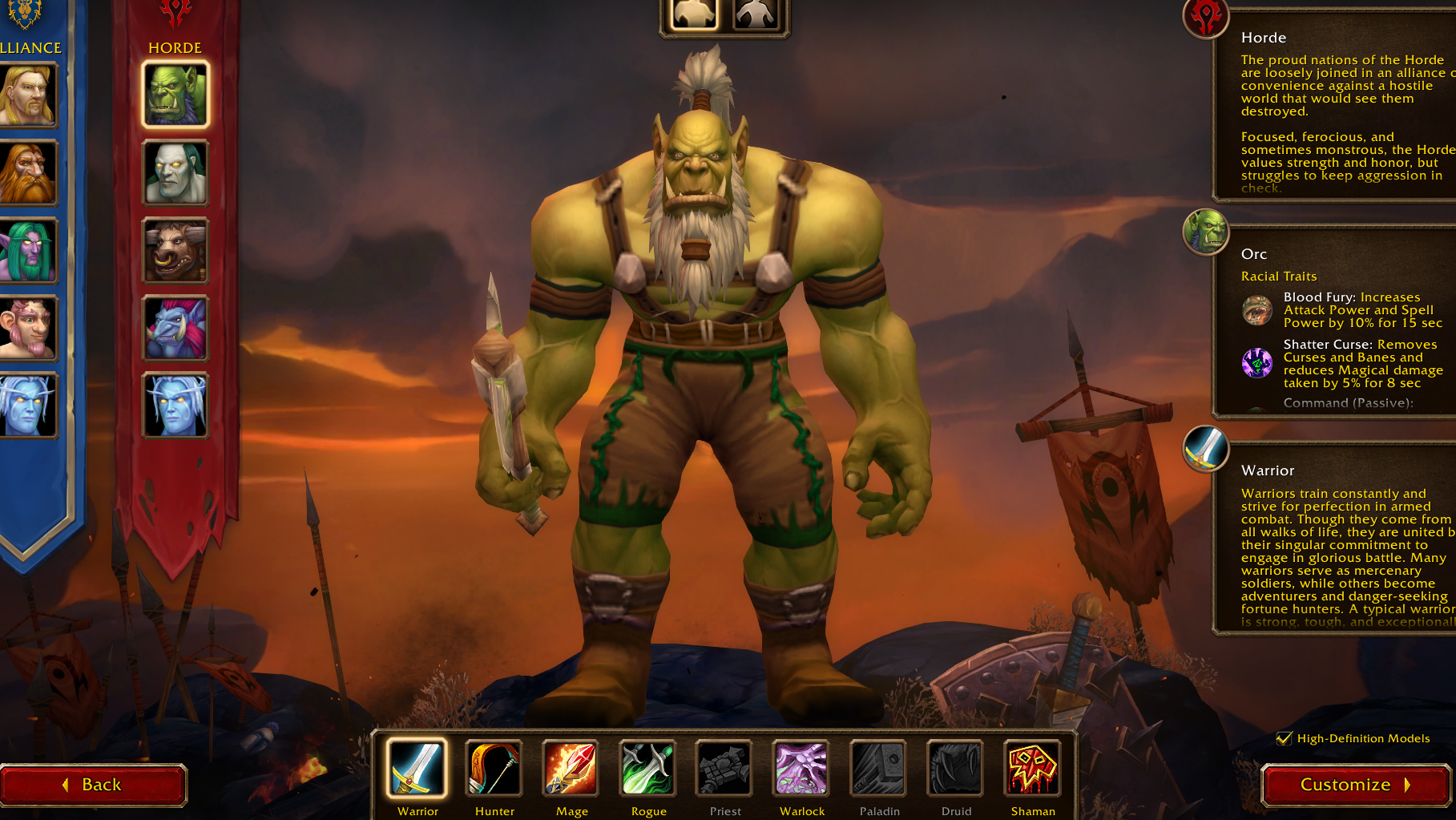
- Make sure both characters are on the same compatible ruleset and faction.
- Open your chat window.
- Type /invite followed by your friend's character name.
- Have your friend accept the party invitation.
- Keep the party leader logged into the game.
- Have the non-leader exit the game and log back into their character.
- Check whether both characters now appear together in the same location.
For example, if your friend's character is named Thrall, the command would be:
/invite Thrall
The important detail is which player reconnects. The reported workaround specifically involves the party member who isn't the leader logging out and returning while the group remains formed.
Players have confirmed that this method worked for them, although it isn't guaranteed to fix every phase mismatch.
How to Use the World Reset Option to Join Friends
Another possible solution involves a world-reset notification that can appear above the chat window.
Some players have encountered a message announcing an upcoming world reset, with an option to perform the transition immediately rather than waiting for the scheduled reset.
Using that immediate option has successfully moved players into the same phase as their party members.
Where Does the World Reset Message Appear?
The notification has been observed above the chat window. One player encountered a notice about a world reset scheduled in approximately 30 minutes and was able to select the immediate option.
If the message appears:
- Stay grouped with your friend.
- Look for the world-reset notification above your chat.
- Check whether it offers an option to transition immediately.
- Select that option if it's available.
- Check whether your characters are now visible to each other.
Not everyone receives this notification immediately, and some players haven't seen it at all.
For that reason, I recommend trying the party-member relog method first rather than depending on a world-reset message appearing.
Is There a Refresh Button for Phasing?
A player on Blizzard's forums also described using a Refresh option in the friends interface to phase into another player.
However, other players couldn't locate the button, and the exact location or conditions for displaying it weren't established.
If you see a relevant Refresh or phase-transition option in your friends interface, it's worth checking. Otherwise, don't spend too long searching for a control that may not be available in your current situation.
Why Are You and Your Friend in Different Phases in WoW Forever?
Being in the same party doesn't necessarily mean your characters are currently occupying the same phase of the world.
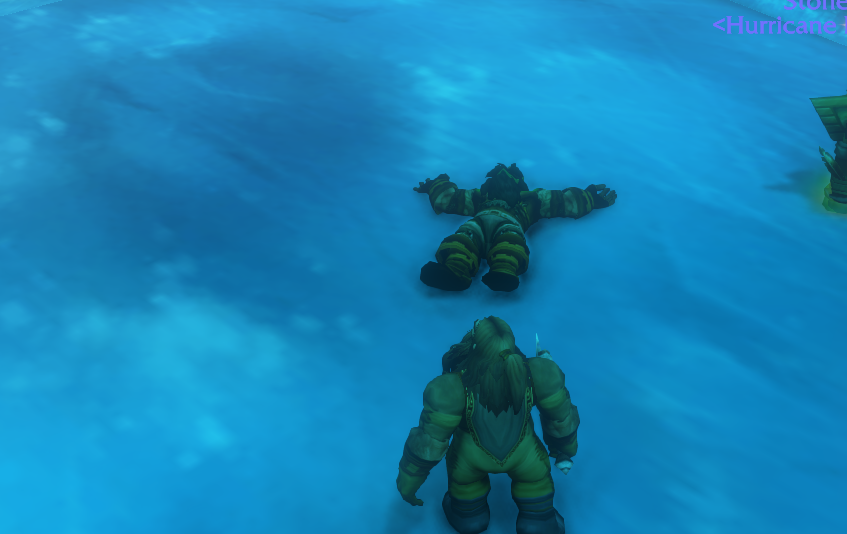
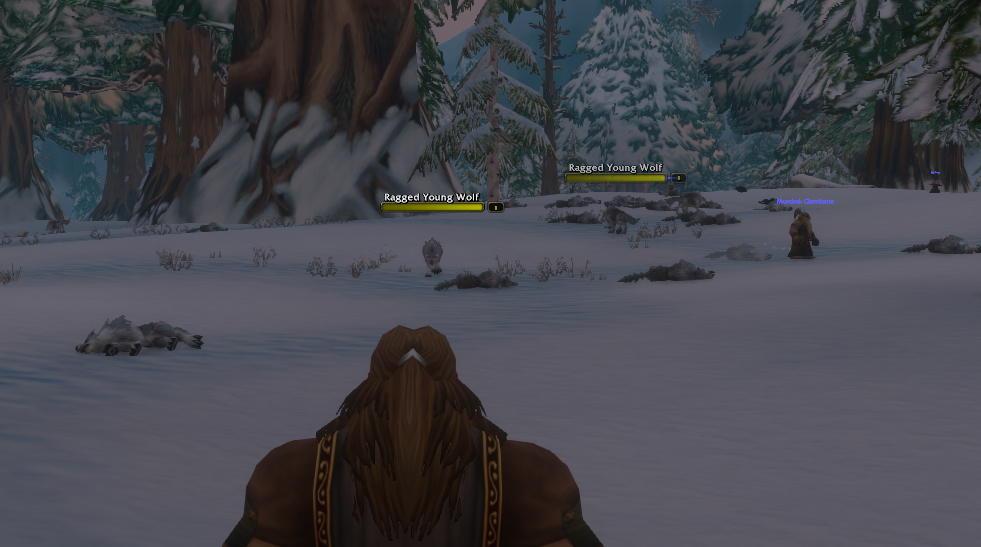
When this happens, you may both be standing in the same location but be unable to see each other.
This has occurred even when players confirmed they were using the same ruleset and had already tried restarting their games.
It's useful to distinguish a phase mismatch from an incompatible character setup.
| Situation | What to Check |
|---|---|
| You're grouped but can't see each other | Try having the non-leader relog to resolve a possible phase mismatch. |
| You can't form a compatible group | Verify your faction, ruleset, region, and realm compatibility. |
| You're using different UI presets | Classic and Enhanced settings don't separate players into different phases. |
| A world reset is pending | Check for an immediate transition option, if one appears. |
The distinction matters because changing your interface settings won't fix a phase issue, and reconnecting won't make fundamentally incompatible character selections work together.
What to Do if You Still Can't Join Your Friend's Phase
If your group remains separated after trying the relog workaround, there are a few additional things to consider.
Keep the Party Formed While Reconnecting
The reported successful method involves inviting the friend first and then having the non-leader reconnect.
Simply restarting both games independently isn't the same sequence, and players have reported that ordinary restarting didn't resolve their issue.
Try the specific party-first approach before assuming reconnecting cannot help.
Check for an Upcoming World Reset
Some affected players eventually entered the same phase after the game performed a world reset.
One group reported being separated for roughly two hours before ending up together.
That doesn't establish a guaranteed waiting period. It only shows that the problem can sometimes resolve when the game transitions players between world instances.
If the immediate-reset option isn't available, a later world transition may still resolve the mismatch.
Don't Recreate Your Character Just to Fix Phasing
A phase mismatch alone isn't evidence that you need to start a new character.
Since players have successfully reunited through relogging and world resets, it's better to try those options first.
Only investigate character compatibility if you discover that your faction, ruleset, or realm choices prevent you from playing together.
Which Fix Should You Try First?
For a party that's already formed but remains separated, I recommend this order:
- Confirm you're using compatible characters and are actually in the same party.
- Have the party leader stay online while the non-leader logs out and back in.
- Check for an available world-reset or phase-refresh option.
- If neither works, remain aware that a later world reset may resolve the separation.
The non-leader relog is the most actionable workaround currently described by players, while the world-reset option depends on whether the game displays it.
WoW Forever's phase separation can be especially frustrating when you're trying to level with friends from the beginning. Fortunately, being unable to see a party member doesn't automatically mean your characters are incompatible. Start with the targeted relog, check for a world transition, and avoid unnecessary character changes while troubleshooting.