Ace Combat 8 lets you change aircraft skins in both Campaign and ACE COMBAT ONLINE, although the two modes handle customization separately. Campaign skin editing becomes available after completing the Campaign once through Aircraft Sets, while Online has its own customization system for skins, emblems, and weathering.
Jump To Section:
How to Change Skins in Campaign
Why You Can't Change Skins Yet
How to Unlock More Skins
Deluxe Edition Skins
How Skins Work Online
D-Pad Skin Selection
How to Change Skins in Ace Combat 8 Campaign
After completing the Campaign once, Aircraft Sets becomes available from the Mission Menu. Open Aircraft Sets, choose the slot you want to modify, select Edit Aircraft Set, then choose Select Skin.
Campaign Skin Menu
Mission Menu → Aircraft Sets → Choose Slot → Edit Aircraft Set → Select Skin
Choose one of the unlocked skins available for that aircraft and apply it to the set. The Plane Coordinator trophy specifically requires customizing an aircraft skin or emblem in Campaign, so it also provides an easy way to confirm that your customization registered.
Aircraft Sets are also where you'll be putting together the aircraft you actually want to use after the story. My Ace Combat 8 best parts guide covers the BODY, ARMS, and MISC upgrades that are worth using your available slots on.
Why Can't I Change Skins Yet?
If you're still on your first Campaign playthrough and cannot find Aircraft Sets, you haven't unlocked the menu yet.
Aircraft Sets becomes available after finishing the Campaign once. In other words, the full Campaign skin-editing menu is not available during your first playthrough. You need to complete the story before you can apply Campaign skins through Aircraft Sets.
If you're still working toward that first clear, my Ace Combat 8 tips and tricks covers the campaign mechanics, aircraft spending, wingman commands, and other things worth knowing along the way.
If Aircraft Sets is already available but Select Skin has very little to choose from, that's different. You may simply not have additional Campaign-compatible skins unlocked for that particular aircraft yet.
How to Unlock More Aircraft Skins
Not every Ace Combat 8 skin comes from the same place.
Campaign Assault Records include special named enemy Aces, and defeating them can unlock unique paint schemes associated with their aircraft type. These are one of the better reasons to hunt named Aces beyond simply filling out the Assault Records collection.
Named Aces only appear on Veteran difficulty or higher and usually require a specific condition before they'll spawn. You also need to complete the mission after shooting one down for its Assault Record to register.
Other aircraft skins can come from specific editions or cosmetic content and may have their own Campaign availability requirements.
If you're deciding which aircraft are actually worth spending time and MRP on before chasing their extra liveries, my Ace Combat 8 best planes guide covers my picks for air-to-air, ground attack, carrier missions, support, early-game value, and endgame use.
How the Deluxe Edition Skins Work
The Customizable Cosmetic Set includes two aircraft skins:
Customizable Cosmetic Set Skins
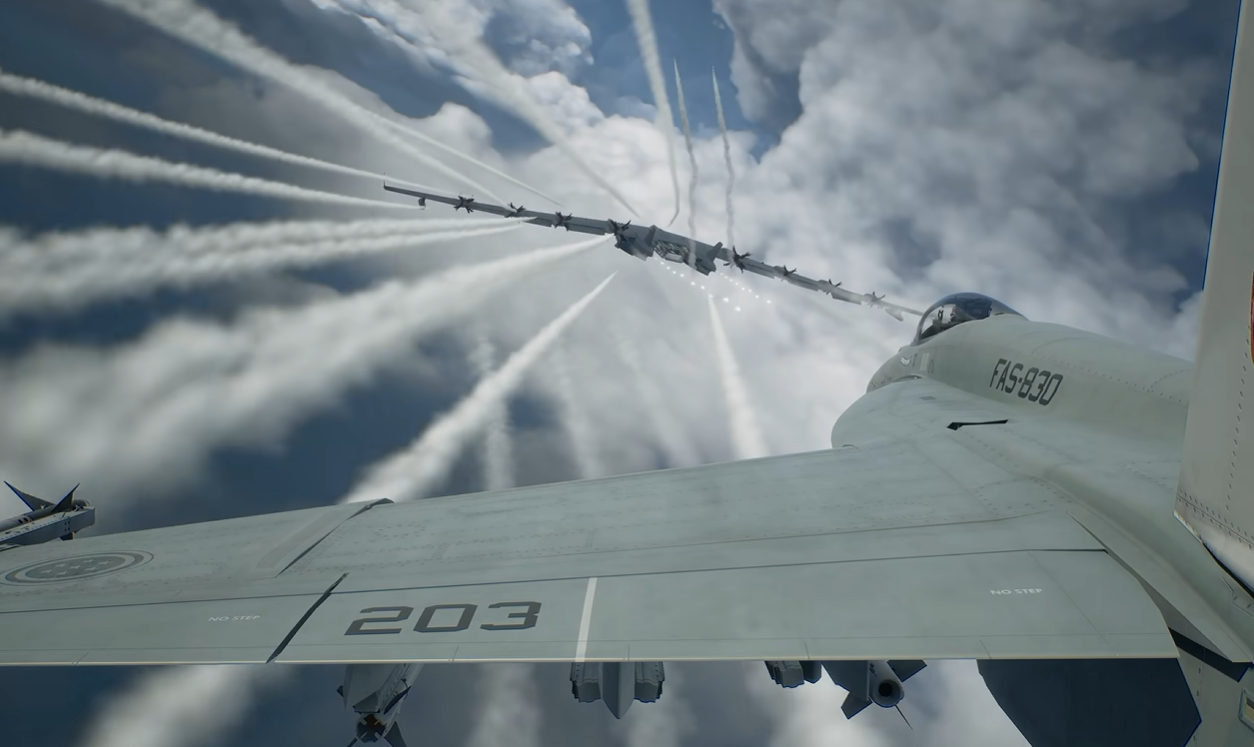
F-4E Mobius Squadron 25th Anniversary Skin
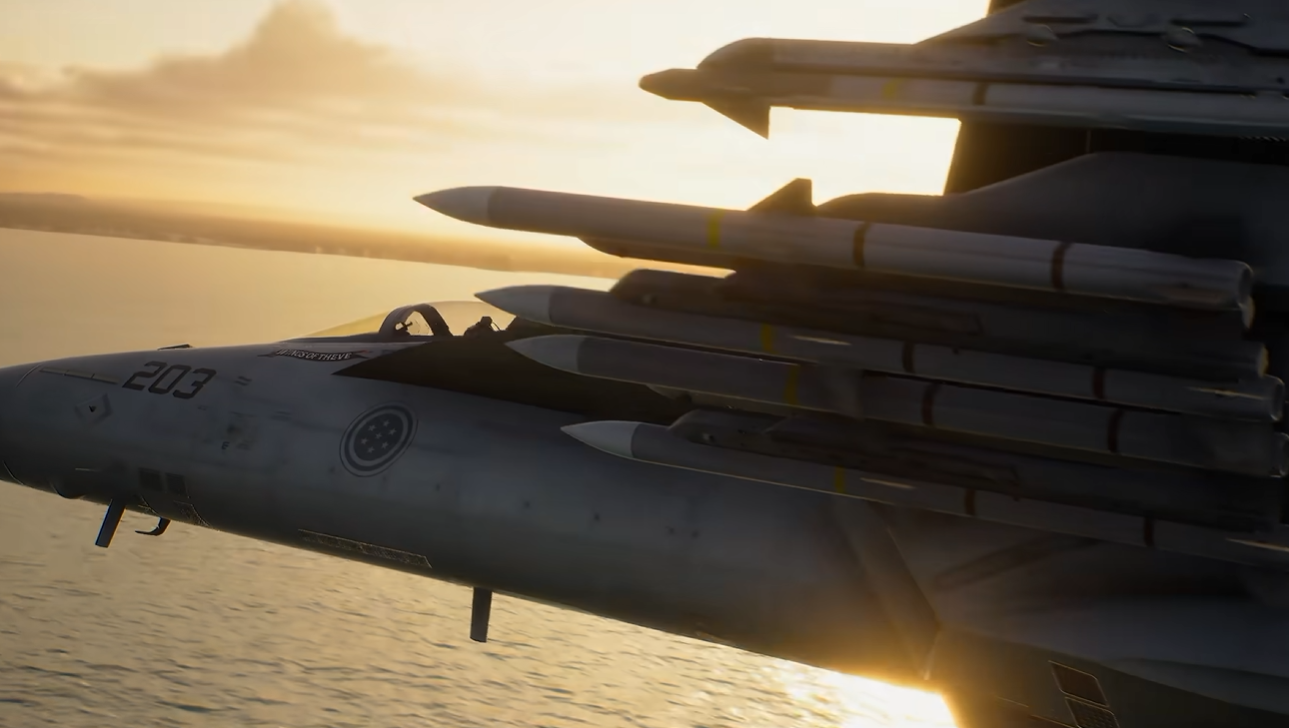
F/A-18C Team Zvezda Skin
Both skins can be used with their respective aircraft in ACE COMBAT ONLINE. Bandai Namco also confirms that the two liveries become available in Campaign after completing all Campaign missions.
So if you own the Deluxe Edition or Customizable Cosmetic Set but don't see either skin during your initial Campaign run, finish the story before assuming something hasn't unlocked correctly.
How to Change Skins in ACE COMBAT ONLINE
ACE COMBAT ONLINE has its own visual customization system for individual aircraft, including skins, emblems, and weathering.
Online progression and save data are separate from Campaign, so don't assume every cosmetic earned in one mode automatically becomes available in the other. Some cosmetics explicitly support both modes, including the Mobius Squadron and Team Zvezda skins, but those are specifically documented as working across them.
The exact button-by-button Online path isn't documented as clearly as the Campaign Aircraft Sets route, so I wouldn't apply the Campaign menu instructions to Online. Use the aircraft customization options available from the Online menus for the aircraft you want to edit.
If your edition also includes a Premium ACE Pass Plus voucher, that is claimed separately through the Online menus. My Ace Combat 8 Ace Pass redemption guide has the exact menu path for claiming it.
Can You Change Skins With the D-Pad?
Yes, but this option also becomes available after completing the Campaign once. Once you've beaten the story and your aircraft is displayed in the hangar, players report that you can press left or right on the D-Pad to cycle through the unlocked skins available for that aircraft.
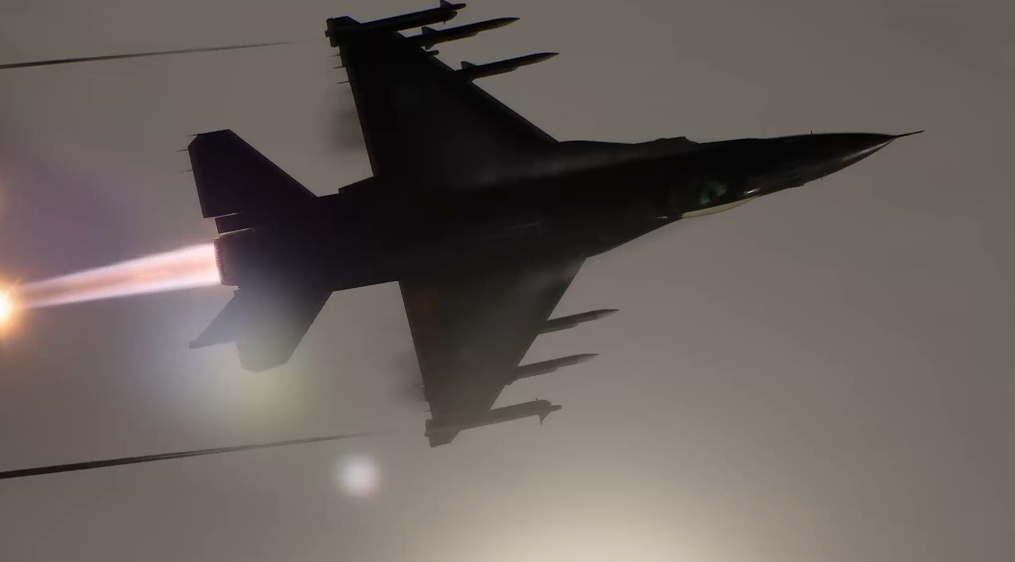
The reported interface shows the aircraft from a low ground-level angle while switching between liveries, and one of the complaints about the system is that it doesn't clearly display the name of each skin while cycling through them.
I would treat this as a quick-selection method rather than the clearest way to manage your Campaign liveries.
If you've already completed the Campaign, Aircraft Sets → Edit Aircraft Set → Select Skin gives you a more direct place to specifically choose the aircraft skin you want.
Campaign and Online Use Separate Progression
The important distinction is that ACE COMBAT ONLINE has separate progression and save data from Campaign.
That does not mean no cosmetic can ever work in both modes. The Mobius Squadron and Team Zvezda skins are direct examples of cosmetics that support both. It simply means you should not assume every Online unlock automatically transfers into Campaign unless the game or cosmetic description specifically says so.
In Short
Campaign → Finish the story first, then use Aircraft Sets → Edit Aircraft Set → Select Skin
D-Pad → After finishing the Campaign, press left or right while your aircraft is displayed in the hangar to cycle unlocked skins
Online → Customize aircraft with skins, emblems, and weathering through the Online customization system
Deluxe skins → Mobius Squadron and Team Zvezda become Campaign-usable after all Campaign missions are completed
Once you start building out more aircraft sets, my best Ace Combat 8 parts guide can help with the upgrades to equip, while the best planes guide covers which aircraft are worth building those sets around.