Ashes of Creation Lag Fix Guide

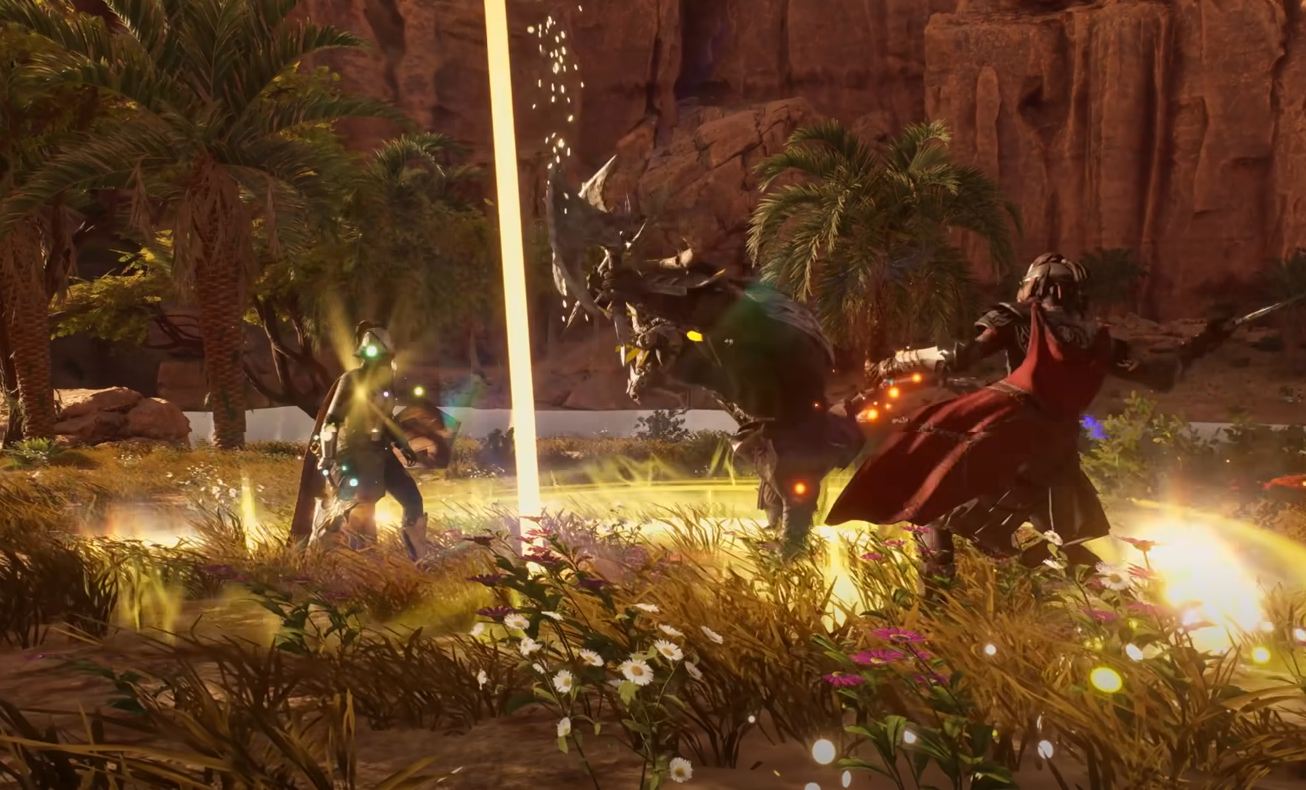
Lag can hit hard in Ashes of Creation, especially during the early access phase. Between huge cities, busy nodes, and Unreal Engine 5 lighting, even strong rigs can stutter. Luckily, there are ways to smooth it out fast.
How to Fix Lag in Ashes of Creation
Most lag comes from graphics overload or server congestion. You can fix most of it by lowering settings and cleaning up your PC. Go to your options menu and start with the basics.
Set Global Illumination to Medium or Low
Lower Shadows, View Distance, and Foliage Density
Cap your FPS to match your monitor refresh rate
Switch AMD FSR or DLSS to Balanced or Quality mode
Turn off Motion Blur and Depth of Field
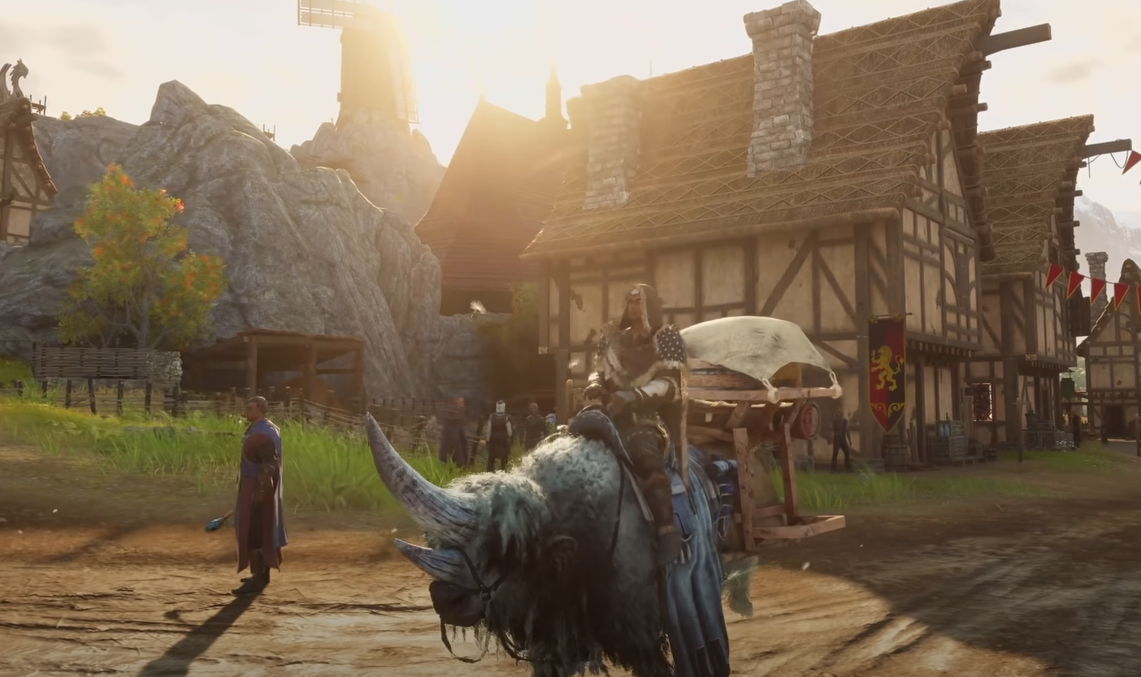
These changes will instantly help FPS in crowded zones like Lionhold or The Anvils. Once the game feels smoother, slowly bump settings back up until you find your sweet spot.
Tuning Your PC and Connection
Some lag has nothing to do with graphics. Network delay, old drivers, or background apps can choke your performance too.
Update your GPU drivers through AMD or NVIDIA
Install the game on an SSD, not a hard drive
Close Chrome, Discord overlays, or recording software
Use a wired Ethernet connection if possible
Disable background Windows updates before launching
If your ping still jumps or you rubber-band around, the issue is likely server-side. During launch weeks, world servers fill fast and can cause short delays that no local tweak can fix.
Understanding Server Lag
Server lag usually feels like enemies teleporting or abilities taking a second to trigger. This is caused by high population load or queue overflow during peak hours. It’s not your PC, it’s the login servers trying to keep up.
If that happens, avoid standing in dense areas like main towns or crafting hubs. Moving out into smaller zones can help until stability returns.
Final Blurb
Ashes of Creation is still in early access, so lag is part of the growing pains. With a few setting tweaks, a solid connection, and some patience, you can keep things running smooth while Intrepid polishes performance. Try these fixes, and your gameplay will feel a lot less like a slideshow and more like an MMO again.
FAQ
Why does Ashes of Creation lag so much
The game is running heavy Unreal Engine 5 systems with tons of players online, and optimization isn’t final yet.
What settings hurt FPS the most
Global Illumination and Shadow Quality usually cause the biggest drops.
Is lag from my PC or the servers
If your FPS is steady but skills delay, it’s server lag. If it’s stuttering or low FPS, it’s your system.
Does internet speed matter
Ping stability matters more than download speed. Wired connections help most.
Will lag improve later
Yes, as patches and server upgrades roll out, performance should keep getting better.
More Ashes of Creation