Ashes of Creation Rubber Banding Fix Guide
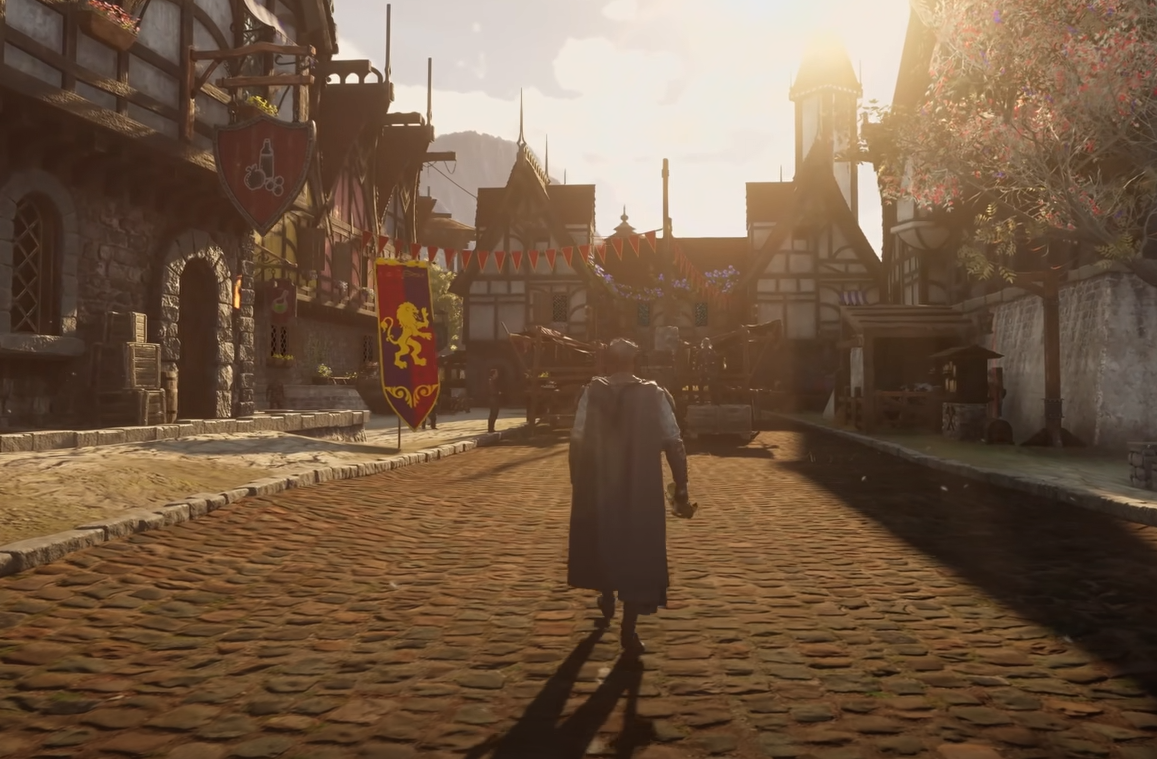
Rubber banding in Ashes of Creation is one of the most frustrating things right now. You’ll start walking, then suddenly snap right back where you started like you’re caught in a time loop. It’s mostly caused by unstable connections between you and the servers, but there are a few ways to reduce it.
Why Rubber Banding Happens
This issue isn’t tied to your FPS or graphics settings. It’s almost always a network sync problem. When your client and the server fall out of sync, your character position gets corrected over and over again. That’s what makes it look like you’re bouncing around.
Most players are seeing this around crowded points of interest or starter hubs. Reports from places like Lionhold, Aven’s End, and The Anvils confirm the lag gets worse near vendors and resource nodes. Players in Florida and parts of the East Coast also noticed heavier rubber banding than usual, suggesting possible routing or data center issues.
Common Triggers
These are the main causes of rubber banding during early access:
Heavy population load on specific regional servers
Connection drops between your ISP and Intrepid’s East Coast data centers
Using Wi-Fi instead of a wired connection
Steam launcher session desync after queue errors
Outdated network or GPU drivers
The devs have acknowledged ongoing server congestion since the Steam launch, so don’t be surprised if it’s worse during peak hours.
How to Fix or Reduce Rubber Banding
You can’t eliminate it completely until the servers stabilize, but these steps help a lot:
Use a wired Ethernet connection instead of Wi-Fi
Restart your router and game client after any long queue or error code
Update your network adapter and GPU drivers to the latest versions
Run
ipconfig /flushdnsandnetsh int ip resetin Windows Command PromptDisable VPNs, packet shapers, or bandwidth limiters
Close overlays like Discord, NVIDIA, or Steam streaming
Switch to a different region temporarily, like EU, if your ping improves there
A few players reported rubber banding stopped completely after updating to NVIDIA’s December driver update, so that’s worth trying first.
When It’s Definitely Server-Side
If you and everyone in chat are rubber banding at the same time, that’s not your PC. That means the game’s network layer is overloaded. It’s especially noticeable when you can’t chop trees, can’t loot mobs, or rubber band in place while trying to gather. At that point, all you can really do is log out and wait a few hours until server load drops.
Final Blurb
Rubber banding in Ashes of Creation isn’t just annoying, it can make the game straight up unplayable during peak times. Still, most cases come down to temporary server strain and poor routing between players and Intrepid’s data centers. A stable wired setup and updated drivers go a long way, but the biggest fix will come from future server updates. For now, try hopping regions or playing off-hours if you want smoother gameplay.
FAQ
Why do I keep rubber banding even with good FPS
Your client is losing sync with the server, so FPS doesn’t matter. It’s a connection timing issue.
Does location really affect rubber banding
Yes, many players in certain regions like Florida have worse routing paths to Intrepid’s servers.
Can a VPN fix it
Sometimes, yes. Switching to a West Coast or EU node can bypass routing bottlenecks.
Will lowering graphics help
Not really. Rubber banding comes from latency, not GPU load.
When will it get fixed
Once Intrepid upgrades server performance and resolves routing congestion, it should ease up a lot.
More Ashes of Creation