Ashes of Creation System Requirements | Can Your PC Run It
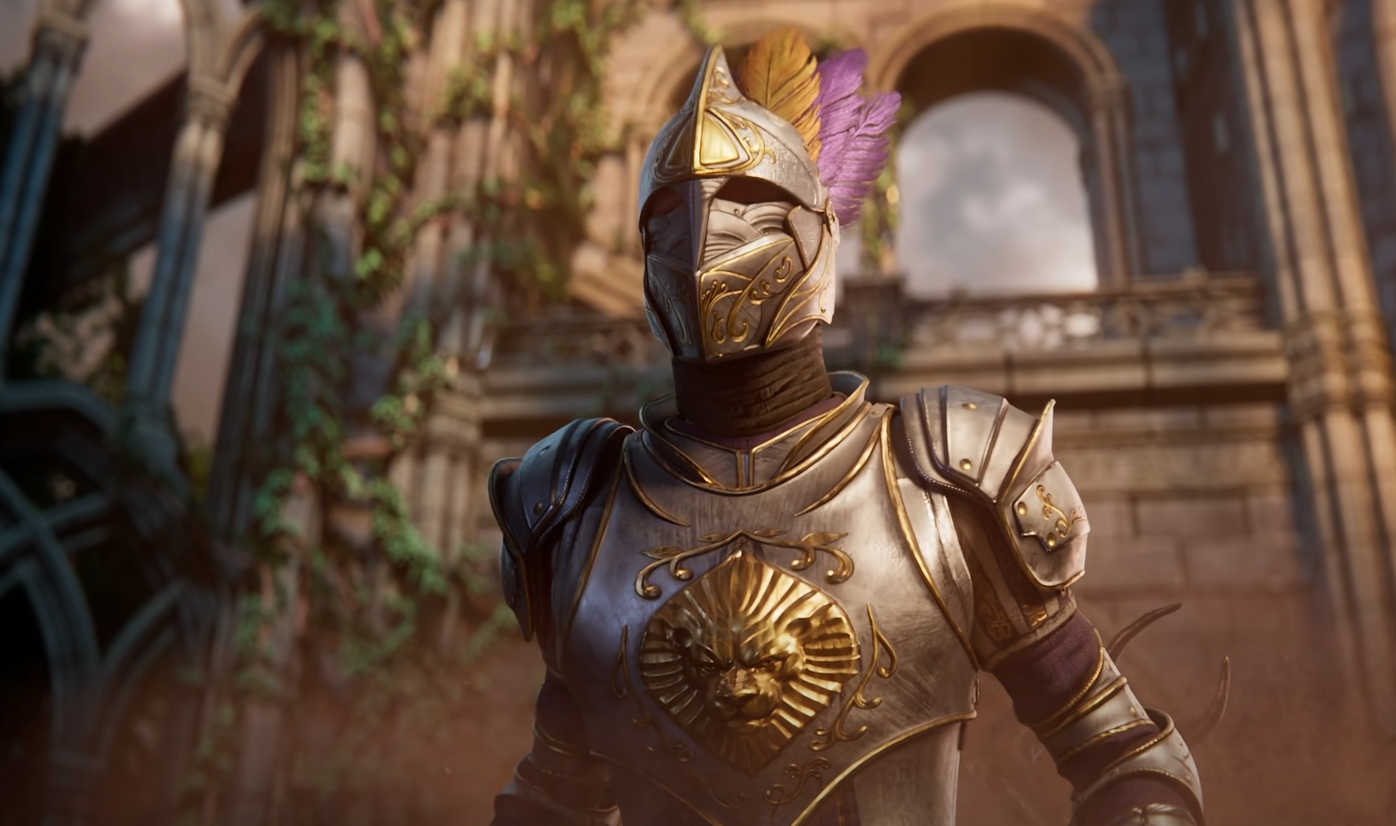
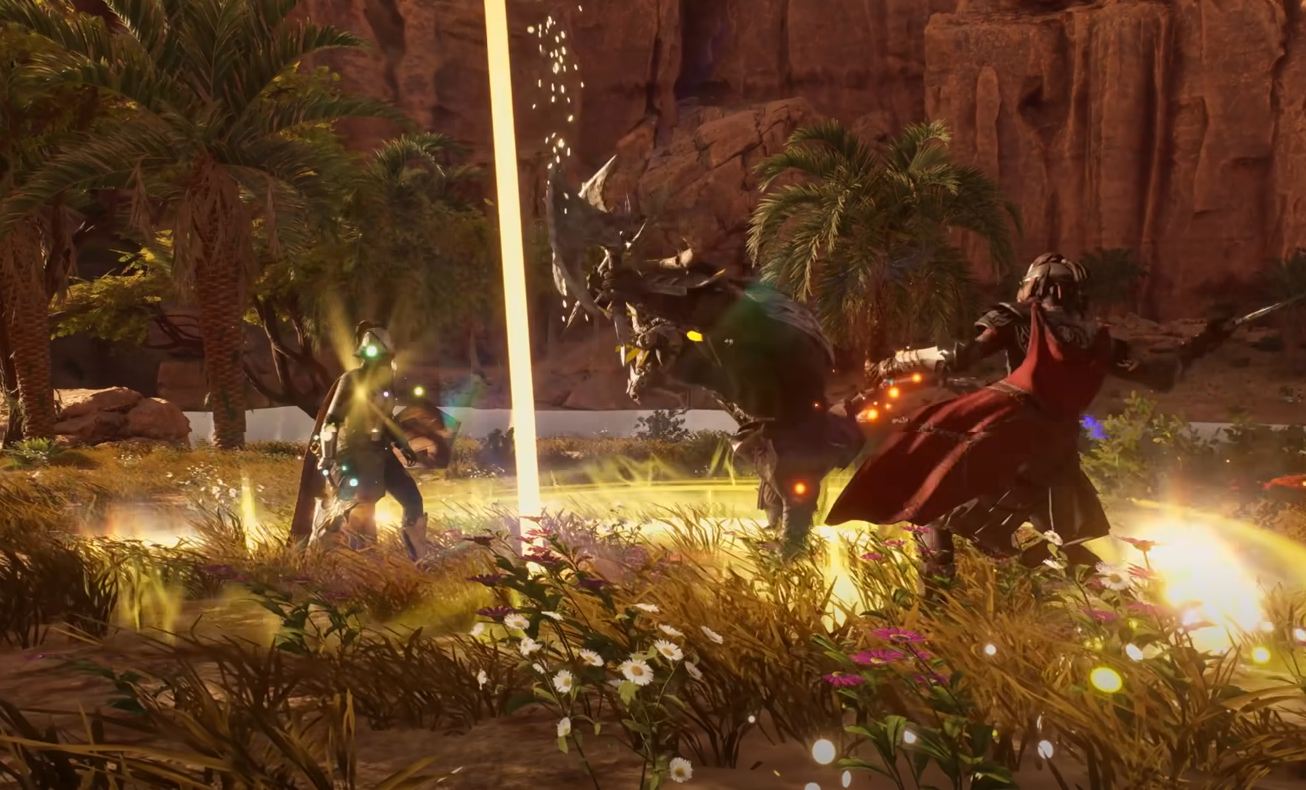
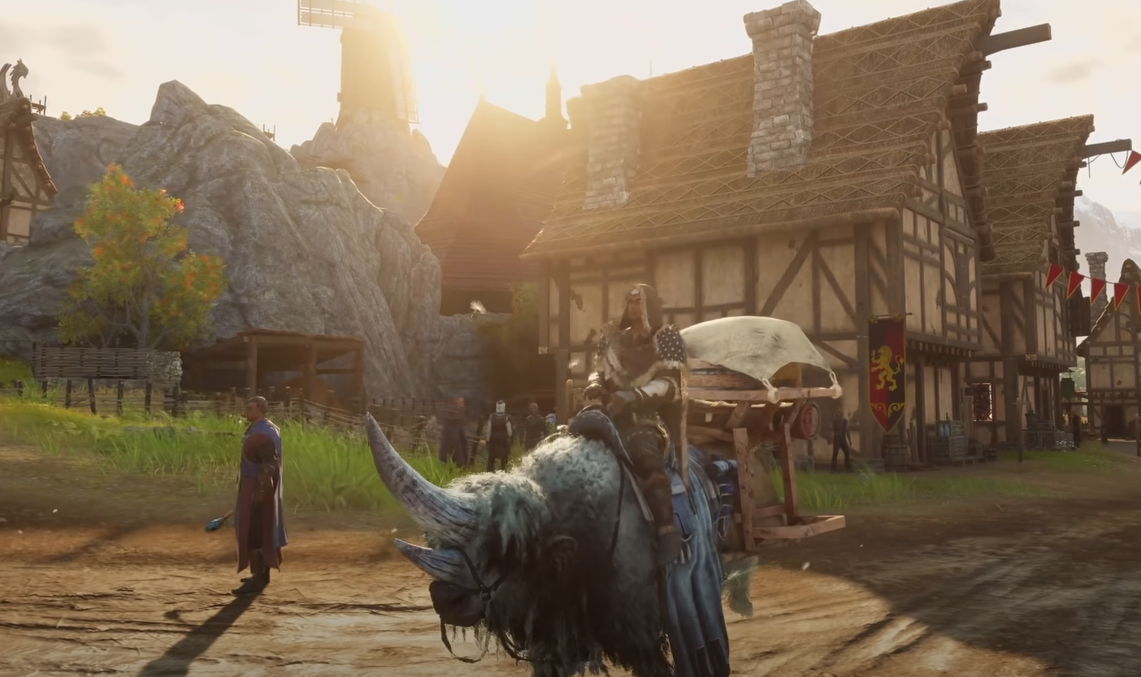
Ashes of Creation runs large scale systems with heavy AI, dense NPC counts, and long view distances. Your PC needs to be ready before jumping into Alpha testing or later phases.
Can Your PC Run Ashes of Creation
Ashes of Creation requires a strong CPU, a capable GPU, and fast SSD storage. Minimum specs allow 1080p testing, while recommended specs target smoother 1440p gameplay with fewer drops during large events.
Minimum PC Specs for Alpha Testing
These specs are aimed at 1080p gameplay during Alpha phases. Performance may dip in crowded areas.
OS Windows 10 or Windows 11
CPU Intel i5 8400 or AMD Ryzen 5 2600
RAM 12 GB
GPU NVIDIA GTX 1070 or equivalent
DirectX Version 12
Network Broadband Internet connection
Storage 100 GB internal SATA or M.2 SSD
Large battles and busy towns will stress this setup, especially with many players and NPCs nearby.
Recommended PC Specs for Better Performance
These specs are designed for 1440p gameplay and smoother large scale encounters.
OS Windows 10 or Windows 11
CPU Intel i7 8700 or AMD Ryzen 5 3600
RAM 16 GB
GPU NVIDIA RTX 3070 or equivalent
DirectX Version 12
Network Broadband Internet connection
Storage 100 GB internal M.2 NVME SSD
This setup handles sieges, caravans, and dense zones more reliably.
Storage and Patch Size Notes
Ashes of Creation updates often during testing phases. Storage needs can temporarily exceed listed values.
Missing multiple patches can increase required disk space
Reinstalling the client can reduce temporary storage use
Keeping the launcher updated weekly helps avoid issues
Fast SSD storage improves loading and patching speed significantly.
Final Blurb
Ashes of Creation is demanding by design. Massive NPC counts and player driven systems need strong hardware to stay smooth. Minimum specs get you into Alpha testing, but recommended specs make large scale content far more enjoyable.
FAQ
Will system requirements change over time
Yes. Specs may increase or decrease as optimization continues.
Is an SSD required
Yes. An SSD is required for stable performance and patching.
Can 12 GB RAM handle large battles
It can, but expect slowdowns during very busy events.
Does NVME matter compared to SATA SSD
NVME loads faster and handles patching better, but SATA SSD still works.
Will lower specs crash the game
Not usually, but performance issues are more likely in crowded areas.
More Ashes of Creation