Ashes of Creation Waiting for Async Fix Guide
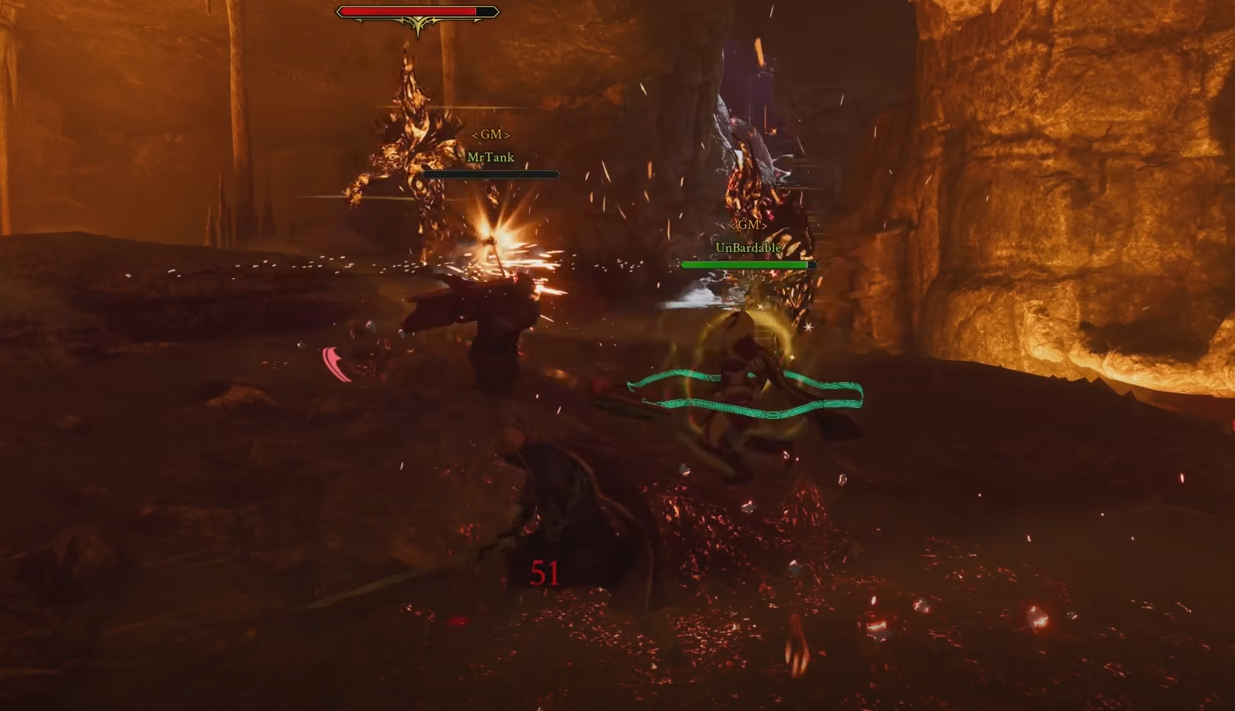
If your game keeps looping at 100 percent on the “Waiting for Async Loading” screen, you’re not alone. This loading issue has been hitting early access players often, especially during login or character load.
What Causes the Waiting for Async Loop
The error usually happens when the game tries to load into the world too early or when the player switches away from the window while it’s preparing assets. Some users report the loop appears after reaching 100 percent and then restarting back to 0 percent repeatedly.
How to Fix the Async Loading Issue
You can get back into the game by using a few quick steps that have worked for others.
Restart the Game
Close the game completely and relaunch it from the main launcher. This fixes the issue most of the time without needing to queue again.
Wait a Few Seconds on Character Select
Once you reach the character selection screen, wait a few seconds before hitting Enter World. This gives the game time to load background assets and reduces the chance of getting stuck.
Avoid Alt-Tabbing During Load
Alt-tabbing right after you click Enter World can interrupt the loading process. Keep the game window focused until you’re fully in the world.
End Process If Stuck
If the game seems frozen, open Task Manager and manually end the process. Relaunch normally afterward.
Why This Happens
It seems tied to the game’s asynchronous loading system, which preloads assets as you log in. Hitting Enter too quickly or interrupting the process by switching apps can cause it to loop. Intrepid Studios hasn’t released an official fix yet, but it’s likely something that will be patched soon.
Final Blurb
If you hit the “Waiting for Async Loading” loop in Ashes of Creation, don’t panic. Restarting the game, waiting a few seconds before logging in, and keeping the window active usually fixes it. Until a patch lands, patience and timing are your best tools for getting past this endless loading screen.
FAQ
What does Waiting for Async mean
It means the game is preloading assets before placing you into the world.
Does restarting fix it
Yes, restarting through the launcher clears the loop most of the time.
Can I alt-tab while loading
Avoid doing so. It can interrupt loading and restart the loop.
Is there an official fix yet
Not yet. Intrepid Studios has not announced a permanent solution.
Can queue timing affect it
Possibly. Logging in too quickly after queue completion can trigger the issue.
More Ashes of Creation