Best Dying Light The Beast HDR Settings
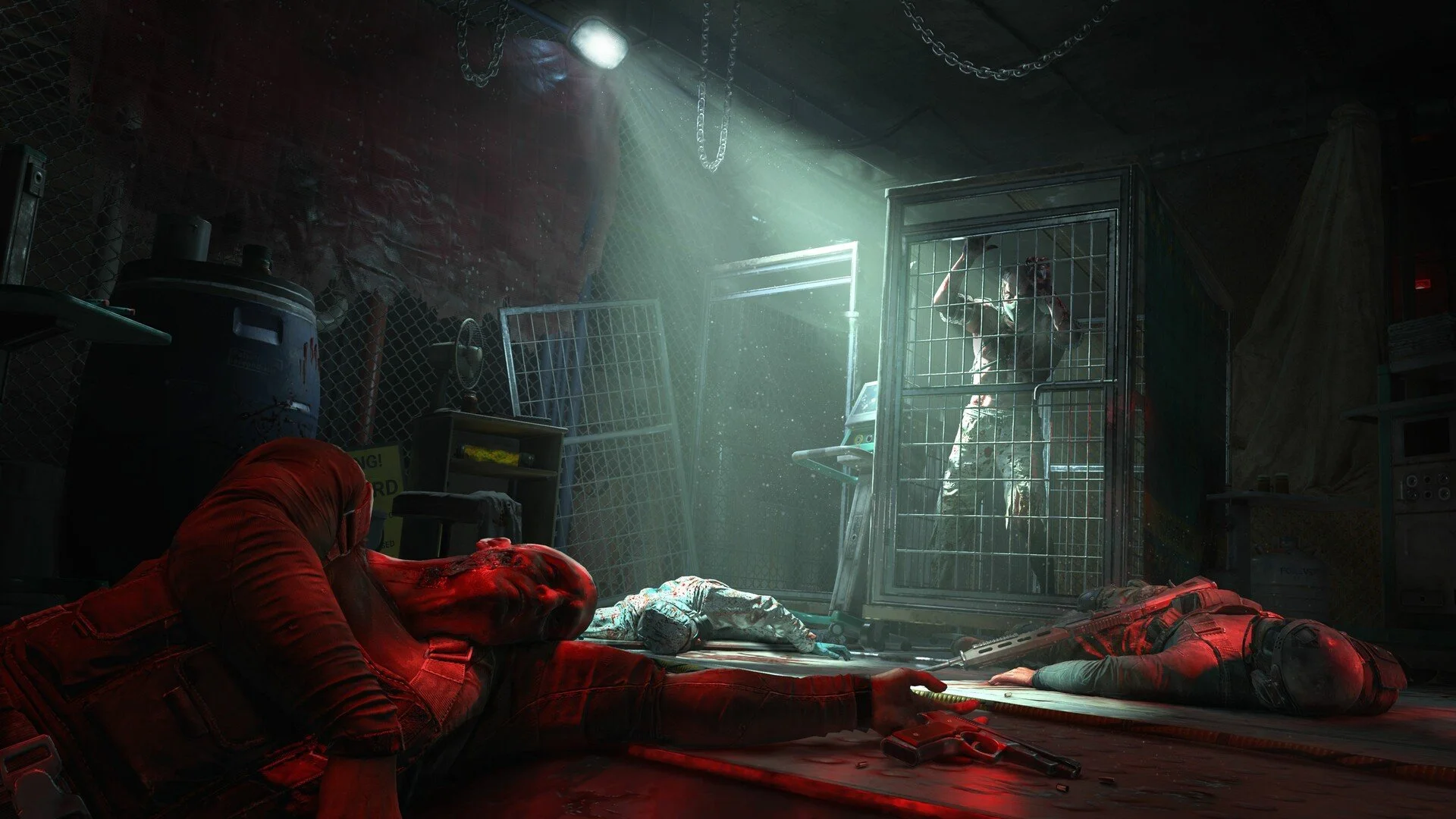
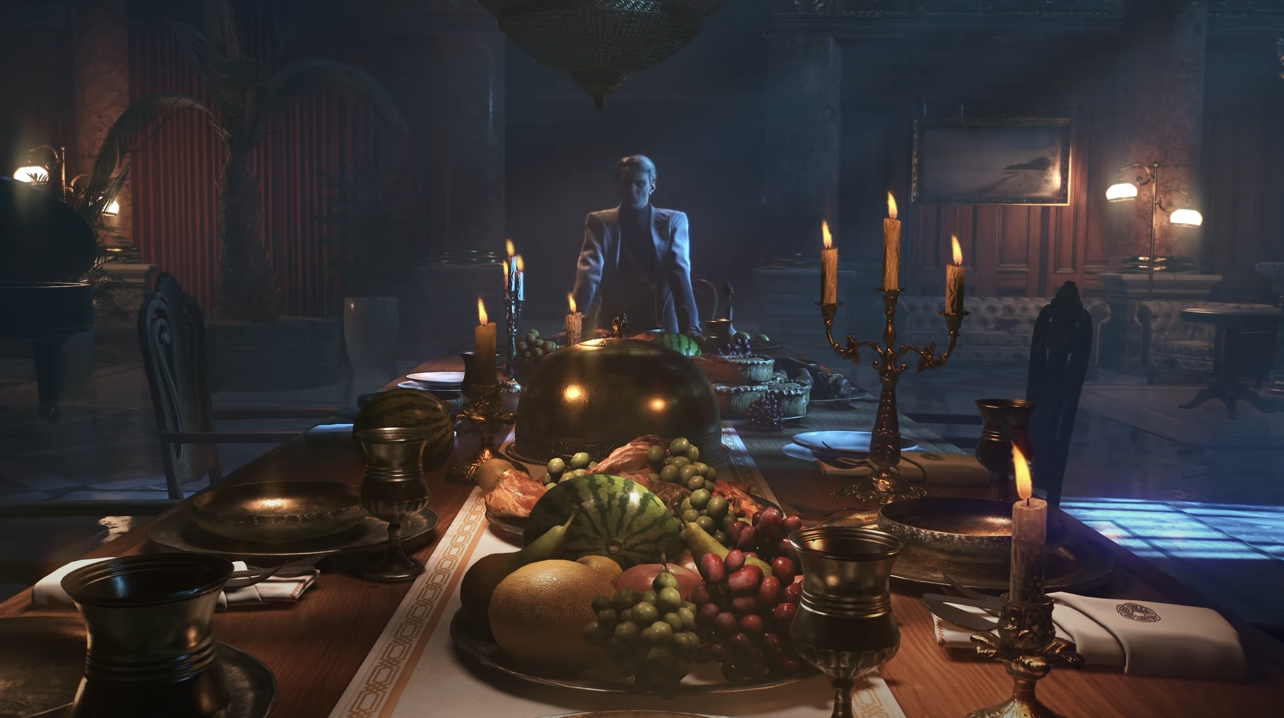
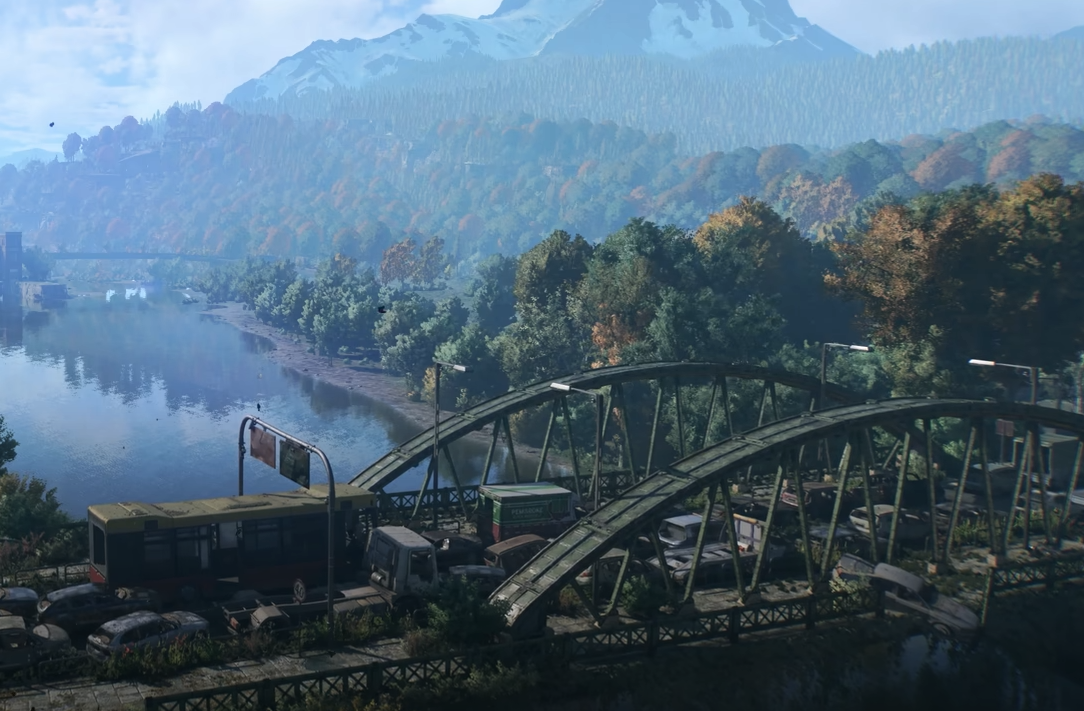
If you’re looking for the best HDR settings in Dying Light The Beast, you need to balance brightness with contrast so the world doesn’t look washed out. HDR can make light sources blinding if not tuned right, and the wrong setup will make shadows lose all detail. With the right adjustments, the game looks sharp and cinematic without hurting visibility.
Recommended HDR Settings
Maximum Luminance: Match your display’s peak brightness (1000 nits OLED → set near max, HDR400 monitors → keep closer to mid-range).
Minimum Luminance: Keep low so dark caves and nights stay truly black.
Brightness: Middle range, adjust until night areas are visible but not grey.
Shadows: Medium or High depending on GPU power, but never max if frames drop.
UI Brightness: 40–50, bright enough to read without glowing over the image.
Graphics Settings to Pair With HDR
Glow: Off (stops overexposed lights from blinding you).
Film Grain: Off (removes artificial haze).
Lens Flare: On (looks natural with HDR).
Light Streaks: On (keeps sunlight and neon realistic).
Motion Blur: 75 (HDR exaggerates motion blur, so avoid max).
Texture Quality: High (HDR pops most with detailed textures).
Ambient Occlusion: High (shadows feel more natural with HDR enabled).
Extra Tips for Low-End PCs
Use Dynamic Resolution Scaling Off, DLSS Quality On for stable frames.
Field of View around 70, since HDR brightness can make wide FOV feel too harsh.
If colors look flat, lower Maximum Luminance slightly and raise Brightness one notch.
Final Blurb
HDR in Dying Light The Beast can look incredible once tuned, but out of the box it often looks too bright. Stick to the settings above for the best balance of deep blacks, sharp light effects, and smooth frame rates. If your display is HDR400 or lower, keep values conservative and let textures and shadows carry the atmosphere instead of raw brightness.
FAQ
What if HDR looks washed out?
Lower Maximum Luminance and Brightness slightly. Also disable Glow, which causes most of the overexposure.
Should I turn HDR off on a low-end display?
Yes, if your monitor is HDR400 or below, SDR with High textures and proper shadows will usually look sharper.
Does HDR affect performance?
Not directly, but extra post-processing can cause frame dips. Use DLSS or FSR Quality mode to smooth things out.
More Dying Light: The Beast