Best Graphics Settings for Clair Obscur Expedition 33
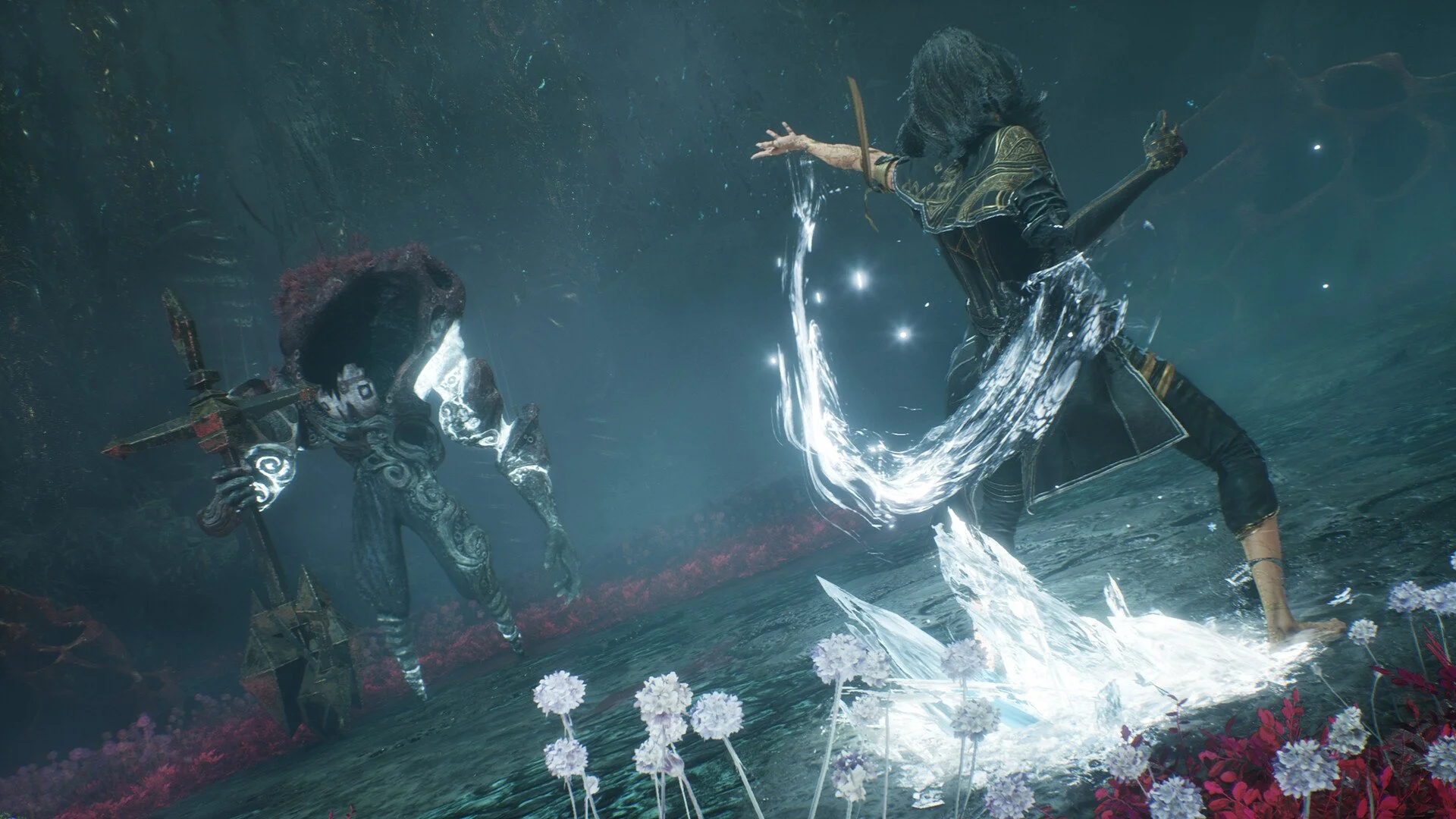
Image Credits: Sandfall Interactive
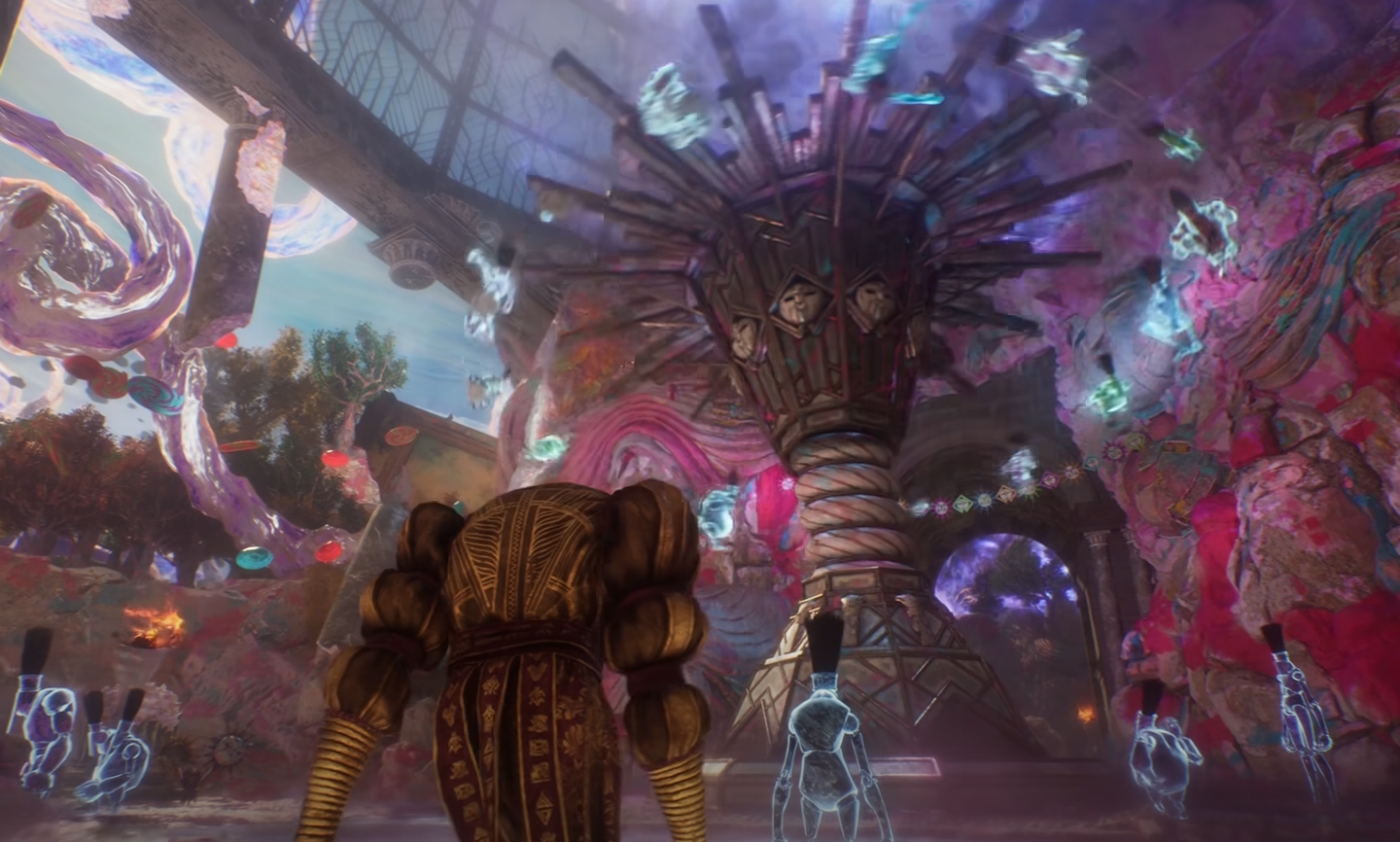
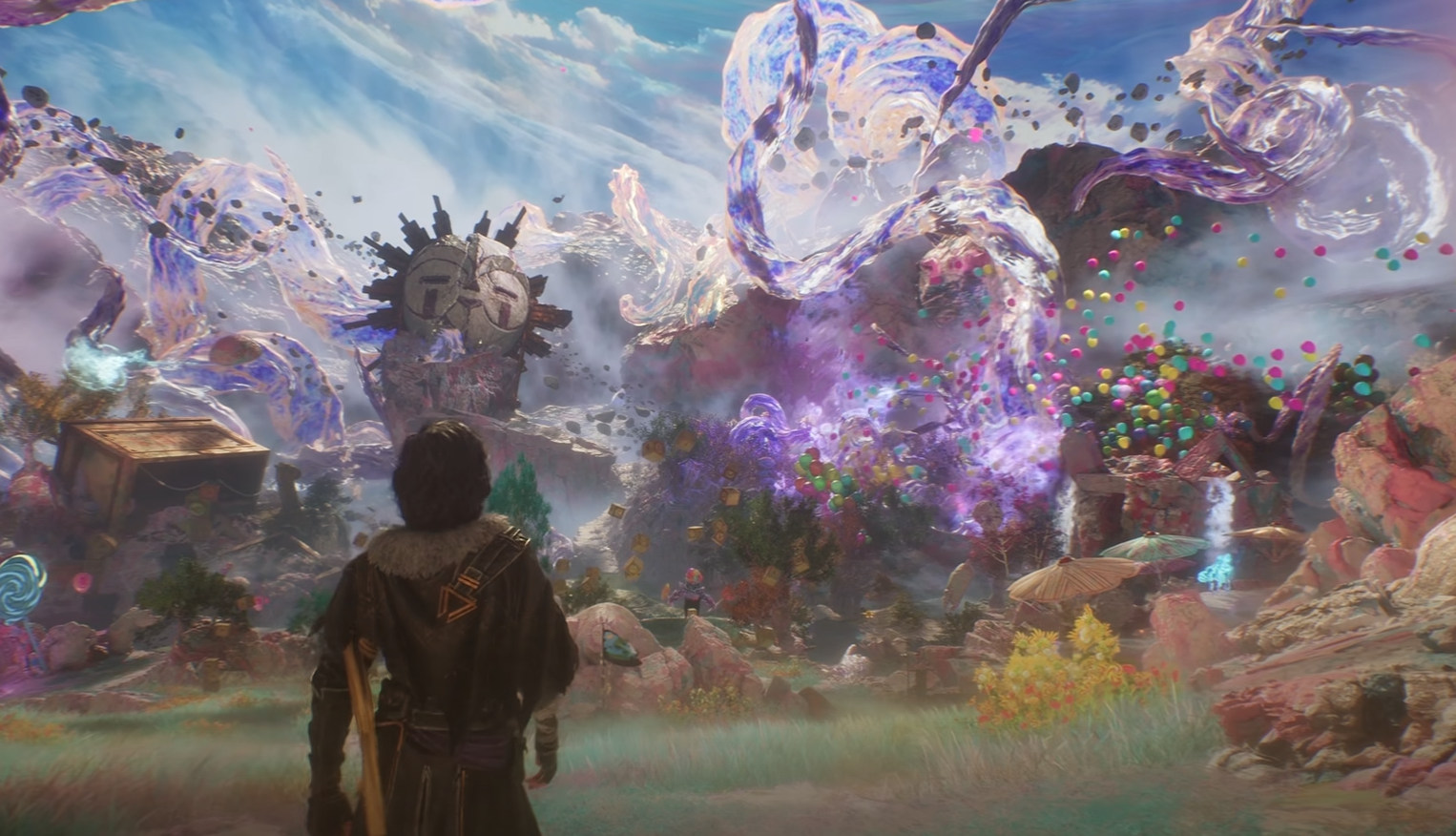
Expedition 33 may look like a playable art piece, but your PC might not appreciate all that beauty at once. If you're tired of your frame rate turning into a slideshow every time a battle starts, here’s how to balance performance and visuals—without making the game look like a blurry mess.
These settings will help you stay above 60 FPS on most mid-range rigs, while still keeping the game's painterly style intact.
Recommended Settings for Smooth Performance on PC
Anti-Aliasing: Medium
Shadows: Low
Global Illumination: Medium
Reflections: Medium
Post Process: Medium
Textures: Medium
Visual Effects: Medium
Foliage: Medium
Motion Blur: ON (if you like it—off if it makes you nauseous)
Film Grain: OFF (unless you enjoy watching through a filter)
Chromatic Aberration: ON
Vignette: ON
Scaling Type: Nvidia DLSS or AMD FSR (if available)
Scaling Mode: Quality or DLAA
VSync: OFF
With these settings, even a mid-tier GPU like an RTX 3060 or 4060 can handle Expedition 33 comfortably around 60 FPS at 1080p. If you're rocking something stronger, feel free to bump textures and shadows to high—but honestly, there’s not a huge visual leap between Medium and Epic in this game.
Expedition 33 Performance & Optimization Tips
Skip aggressive upscaling modes like FSR Performance or DLSS Ultra Performance. They’ll tank your image clarity, especially during fast-paced combat.
Turn off Film Grain for a cleaner look—the game already has enough "artistic flair" without the fuzz.
Keep an eye on Post Process settings; lowering it can give a quick FPS boost if things get choppy.
Does Expedition 33 Need an SSD?
Yes. Load times on an HDD will have you questioning your life choices. An SSD isn’t just recommended—it’s basically mandatory if you don’t want to age five years between zones.
How to Monitor Your FPS
Nvidia Users: Press ALT + R for the in-game overlay.
AMD Users: Use CTRL + SHIFT + O for the Radeon overlay.
Or grab a free tool like CapFrameX for a cleaner performance readout.
Final Blurb
Expedition 33 doesn’t need a beastly PC, but dialing in the right settings will make your journey across The Continent a lot smoother—and easier on the eyes. Keep it balanced, skip the unnecessary filters, and remember: no one’s impressed if you’re playing at Epic settings but dropping frames every time a Nevron blinks.

Reommended | View all Clair Obscur: Expedition 33