

Blue Prince: Dark Room Guide
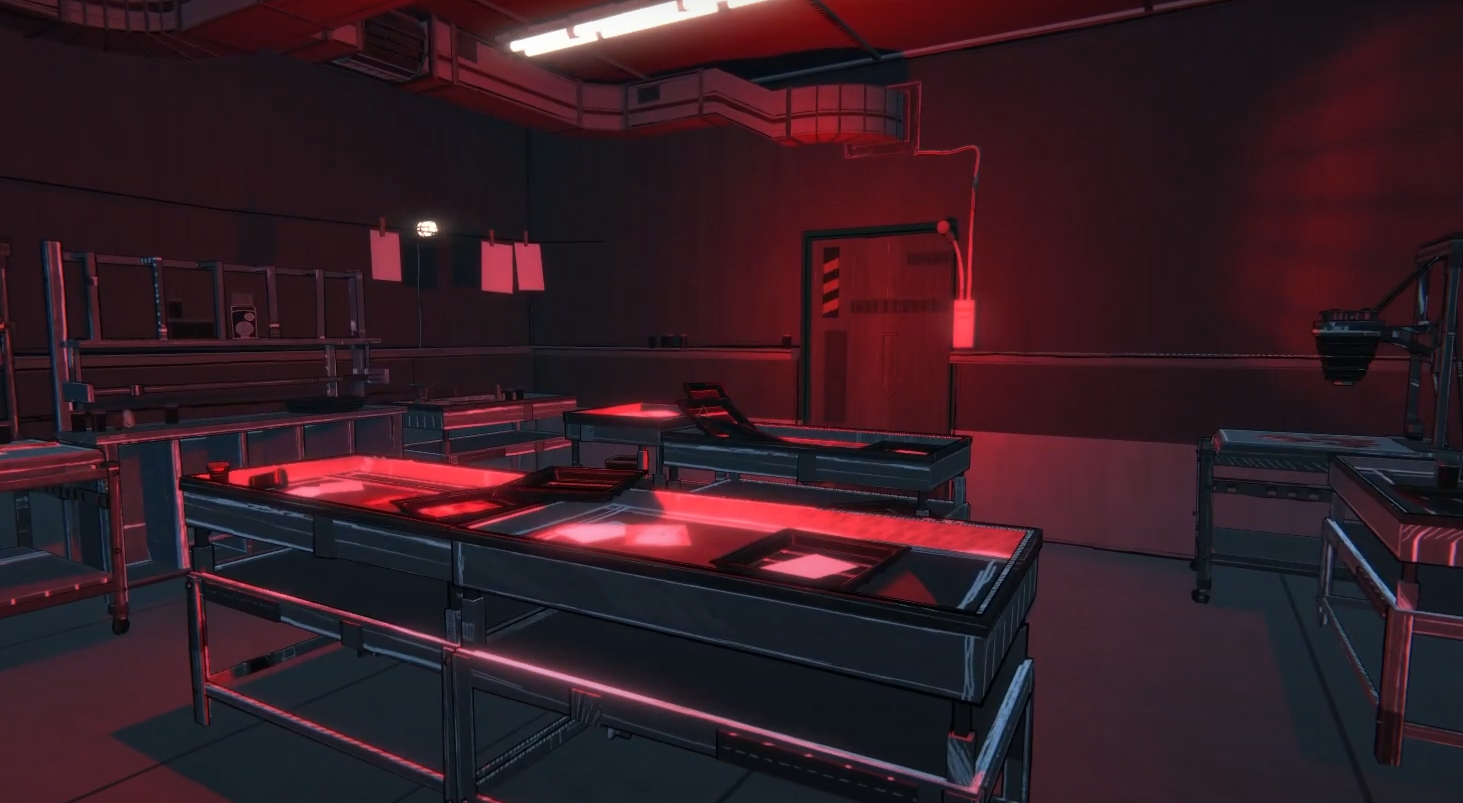
Image Credits: Dogubomb, Blue Prince
The Dark Room (darkroom) is a red room, which means it comes with a catch. When you enter, the screen goes dark and you can’t see any floor plan options while drafting. It's like trying to pick your next move while blindfolded on purpose.
But the room’s not just for spooky atmosphere. If you take the time to turn the power back on, it becomes a key part of some bigger secrets.
How to Turn the Lights Back On
You’ll need to find a Utility Closet and use the Breaker Box. The Dark Room has its own dedicated switch. Once you flip it on, you can come back to the Dark Room and draft rooms like normal again.
Try to slot the Utility Closet into a dead-end or corner so it doesn’t mess up your path. The Breaker Box has a few uses, but this one’s simple: find the Dark Room switch and flip it.
Read More: Blue Prince Tips and Tricks
Why the Dark Room Is Important
Once the lights are on, take a closer look around the room. There's a photo hanging on the wall. With a Magnifying Glass, you can zoom in on the tree in the image and see a number scratched into the bark: 1128.
That’s the code to unlock the Orchard Gate near your campsite. Once you open that gate, you’ll get access to the Apple Orchard.
Read More: Blue Prince All Rooms Guide
Why You Want the Apple Orchard
If you unlock the Apple Orchard, your starting step count goes from 50 to 70. That bonus is permanent. Every run from then on gives you more freedom to explore without calling it a day too early.
Final Blurb
The Dark Room starts off feeling like a punishment, but it's actually a shortcut to one of the best early upgrades in the game. Just bring a Magnifying Glass, flip a switch, and enjoy your new life with 20 extra steps a day. Veryworth it.
Recommended | View all Blue Prince


