

Image Credits: Dogubomb, Blue Prince
Electronic doors in Blue Prince might look like dead ends at first, but once you know how they work, they’re actually a great way to save steps and skip over locked doors. You’ve got two ways to deal with them, and both are pretty simple once you get the right rooms.
Option 1: Use a Keycard
If you have a Keycard, you can walk right through any electronic door without a problem. These cards spawn randomly, but they’re not super rare. You might find them in:
The Billiards Room (as a puzzle reward)
The Pool Room or Archives (lying on desks)
Locked trunks or safes
Walk-In Closets or occasionally in the Commissary
Once you’ve got one, you don’t need to use any keys on those glowing red doors. It’s a free pass.
Read More: Blue Prince Tips and Tricks
Option 2: Cut the Power
If you don’t have a Keycard, you can just kill the power to the whole system—on purpose. You’ll need two rooms:
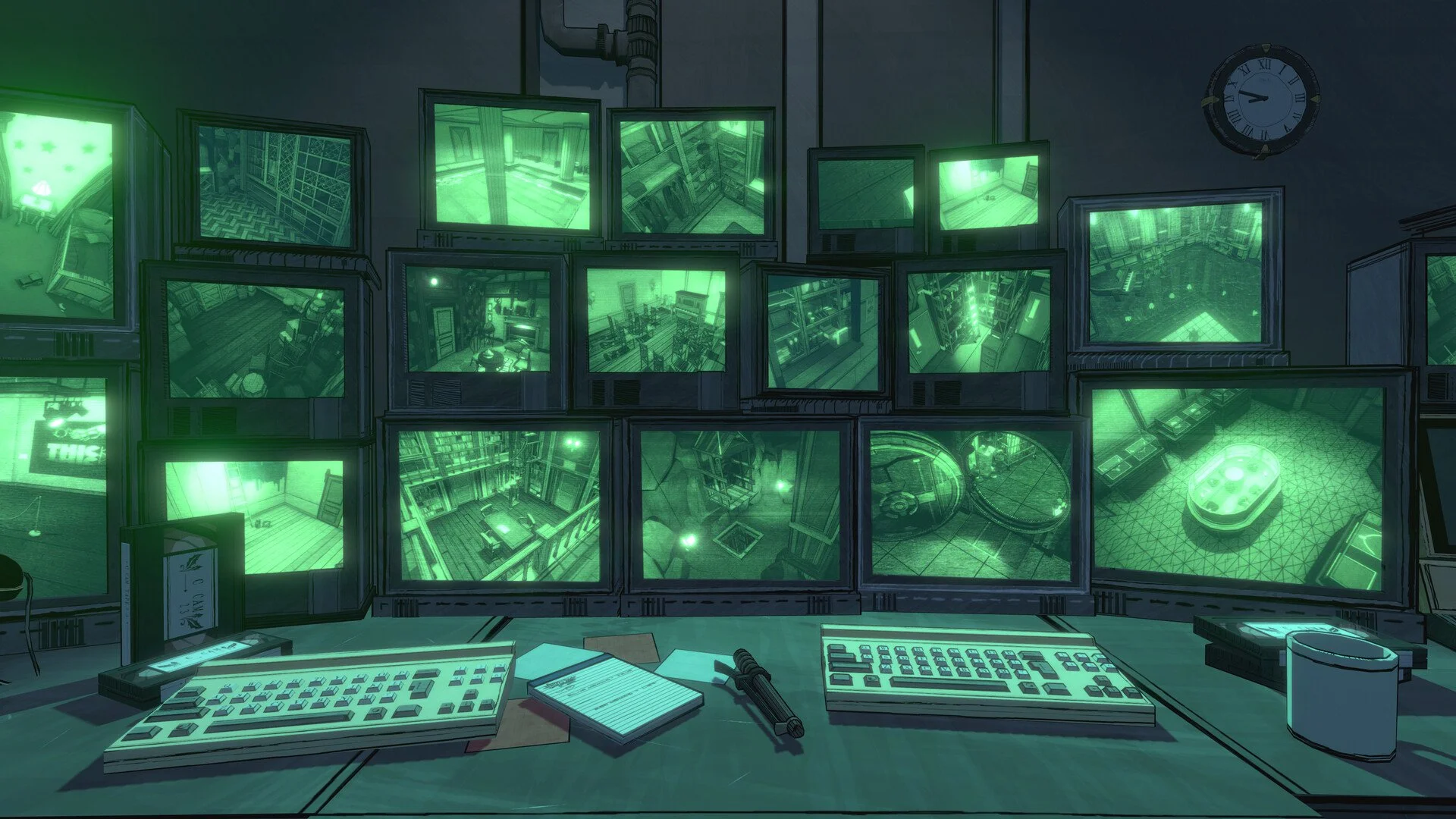
Security Room: Has the terminal to change door behavior
Utility Closet: Lets you turn the power off
Here’s what to do:
Go to the Security Room, log into the terminal (the password is SWANSONG), and go to the Keycard System section.
Set Offline Mode to Unlocked. That way, if the system loses power, doors will stay open.
Go to the Utility Closet and flick the breaker to shut down the Keycard System.
Now all electronic doors will stay open, even without a Keycard.
Pro Tip: Increase Security Level
While you’re in the terminal, you can also set the Security Level to High. This causes more electronic doors to appear as you draft rooms, which actually helps once you’ve got the system unlocked. You won’t need as many keys, and you can fly through runs faster.
Final Blurb
Electronic doors start out as a pain, but they end up being one of the best shortcuts in Blue Prince if you plan ahead. Whether you’re flipping switches or lucky enough to find a Keycard, don’t overlook them. They can save you steps, keys, and sometimes your whole run.
Recommended | View all Blue Prince


