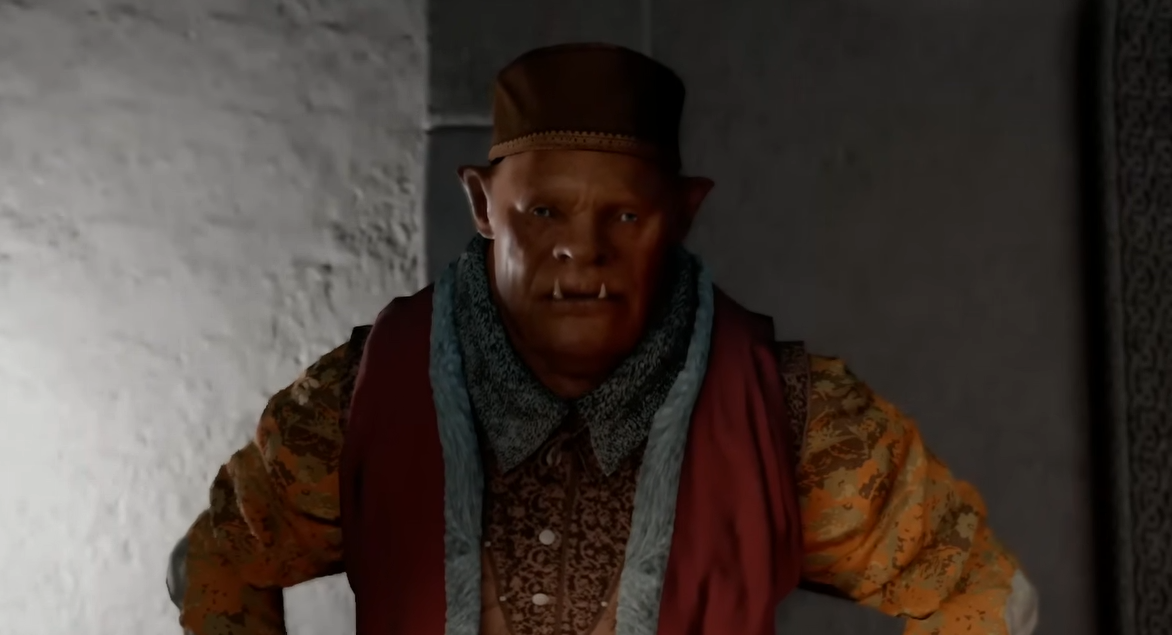
Crimson Desert Autorun Bug Fix
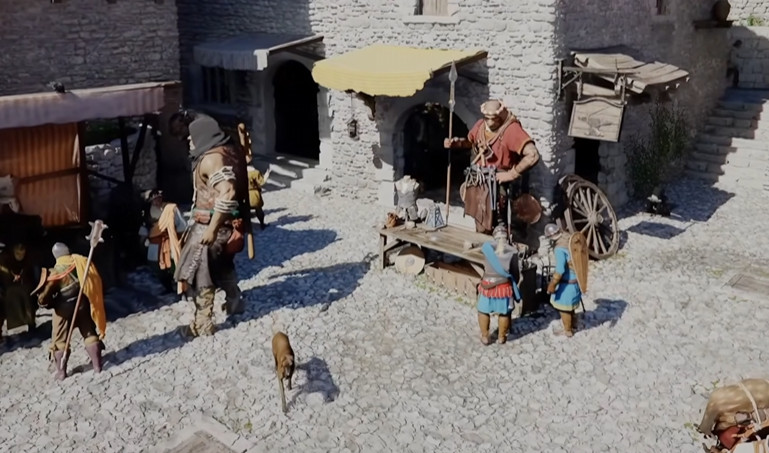
Autorun in Crimson Desert can randomly trigger and make your character walk forward nonstop. It feels like your controls are broken, but it is usually a simple input issue or temporary bug.
How To Stop Autorun In Crimson Desert
To stop autorun in Crimson Desert, press Shift on keyboard or switch inputs briefly, which resets movement and fixes the issue.
This works in most cases instantly.
Quick Fixes That Actually Work
Start with these first.
Press Shift on keyboard to cancel movement
Switch from controller to keyboard and back
Alt tab out of the game and return
Open and close the Steam overlay with Shift and Tab
These reset the input and usually stop the autorun immediately.
Why Autorun Happens
This issue seems tied to input conflicts.
Switching between controller and keyboard
Steam overlay interfering with inputs
Keys getting stuck after certain actions
Temporary input desync
It is not something you are doing wrong.
Autorun On Controller Fix
If you are using a controller:
Tap Shift on keyboard once
Then go back to controller
Movement should return to normal
This works even if you mainly play on controller.
Horse Not Moving Or Forced Movement
This bug can also affect mounts.
Horse may not respond properly
Character keeps moving forward
Inputs feel delayed or stuck
The same fixes apply here.
When The Bug Comes Back
Some players report it returning after certain actions.
Opening Steam overlay
Alt tabbing repeatedly
Long play sessions
If it happens again, just repeat the quick fixes.
Final Blurb
The autorun bug in Crimson Desert is annoying, but it is easy to fix once you know what is causing it. A quick input reset like pressing Shift or switching controls usually solves it in seconds.
FAQ
How do you stop autorun in Crimson Desert
Press Shift on keyboard or reset inputs by switching controls.
Why is my character auto running in Crimson Desert
It is likely caused by input bugs or overlay conflicts.
Does autorun affect controller players
Yes, but you can fix it by briefly using keyboard input.
Can the autorun bug come back
Yes, especially after using overlays or switching inputs.
How do you fix horse movement issues in Crimson Desert
Use the same fixes, like pressing Shift or resetting inputs.