Dragon Ball Gekishin Squadra Best Settings Guide
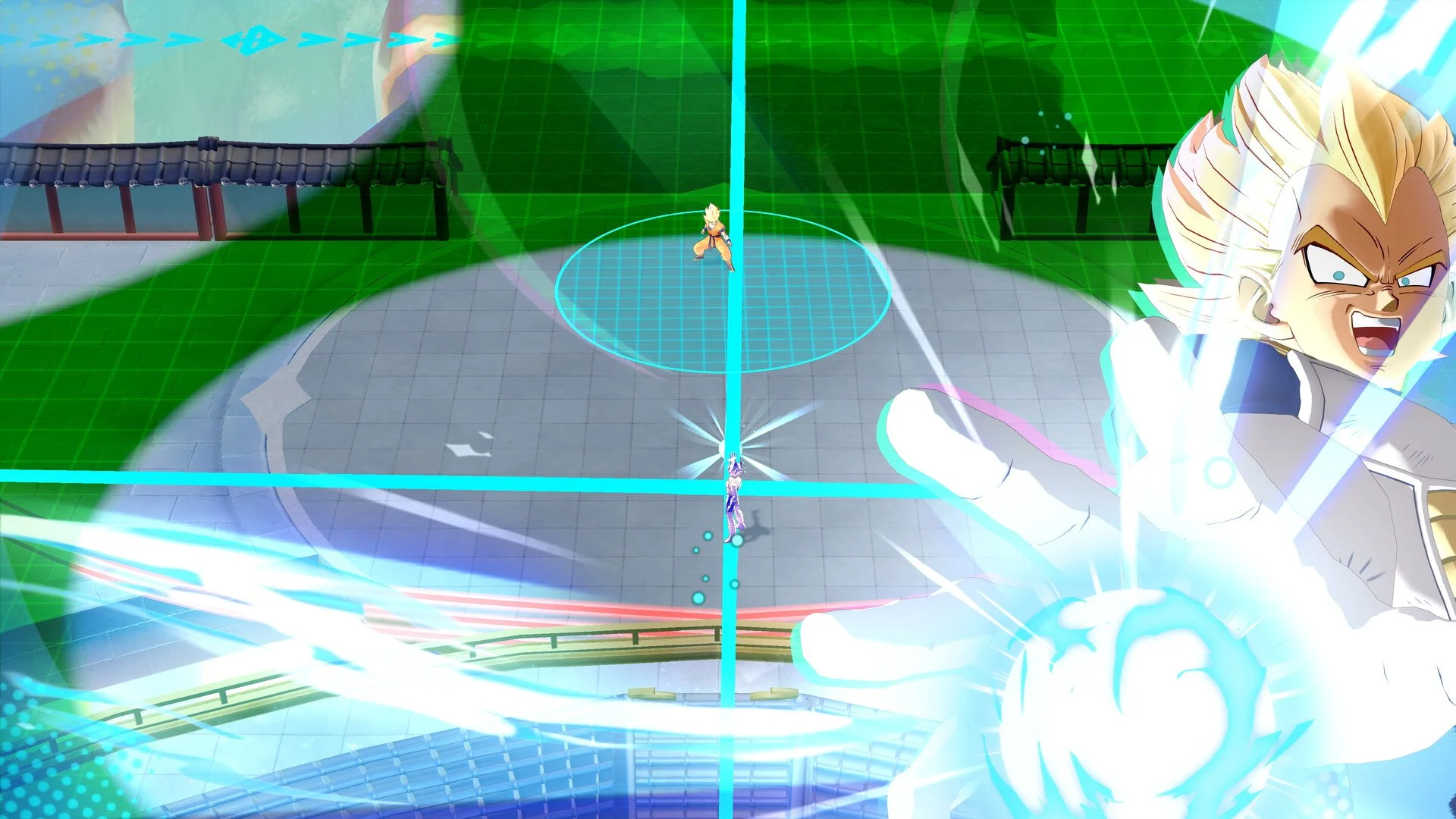
Getting started in Dragon Ball Gekishin Squadra can feel overwhelming with so many systems and menus. Adjusting the right settings early makes a huge difference in how smooth your matches feel and how quickly you unlock new characters. This guide covers the most important settings to change, plus tips to optimize progression across platforms.
Best Controller Settings
The first thing you should do is fix your targeting. By default, Rush Attack and Auto Aim both lock onto the nearest enemy. This often causes you to miss low-HP opponents who slip away.
Go to Options → Controller.
Scroll down to Rush Attack Priority Conditions.
Change from Nearest Enemy to Lowest Total HP.
Do the same under Auto Aim Settings.
There’s also a “Lowest HP Percentage” option, but it’s unreliable. Tanky characters skew the percentages, so you’ll end up targeting them instead of finishing off squishier enemies. Stick with Lowest Total HP for consistency.
Best Graphics Settings for Performance
Performance in Dragon Ball Gekishin Squadra depends on finding the right balance between visuals and smooth gameplay. Here are the most important settings to check generally speaking:
Resolution – Always match your monitor’s native resolution for sharp visuals. Lower it only if your frame rate struggles.
Frame Rate Limit – Set this to the highest stable option your system can handle. Consistent FPS is more important than pushing max graphics.
Shadows – Medium settings give you good clarity without heavy performance cost. High shadows eat up frames for little gain.
Anti-Aliasing – Keep it on low or medium. This smooths jagged edges without much performance loss.
Textures – Use high if you have at least 4GB of VRAM. Medium works best for older GPUs.
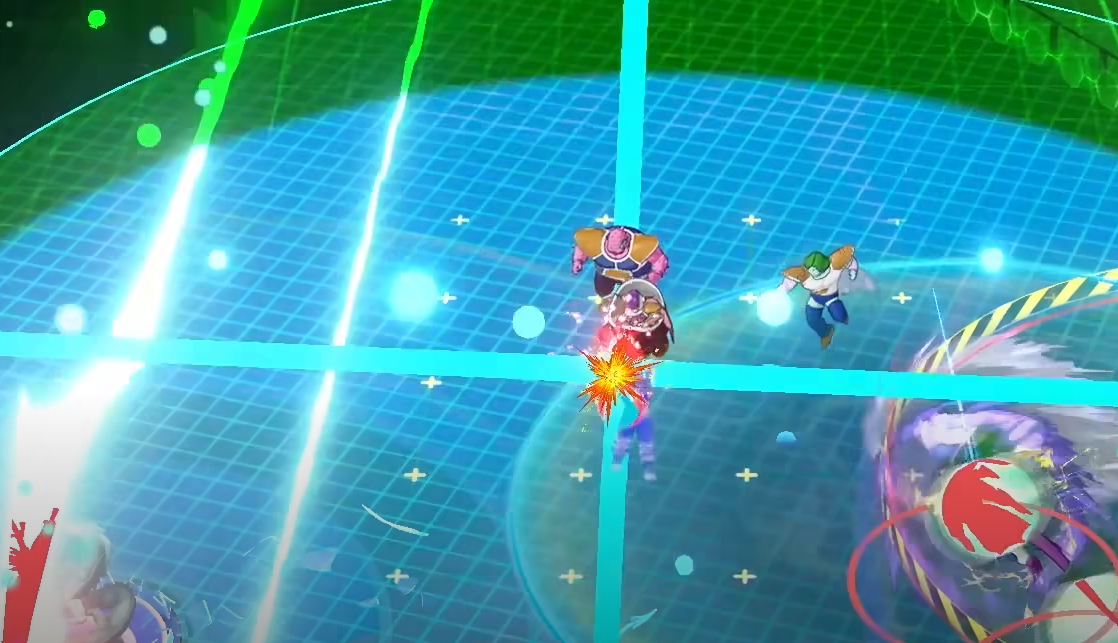
Effects Quality – Turn this down if team fights feel too cluttered or slow. Medium keeps visuals clear without overwhelming your screen.
V-Sync – Disable unless you see screen tearing. Enabling adds input lag, which hurts in close battles.
If you’re on a lower-end system, prioritize Frame Rate Limit, Resolution, and Effects Quality first. On stronger hardware, push Textures and Anti-Aliasing higher while keeping shadows in check.
Progression and Star Levels
On the top right of the menu, you’ll see your Star Level bar. This is tied directly to the characters you level up.
Each character can be upgraded from 0-Star up.
Focus XP on low-star characters first. They cost less XP than higher-level ones.
Use the priority XP focus option to feed XP into two characters at once, even if you aren’t playing them.
Leveling stars unlocks more characters, helper skills, and eventually capsules. Build around efficient leveling to expand your roster faster.
Goku Mini Pre-Registration Bonus
Everyone starts with Goku Mini as a bonus for pre-registration. He comes with a massive 5,000 XP pool. Use this to level him quickly and push your Star Level much higher in a short time. This is one of the best early settings choices you can make for fast progression.
Cross-Account Progression
Gekishin Squadra supports full cross-progression. Whether you play on PlayStation, Switch, Steam, or mobile, you can use the same account across every platform.
If starting on a new platform, link your account from the title menu.
If you had a pre-register badge or capsule rewards on one system, they carry over to all others.
This means you can grind progression on whichever device you prefer and keep your rewards everywhere.
PlayStation Plus Capsule Bonus
If you have PlayStation Plus, make sure to claim your free capsule pack.
Go to the PlayStation Store and download the free add-on.
Log into the game and check your messages.
Claim your 10 Gold Capsules under the reward tab.
Because of cross-progression, you can claim this on PlayStation and then enjoy the rewards on PC or mobile.
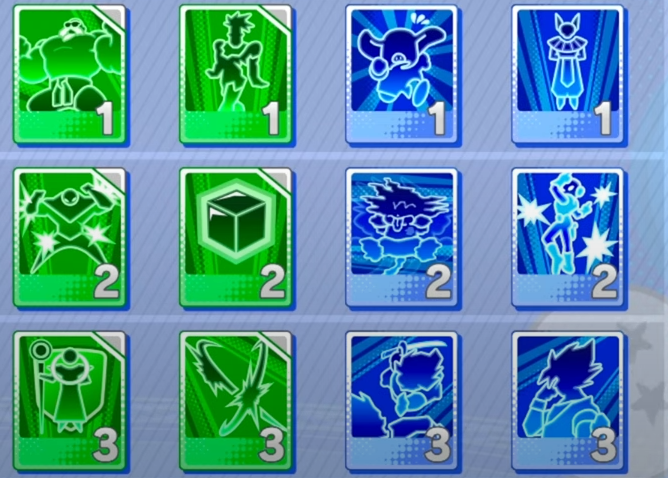
Divine Combo Cards Settings
Divine Combo Cards unlock after a few matches and completely change how your battles play out.
You choose one card per tier before each match.
Red cards focus on damage, but you can mix defense or utility depending on your role.
Popular choices include Lightning Swift for mobility or Limit Breaking Jump for double vanishes.
Experiment with combos that suit your fighter. These cards give you a way to customize your gameplay beyond just character choice.
Final Blurb
Dragon Ball Gekishin Squadra becomes much smoother once you adjust the right settings. Changing targeting to Lowest Total HP will save you from frustrating missed kills. Using star levels, Goku Mini’s XP, and PlayStation capsule bonuses speeds up progression.
Cross-account support ensures no grind is wasted, while Divine Combo Cards let you fine-tune your playstyle. Set yourself up correctly and you’ll enjoy a much stronger start in every match.
FAQ
What is the most important setting to change first?
Change Rush Attack and Auto Aim from Nearest Enemy to Lowest Total HP. This ensures you finish off weak targets instead of wasting time.
Is Lowest HP Percentage better than Lowest Total HP?
No. Percentage targeting can pull your aim toward tanky characters, leaving squishier enemies alive. Total HP is more reliable.
How do you level up faster in Gekishin Squadra?
Focus XP on low-star characters and use the priority XP system. This unlocks more characters and skills as your overall star level increases.
Do PlayStation Plus capsule rewards work on other platforms?
Yes. Once claimed on PlayStation, the capsules are tied to your account and usable across PC, Switch, and mobile.
What are Divine Combo Cards?
These are pre-match settings that let you choose powerful bonuses. Each card changes how your character fights, offering more damage, defense, or utility options.
More Dragon Ball Gekishin Squadra