Dying Light The Beast FSR 4 Settings & Optimization Guide
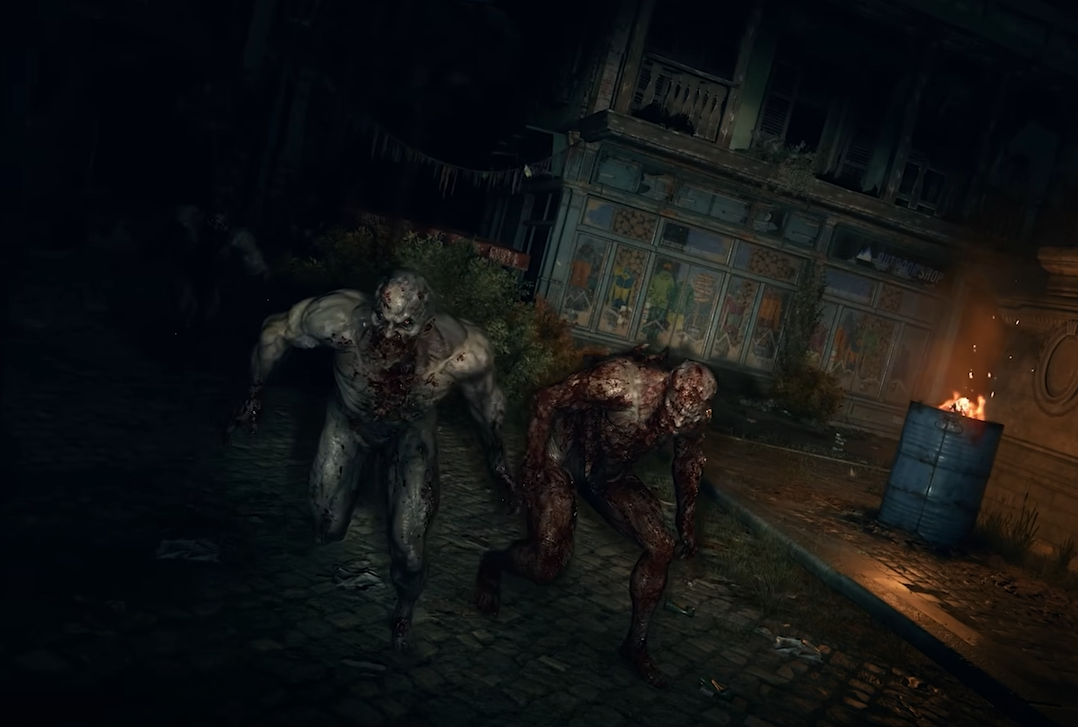
Frame drops and stutters are a common issue in Dying Light The Beast, even on strong PCs. Many players have found that switching to FSR 4 helps smooth out performance and keep frame rates stable. If you’re struggling with lag or hitching, this guide shows how to set up FSR 4 and why it works better than other options.
How to Enable FSR 4 in Dying Light The Beast
Open the main menu, go into Options, then Video. Scroll to the Upscaling setting and select FSR 4. You can then pick between Quality, Balanced, or Performance depending on how much FPS you want. Quality looks sharper, while Performance gives the highest frame boost.
NVIDIA users on DLSS have reported stutters and inconsistent frame pacing. Switching to FSR 4 often fixes those problems, even on RTX 40-series cards. AMD users benefit even more since FSR is designed to run across all hardware.
Why FSR 4 Works Better Than DLSS
Players on RTX 4060 and similar GPUs say DLSS with Frame Generation causes constant hitching. FSR 4 eliminates those stutters and keeps FPS consistent above 60. The tradeoff is a slight loss in sharpness, but smoother gameplay makes it worth it.
For a game built around fast parkour and close combat, stability is more important than razor-sharp visuals. FSR 4 also avoids some of the memory-like slowdowns that appear after long play sessions.
Extra Tips for Performance
Turn off motion blur, chromatic aberration, and film grain for a clearer picture.
Update GPU drivers before launch or hotfix patches.
Cap your FPS with V-Sync or an external limiter to prevent frame pacing issues.
Final Blurb
Until Techland releases a proper optimization patch, FSR 4 is the best way to fix frame drops in Dying Light The Beast. By switching from DLSS or Frame Gen, you’ll get smoother parkour, more reliable combat, and a cleaner overall experience.
FAQ
How do you turn on FSR 4 in Dying Light The Beast?
Go to Options, open Video, then set Upscaling to FSR 4. Pick Quality, Balanced, or Performance.
Does FSR 4 look worse than DLSS?
It can look a bit softer, but it avoids the stutters DLSS is causing right now.
Should NVIDIA users switch to FSR 4?
Yes, if DLSS is giving you hitching or inconsistent frames. FSR 4 runs smoother on both NVIDIA and AMD hardware.
More Dying Light: The Beast