Dying Light The Beast Frame Drops Fix Guide for PC
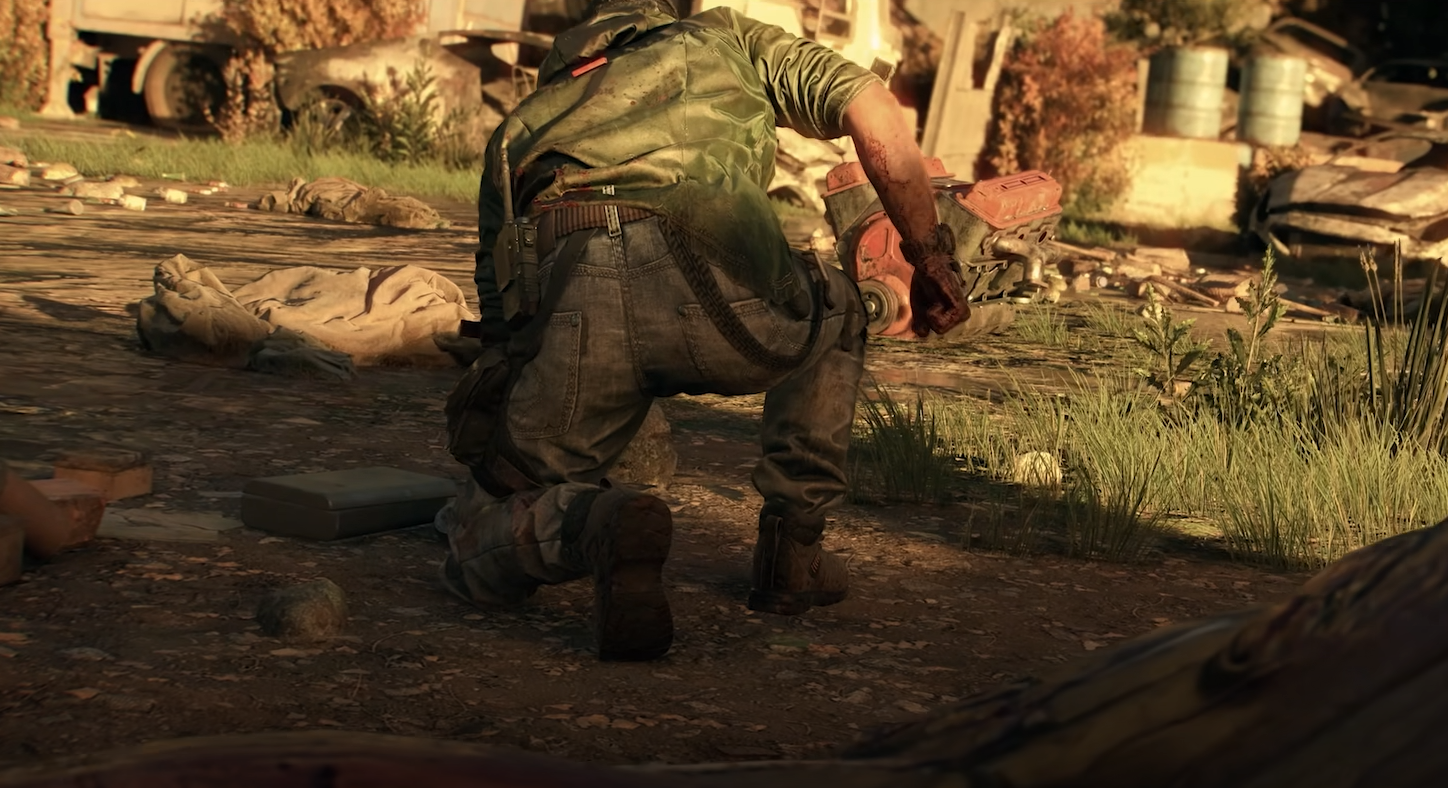
Dying Light The Beast frame drops are one of the most common complaints since launch, and players on everything from mid-tier GPUs to high-end rigs have noticed it. The problem often starts mild but can get worse the longer you play, leading many to suspect a memory leak or optimization issue. While we wait for patches, there are some steps you can take right now to improve performance.
How to fix Dying Light The Beast frame drops
The first thing to know is that this issue isn’t always tied to weak hardware. Even players with RTX 4060s and above have reported solid FPS at the start that slowly crumbles into stutter after an hour or two. That points more toward software settings and engine strain than raw specs.
Try these fixes:
Update drivers and system software
Outdated GPU drivers are one of the fastest ways to tank performance. Both NVIDIA and AMD pushed new drivers near release, so update and restart before testing again. Also make sure Windows updates aren’t pending in the background.
Switch between DLSS and FSR
If you’re on an RTX card, DLSS may not always behave smoothly. Many players report stutter vanishing when swapping from DLSS Frame Generation to FSR. On AMD hardware, FSR is often the safer choice, especially at 1440p and 4K.
Disable or tweak frame generation
Frame Gen can boost numbers but also introduce micro-stutter. If you notice sharp FPS swings, try running without it and stick to native upscaling modes instead.
Check advanced graphics settings
Turn off or reduce:
Motion Blur
Film Grain
Chromatic Aberration
These not only improve clarity but can cut down GPU load. If motion blur is locked, editing config files may help.
Monitor VRAM and RAM usage
Open Task Manager while playing. If VRAM or memory keeps climbing without dropping, that suggests a memory leak. The only workaround for now is restarting the game every couple hours until a patch lands.
Adjust V-Sync and frame caps
For smoother pacing, set V-Sync to Adaptive or cap FPS slightly below your monitor’s refresh rate. Some users found 85 FPS capped to be more stable than letting the game run wild at 100+.
What to expect going forward
The most likely root issue is optimization or a memory leak, which only Techland can patch. Until then, swapping upscalers, trimming effects, and restarting after long sessions will keep things smoother. Players on RTX 5090-class hardware may brute force through, but anyone else should tinker with these settings.
Final Blurb
Frame drops in Dying Light The Beast are frustrating, but most can be eased with driver updates, upscaler tweaks, and small setting changes. The game’s demanding world will test any PC, but with the right setup, you can push through the stutter until official fixes arrive.
FAQ
Why does Dying Light The Beast run worse over time?
This seems linked to a memory leak, where VRAM and RAM usage keeps climbing. Restarting the game resets it until a patch addresses the root cause.
Should I use DLSS or FSR in Dying Light The Beast?
It depends on your card. NVIDIA GPUs can use DLSS, but FSR has been smoother for some users. AMD players should stick with FSR.
Can I fix frame drops without lowering graphics?
Yes. Switching upscalers, updating drivers, and capping FPS often work without needing to drop texture or shadow quality.
Is this problem only on PC?
Yes, the reports of worsening FPS mostly come from PC. Console versions appear more stable, though they run at locked frame targets.
More Dying Light: The Beast