Dying Light The Beast How to Save
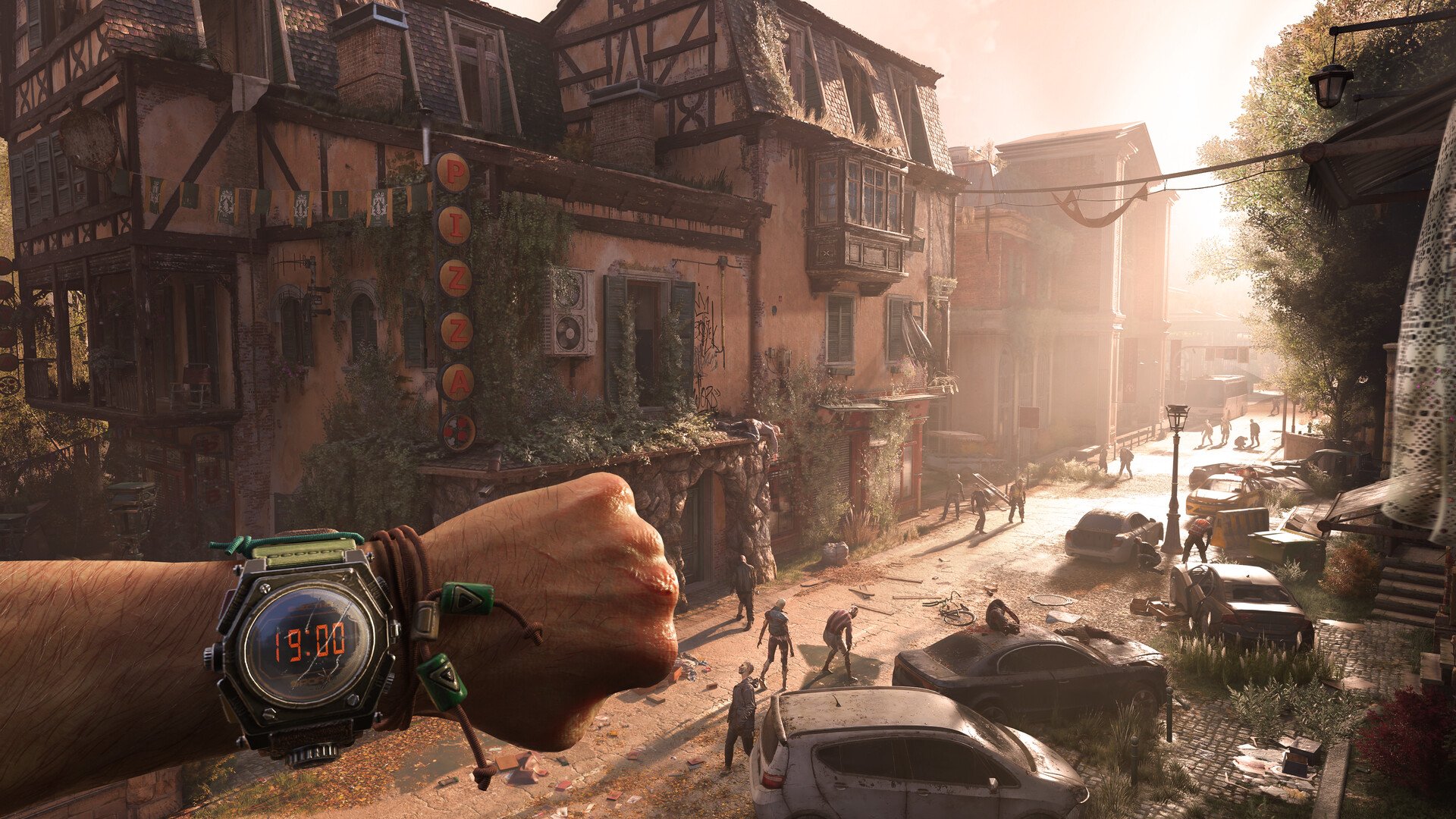
Knowing how to save in Dying Light: The Beast is important if you want to protect your progress. The game saves automatically, but you also have Steam Cloud and local save files that can be backed up. Learning the locations of these files makes it easy to restore your progress if something goes wrong.
How Saving Works in Dying Light The Beast
The game uses auto-save. You don’t need to press anything to record progress, since the system does it for you. On Steam, your files are also synced to Steam Cloud, letting you continue on another PC when you log in.
Dying Light The Beast Save File Location on PC
On Steam, saves are stored inside your userdata folder. Each account uses a unique Steam ID, and this game uses ID 3008130.
Main save path:
C:\Program Files (x86)\Steam\userdata\[Steam ID]\3008130\remote\out\save
For safety, copy the entire 3008130 folder and keep it in a labeled backup folder. This prevents losing everything if something happens to one file.
Backup Save Location in Dying Light The Beast
If your main saves are corrupted, the game creates backups in a separate folder. These can be renamed and placed back into the main save folder to restore progress.
Backup path:
C:\Users\[Windows Username]\Documents\dying light the beast\out-save_backups
Keeping both your main files and backups gives you peace of mind when playing.
Multiple Campaign Save Slots
The game allows more than one campaign. From the main menu, you can select a different slot when starting a new game. This lets you explore alternate runs without overwriting your main progress.
Final Blurb
Dying Light: The Beast handles saving automatically, but having quick access to your save locations helps you stay in control. Use Steam Cloud for cross-device play, and back up your local files to avoid losing data. With backups ready, you can always recover your journey through Castor Woods.
FAQ
Where are the Dying Light The Beast save files stored?
They are in C:\Program Files (x86)\Steam\userdata\[Steam ID]\3008130\remote\out\save.
Does the game have manual saving?
No, it only uses auto-save, but you can back up your files by copying the save folder.
How do I restore a corrupted save file?
Use the backup files in C:\Users\[Windows Username]\Documents\dying light the beast\out-save_backups and replace the corrupted ones.
Can I run multiple playthroughs at once?
Yes, the main menu offers multiple save slots so you can start a new campaign without deleting your current run.
More Dying Light: The Beast