Echoes of Aincrad: How to Save and Quit
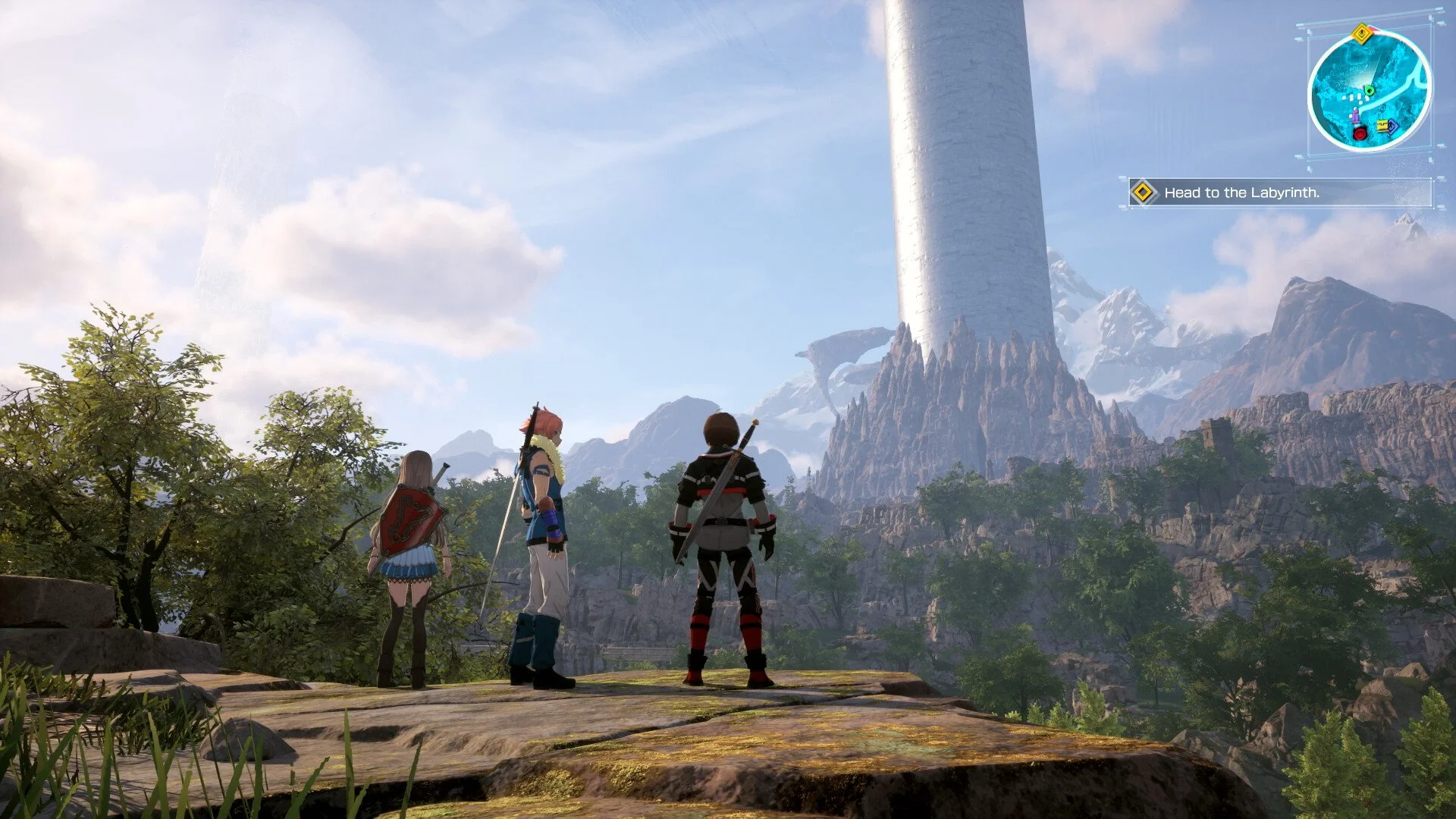
Echoes of Aincrad does not use a traditional manual save system where you create separate save slots whenever you want. Instead, the game relies on auto-save, and your progress is updated when you perform certain actions such as picking up items, defeating enemies, entering new zones, changing equipment, reaching checkpoints, returning to town, exiting to the title screen, or quitting the game.
That means the safest way to save and quit is to wait for the auto-save icon to appear, return to a safe area if possible, then use the game’s quit or title-screen option instead of closing the application suddenly. It is not the most obvious system at first, but once you understand what triggers auto-save, quitting becomes much less stressful.
Jump To
How Save and Quit Works in Echoes of Aincrad
Echoes of Aincrad saves through an auto-save system rather than a normal manual save menu. When the game records your progress, a small white auto-save icon appears in the bottom-right corner of the screen. Once that icon disappears, the save has usually finished writing.
If you want to quit safely, do not just close the game the moment you feel done. Look for a recent auto-save, return to town or a safe area if you can, and use the in-game option to exit to the title screen or quit. That gives the game a cleaner chance to update your save instead of relying on whatever the last checkpoint happened to be.
The practical rule is that you should quit after the game has clearly saved, not while you are in the middle of combat, halfway through a zone transition, or standing in danger pretending the auto-save system is your personal assistant. It is helpful, but it is not magic.
How to Trigger Auto-Save
Auto-save triggers often in Echoes of Aincrad, especially when your character’s progress or state changes. You will usually see the auto-save icon after actions that affect your inventory, location, equipment, or combat progress.
| Auto-Save Trigger | What It Means |
|---|---|
| Picking up an item | The game records the new item in your inventory |
| Defeating an enemy | Combat progress can trigger an auto-save |
| Passing a checkpoint | The game records your progression point |
| Entering a new zone | Area transitions can update your save |
| Returning to town | Safe-area transitions are useful save points |
| Changing equipment | Your character loadout update can trigger a save |
| Exiting to the title screen | The game can save as part of the exit process |
| Quitting the game | The game can update your save when quitting properly |
If you are unsure whether the game has saved recently, make a small harmless change before quitting. Changing equipment or adjusting a setting can trigger the auto-save system, giving you a clearer point to exit from. I would still wait for the save icon before closing anything, because the entire point is to avoid guessing.
When It Is Safe to Quit
The safest time to quit Echoes of Aincrad is after the auto-save icon appears and disappears, ideally while you are in town, near a safe area, or outside of active combat. If you just picked up loot, changed gear, reached a checkpoint, or returned to town, wait a moment for the save icon before leaving.
| Situation | Should You Quit? |
|---|---|
| After the auto-save icon finishes | Yes |
| After returning to town | Yes, after the save icon appears |
| After changing equipment | Usually safe once auto-save completes |
| During combat | No, finish or retreat first |
| During a boss attempt | No, unless the game has clearly created a checkpoint |
| During a loading screen or transition | No, wait until the game finishes loading and saving |
For normal play, I would make returning to town your clean stopping point whenever possible. It is easy to recognize, it usually lines up with auto-save behavior, and it keeps you from loading back into a bad position later.
If you are deep in a field area and need to stop immediately, try to trigger a save first by changing equipment or reaching the nearest safe transition. Do not assume the game saved at the exact moment you wanted it to. Auto-save systems are convenient right up until they decide your last meaningful action was ten minutes ago.
Can You Manually Save?
Echoes of Aincrad does not appear to have a traditional manual save option with multiple save slots that let you preserve a specific point in the game. Your progress is handled through a single auto-updating save file.
The closest thing to a manual save is deliberately triggering auto-save. Changing equipment, entering a new area, returning to town, or using the proper quit/title-screen flow can force the game to update your progress. That is the method you should use if you want control over when the game saves.
This is the detail that causes most of the confusion. Players look for a normal Save button, do not find one, and assume the game is hiding something. It is not really hiding a manual save. It is asking you to trust auto-save, which is a bold request from any video game, frankly.
How Saving Works in Death Game Mode
Death Game Mode uses the same basic save system, but the stakes are completely different. Your progress can still be saved, and you can still quit and return later, but dying in Death Game Mode deletes the save file for that run.
That means saving does not protect you from permadeath. It only preserves your current session so you can stop playing and continue later. If your character dies, the game treats that death as final, which is very faithful to Sword Art Online and extremely hostile to anyone with overconfidence and underleveled gear.
| Mode | How Saving Works | What Happens if You Die? |
|---|---|---|
| Normal Mode | Progress is auto-saved as you play | You can continue from your saved progress |
| Death Game Mode | Progress is still auto-saved | Your save is deleted when you die |
If you are playing Death Game Mode, save and quit only solves the “I need to stop playing” problem. It does not solve the “I made a terrible decision in a boss fight” problem. Treat every major encounter like you actually have to survive it, because that is the entire point of the mode.
PC Save Backup Notes
On PC, some players may choose to manually back up their local save folder before playing Death Game Mode. The reported save location is %LOCALAPPDATA%\EchoesofAincrad\Saved\, with the relevant save data stored inside the SaveGames folder.
If you restore a backup on Steam, disable Steam Cloud Saves first or the cloud version may overwrite the files you are trying to restore. This only applies to the PC version. Console players on PS5 and Xbox Series X/S do not have the same local folder access.
| Platform | Backup Option |
|---|---|
| PC / Steam | Local save folder backups may be possible |
| PS5 | No normal local folder backup method |
| Xbox Series X/S | No normal local folder backup method |
I would treat PC backups as an optional workaround, not the normal way to play. Death Game Mode is clearly designed around the risk of losing the run, and bypassing that changes the point of the mode. Still, if you are mainly experimenting, testing, or protecting yourself from technical issues rather than trying to erase every bad decision, knowing where the save folder lives can be useful.
Best Way to Save Before Quitting
The cleanest save-and-quit routine is to stop in a safe place, trigger or wait for auto-save, confirm the white auto-save icon has finished, then quit through the in-game menu. Returning to town before quitting is the safest habit because it gives the game a clear transition point and keeps your next session from starting in the middle of danger.
| Best Save-and-Quit Routine | Action |
|---|---|
| 1 | Move to a safe area or return to town if possible |
| 2 | Trigger auto-save by changing equipment, entering a new zone, or reaching a checkpoint |
| 3 | Wait for the white auto-save icon to finish |
| 4 | Use the in-game quit or title-screen option | 5 | Avoid force-closing the game during saving, loading, or combat |
Once you understand that Echoes of Aincrad is auto-save driven, the system is manageable. The mistake is treating it like a normal RPG where you can make a permanent save before every dangerous decision. In normal play, auto-save keeps you covered most of the time. In Death Game Mode, it records your progress, but it will not save you from the consequences of dying.