EU5 How to Enable Ironman Mode | Europa Universalis V
Original Guide by GamerBlurb.com | Published on 11/08/2025 at 1:36 AM CST
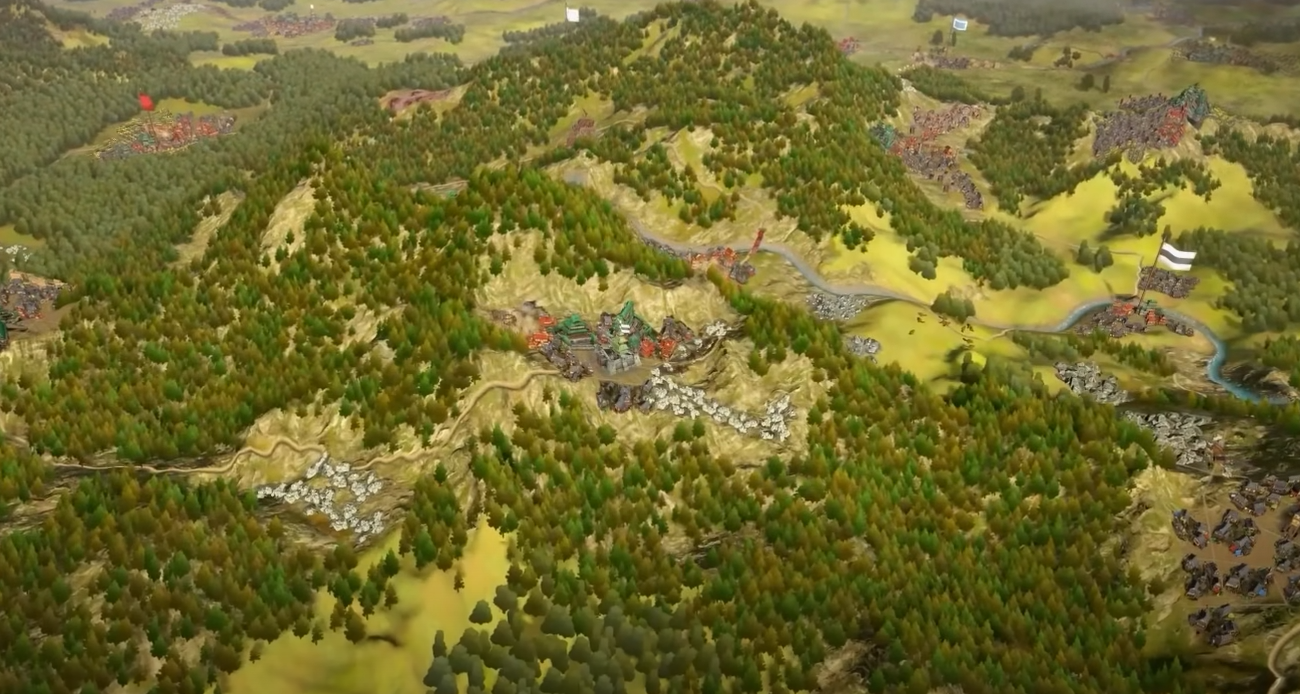
Ironman mode is where Europa Universalis 5 stops letting you save-scum your way out of disasters. It locks the save file and forces every choice to stick. The option is easy to miss though, especially with the new layout.
How to Turn On Ironman
From the main menu, go into single-player and select your campaign setup. In the top right of the nation select screen, there’s a small settings button next to the world map. Click it, then look for the iron glove icon at the top of the new menu. That’s the Ironman toggle.
Make sure you’re in the “Choose Any Nation” setup, not the tutorial or mission scenario, or the button stays red and inactive. Click the icon itself, not the text next to it, until it turns gold. Once enabled, Ironman will auto-save every month and block manual saves.
Common Ironman Problems
Some players find achievements still disabled even when Ironman is active. Usually this fixes itself by restarting and starting a new save. If not, check that your game files are unmodified, you’re in single-player, and no debug or mod tools are running.
If you switched from tutorial mode or custom rule sets, achievements might stay locked until you start a clean run.
Final Blurb
Ironman mode is the true test of EU5 patience. No going back, no reloads, no mercy from RNG. Just you, your ruler, and a single save file between glory or collapse.
Activate it right, and every victory suddenly feels like it was atruly earned.
FAQ
Where is the Ironman button
Top right of the country selection screen, inside the small settings panel.
Why is the icon red
You’re likely in tutorial or mission mode, which disables Ironman.
Why aren’t achievements unlocking
Restart the game and start a new clean Ironman save without mods.
Can you use custom rules
No, Ironman only works with default rule settings.
Can you turn Ironman off mid-run
No, once you start an Ironman save, it stays locked for that campaign.
© 2025 GamerBlurb. Linking is welcome with credit to GamerBlurb.com. Copying or reproduction without permission is prohibited.
More Europa Universalis V