EU5 Action Lock Guide | Europa Universalis V
© gamerblurb.com | Published on 11/08/2025 at 1:52 AM CST
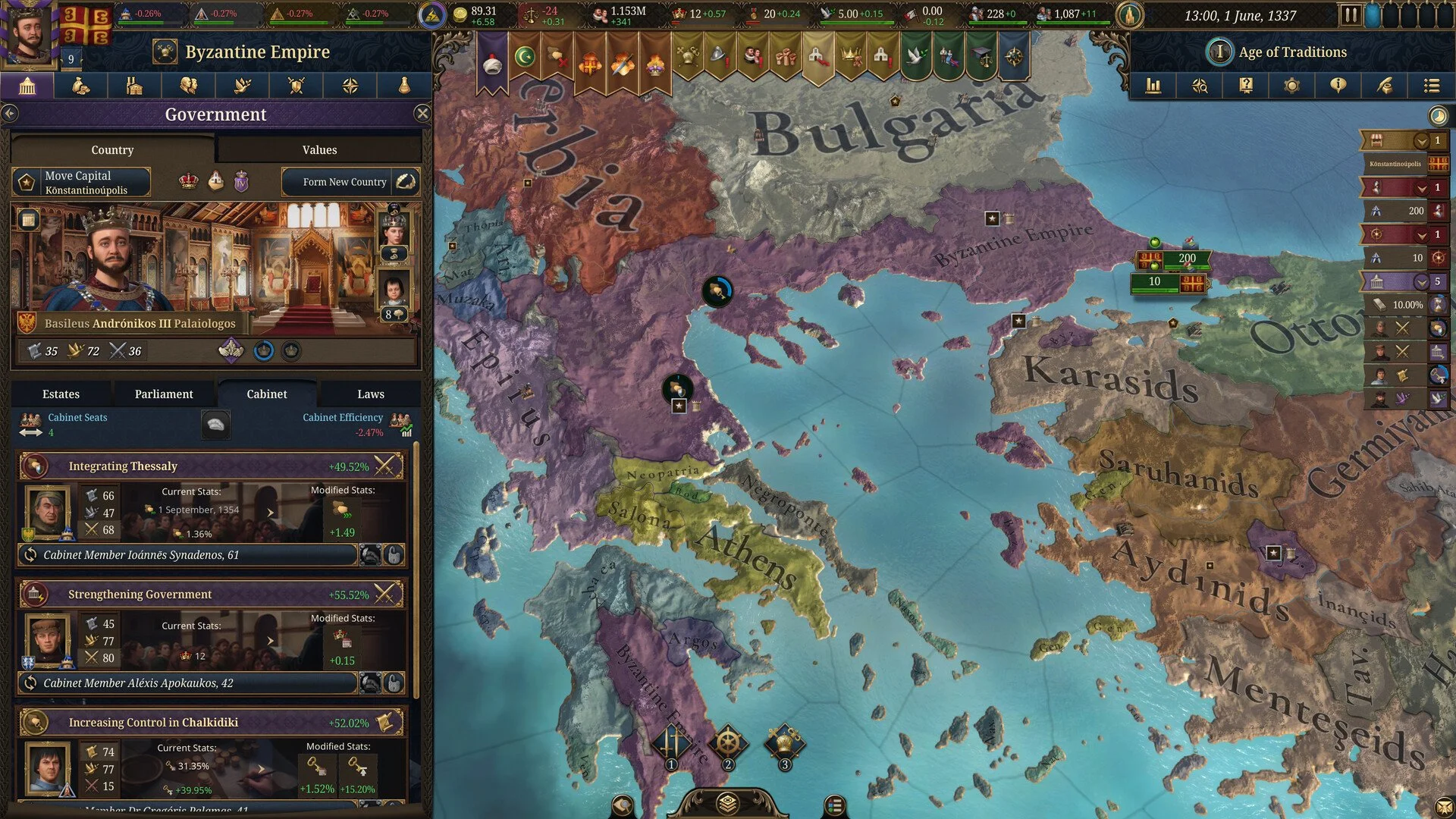
Action Lock in Europa Universalis 5 is one of those small settings that make a big difference once you know it exists. It keeps your view steady when you move armies or manage battles so the camera doesn’t wander off every time you click something.
How Action Lock Works
Action Lock freezes your camera on the selected unit or province while you give commands. It helps you stay focused on one front instead of watching the map slide across the world every few seconds.
By default, it’s tied to the middle mouse button. You’ll know it’s working when your view stops drifting as you issue orders. It’s not listed anywhere in the keybind menu right now, which means it can’t be changed from inside the game yet.
How to Change the Action Lock Key
Even though the option isn’t in the settings, most Paradox games use an external control file that can be edited manually. Europa Universalis 5 appears to work the same way.
Open your Europa Universalis 5 folder in Documents or in your Steam files
Look for a text file called “settings” or “input”
Find the line related to the middle mouse button
Replace it with your preferred key or mouse button
Save the file and restart the game
If this setup changes later, Paradox will probably add a proper in-game option for it.
When to Use It
Action Lock is most useful during wars when you need to watch a siege, follow a single battle, or keep track of moving units. It stops the camera from pulling away every time you queue a new command.
Final Blurb
Action Lock isn’t flashy but it’s worth using. It helps you keep control of your screen, especially during busy moments. For now, it’s stuck on the middle mouse button, but editing the settings file can give you more flexibility if you want it somewhere easier to reach.
FAQ
What does Action Lock do
It keeps your camera centered on a selected unit or province while you issue commands.
What key activates it
The middle mouse button.
Can you rebind it in the menu
No, not yet.
Can it be changed manually
Yes, you can try editing the input or settings file in the game folder.
When should I use Action Lock
During wars or sieges when you want the camera to stay fixed instead of jumping around.
© 2025 gamerblurb.com | Linking is welcome with credit to GamerBlurb.com. Copying or reproduction without permission is prohibited.
More Europa Universalis V