Gears of War Reloaded FoV Slider & Camera Shake Guide
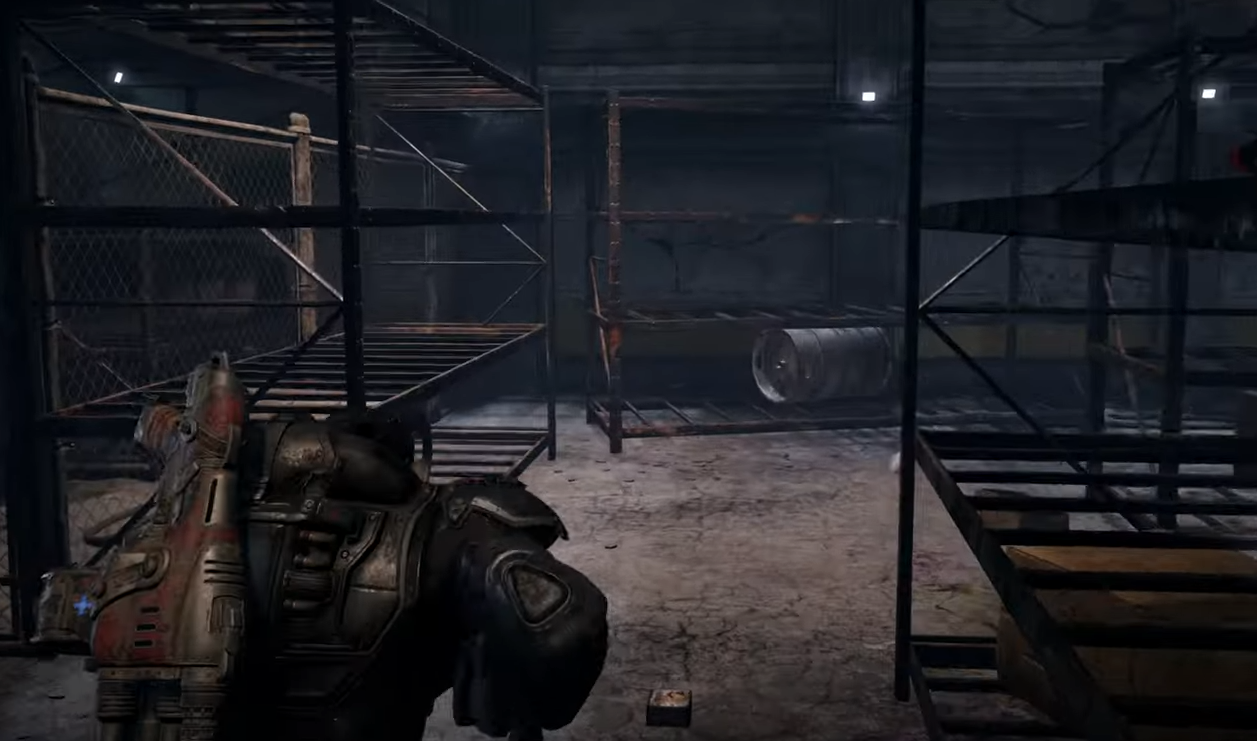
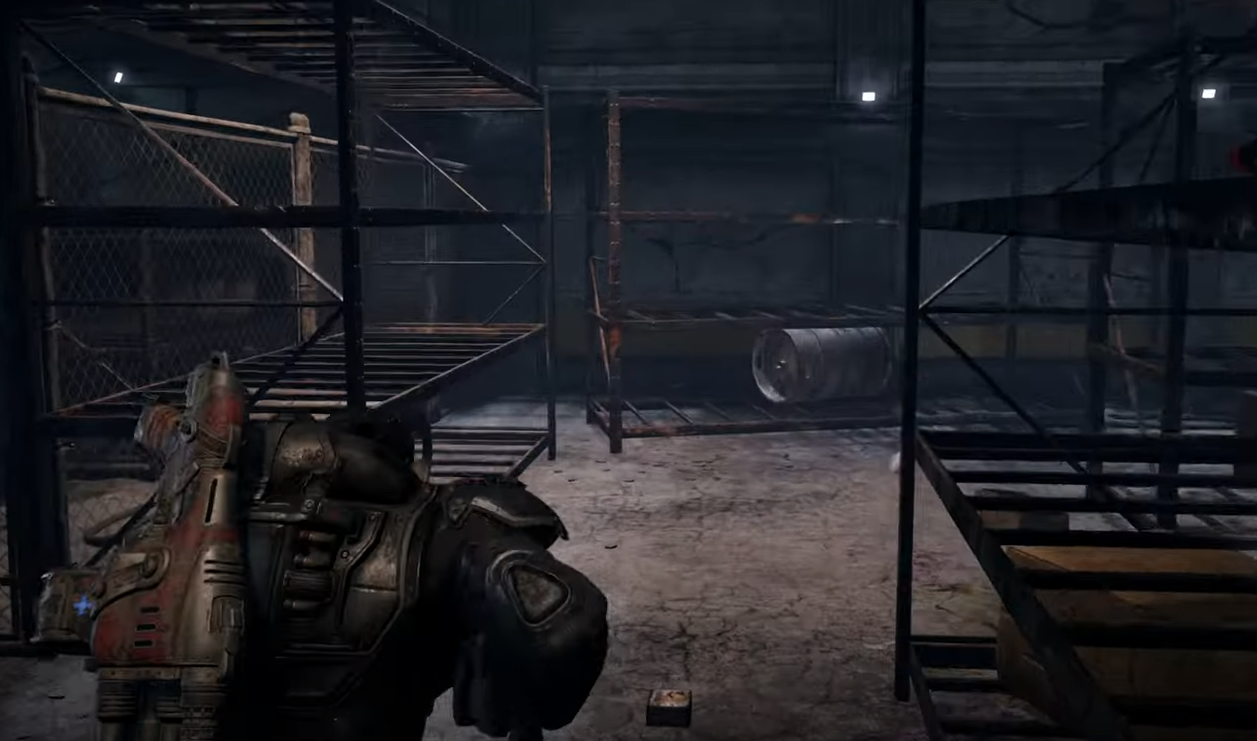
Players have been asking if Gears of War Reloaded includes a built-in FoV slider or camera bob toggle. The answer is simple. There is no in-game FoV adjustment. You can only turn off camera shake.
Does Gears of War Reloaded Have a FoV Slider?
No. The game does not have a native FoV slider in the settings menu. What you see is what you get.
Can You Change FoV in Config Files?
Some players report finding FoV entries in files like BaseEngine.ini or BaseGame.ini inside the Config folder. They mention values such as “FOVAngle=90”. But testing shows these edits often do nothing. For most players, changing FoV through ini files does not work.
Camera Shake Toggle
The only supported option is disabling camera shake. This can make movement and combat feel smoother, especially if you are sensitive to motion.
Why No FoV Option?
Reloaded is a remaster built to match the original’s design. The fixed camera style is part of its presentation. Adding a slider would require engine adjustments the developers have not implemented.
Final Blurb
Gears of War Reloaded does not have a working FoV slider. You can toggle camera shake, but attempts to force FoV changes in ini files are unreliable. If you want a wider field of view, you will need to wait and see if the developers patch it in later.
FAQ
Does Gears of War Reloaded have a FoV slider?
No. There is no official FoV slider in the game.
Can you edit config files to change FoV?
You can try, but most players find it does not actually change the field of view.
Is there a camera bob or camera shake option?
Yes. You can disable camera shake in the settings.
Will a FoV slider be added later?
There has been no confirmation from the developers yet.
More Gears of War: Reloaded