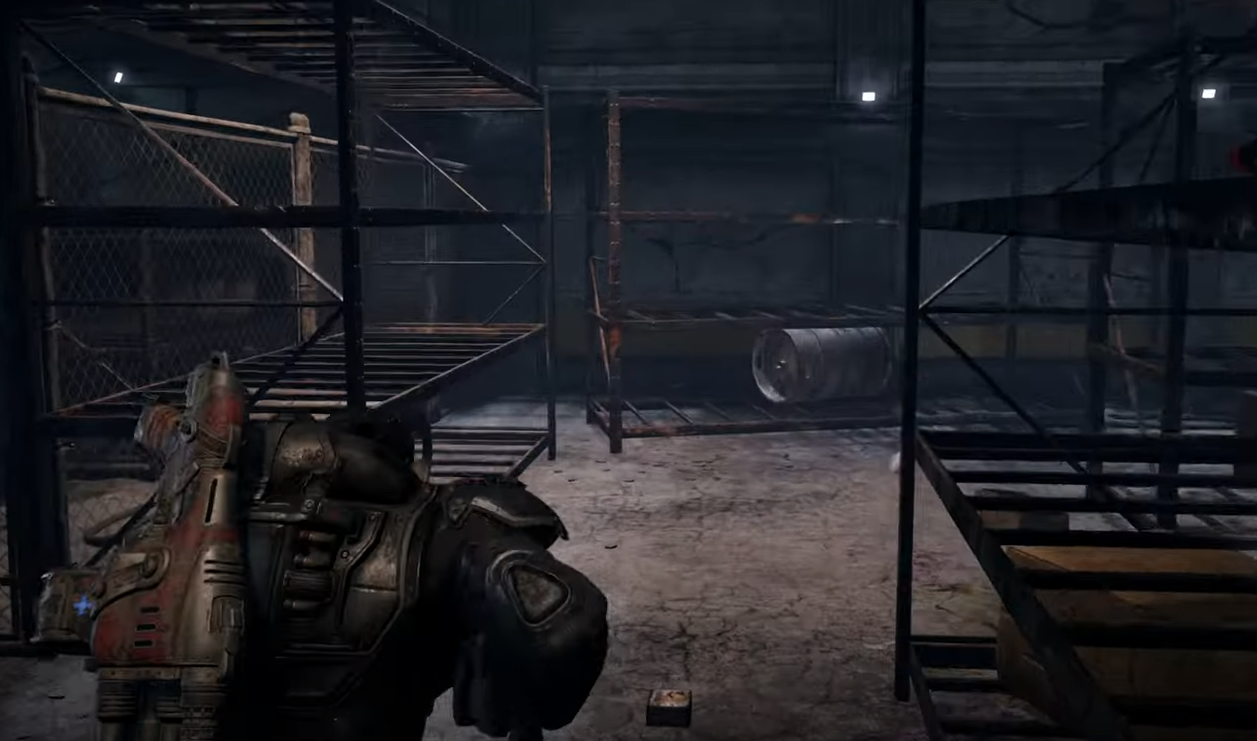
Gears of War Reloaded ROG Ally X Settings & Performance Guide
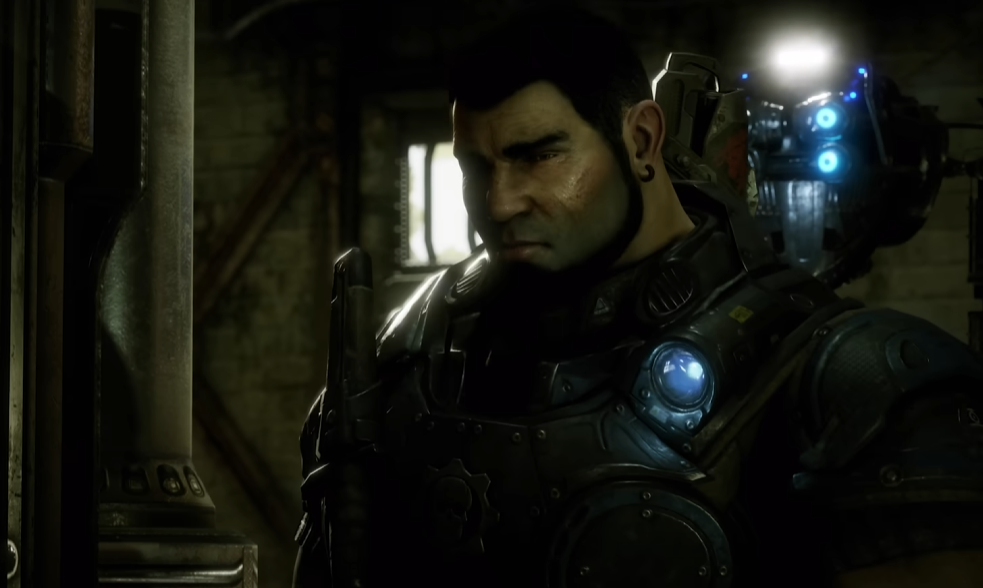
Running Gears of War: Reloaded on the ROG Ally X is one of the best ways to see just how powerful this handheld really is. The game looks sharp, hits smooth framerates, and proves that Unreal Engine 5 shooters can run well on portable hardware if tuned correctly.
So how does the game actually perform, and what settings give the best balance between visuals and performance?
Best ROG Ally X Settings for Gears of War Reloaded
With the right tweaks, the ROG Ally X handles Gears of War: Reloaded at 1080p without much trouble. Here are the recommended settings:
18W Mode
Resolution: 1920 x 1080
FSR: Performance
Texture Quality: High (4GB VRAM)
Shadows: Low
Visual Effects: Medium
Ambient Occlusion: Performance
Reflections: Low
VSync: Off
Motion Blur: Off
FPS: ~50 average
25W Turbo Mode
Resolution: 1920 x 1080
FSR: Balanced
Texture Quality: High (4GB VRAM)
Shadows: Low
Visual Effects: Low
Ambient Occlusion: Performance
Reflections: Low
VSync: Off
Motion Blur: Off
FPS: ~60 average
Both modes are very playable. Campaign sections dip slightly in heavy scenes, but multiplayer holds smoother numbers overall.
Performance Overview
Campaign:
18W averages around 45 FPS with dips in big combat areas. 25W holds 60+ FPS more consistently.Multiplayer:
Runs better than campaign at both power levels, with more stable performance.Visuals:
Brightness is higher than intended due to the UE5 global illumination bug. Normally a fix exists, but anti-cheat prevents applying it here. Expect slightly less detailed lighting, though textures and particle effects still shine.VRAM:
Increase VRAM to 8GB for best stability.
How It Feels on ROG Ally X
The ROG Ally X delivers a sturdy, premium feel while playing. Impulse Triggers give strong feedback, and active reloads with the Lancer feel natural. Compared to the standard Ally, this model runs Reloaded with higher settings and smoother frame pacing.
Even in chaotic firefights with explosions everywhere, frame rates stay surprisingly high. Expect 75–90 FPS in lighter scenes if you push above 25W.
Final Blurb
Gears of War: Reloaded runs great on the ROG Ally X with only minor compromises. The handheld handles Unreal Engine 5 far better than expected, making it one of the best ways to take Marcus and Dom on the go. If you want smooth performance, set it to 25W Turbo Mode and enjoy a locked 60 FPS campaign with crisp visuals.
FAQ
What is the best TDP setting for Gears of War Reloaded on ROG Ally X?
25W Turbo Mode gives the smoothest 60 FPS experience. 18W is playable but averages closer to 45 FPS.
Does multiplayer run better than campaign on Ally X?
Yes, multiplayer is more stable at both 18W and 25W, with fewer dips than campaign.
Do I need to increase VRAM for Gears of War Reloaded?
Yes, set VRAM to 8GB for stable performance and high texture quality.
Is the UE5 lighting bug fixed on ROG Ally X?
No, anti-cheat prevents the workaround. Expect brighter lighting and slightly flatter visuals.
More Gears of War: Reloaded