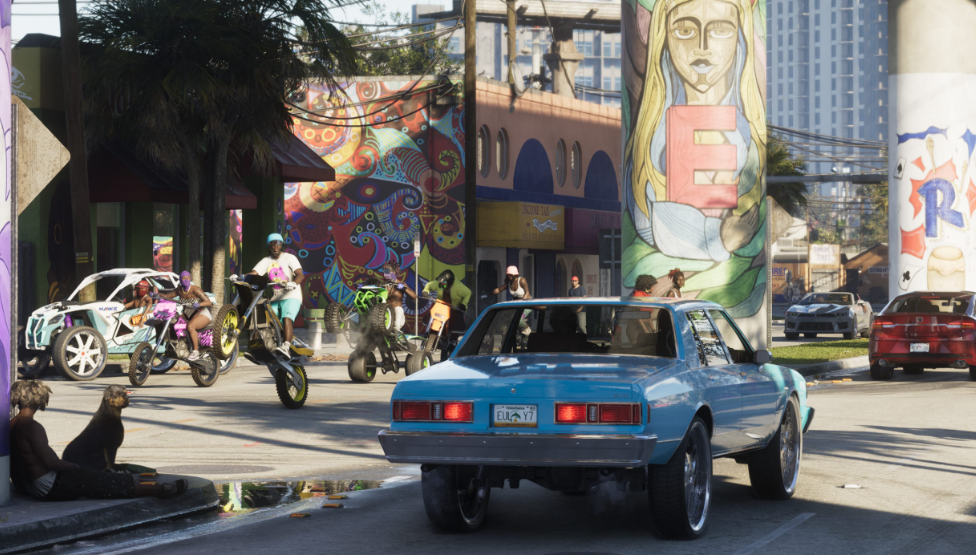
Changing radio stations in GTA 6 works a little differently from previous games, with a dedicated menu for music and podcasts. Whether you're driving through Vice City or cruising around Leonida, you can quickly switch stations without opening the pause menu.
How to Change Radio Stations in GTA 6 (Xbox & PS5)
To change the radio station in GTA 6, hold Left on the D-pad while inside a vehicle. This opens the radio selection menu, where you can cycle through stations using L1/R1 on PlayStation, LB/RB on Xbox, or the right analog stick.
These controls also work when using radios in other vehicles, including motorcycles, boats, and aircraft. You can use the same radio selection method when interacting with supported radios outside vehicles.
How to Turn Off the Radio in GTA 6
Hold Left on the D-pad to open the radio menu, then press X on PlayStation or A on Xbox to turn off the radio.
You can turn the music back on whenever you want by opening the radio menu and selecting a station again.
How to Switch to Podcasts in GTA 6
GTA 6 also features on-demand podcasts alongside its music stations. Hold Left on the D-pad to open the radio menu, then press Down on the right analog stick to access the podcast selection.
From there, select a podcast and press X on PlayStation or A on Xbox to play it. You can browse available episodes using Square on PlayStation or X on Xbox.
Podcasts can also be paused and resumed later from the on-demand menu. Unlike regular radio broadcasts, you don't have to restart an episode just because you stopped listening.