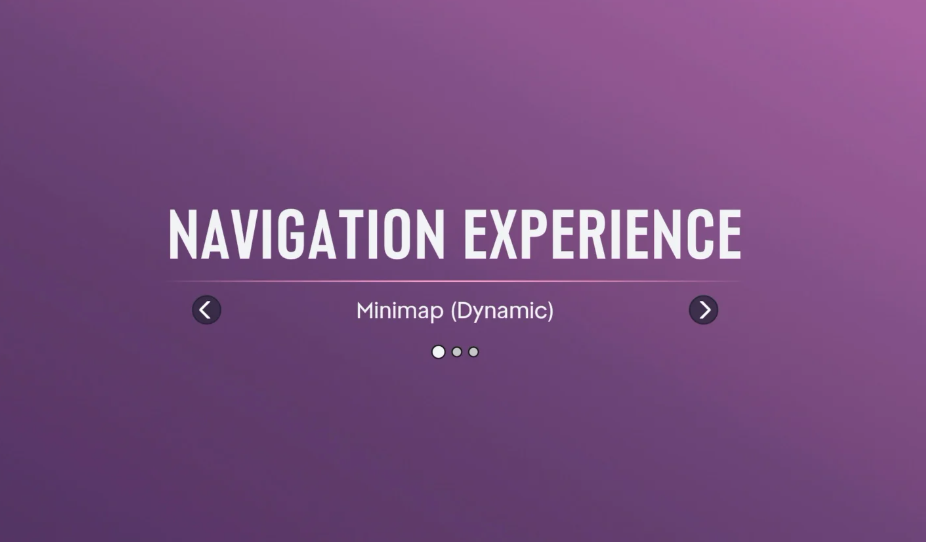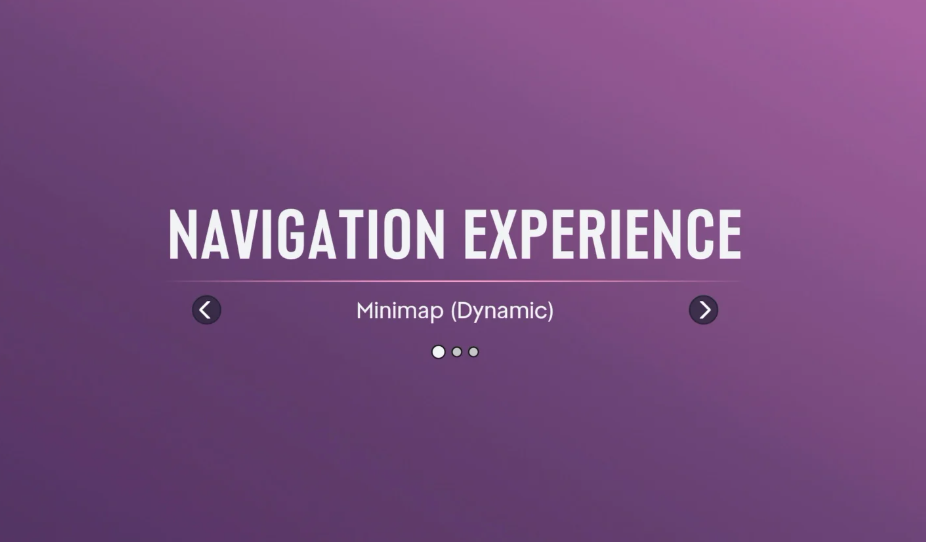
GTA 6 asks you to choose a Navigation Experience before you begin exploring Leonida. The game doesn't give you much opportunity to compare the options beforehand, but the choice is straightforward once you know what each one displays and when.
Which Navigation Experience Should You Pick in GTA 6?
We recommend Minimap Always On for your first GTA 6 playthrough. Keeping the map visible makes navigating unfamiliar streets, finding turns, and following mission routes easier without repeatedly calling up the navigation display.
If you'd rather explore without a permanent map taking up screen space, Minimap and Compass (Dynamic) is a good alternative. It provides extra directional information while keeping the interface hidden during quieter moments.
All GTA 6 Navigation Experience Options Explained
There are three choices during the initial setup. They change how navigation information appears, not the missions, locations, or content available to you.
Minimap (Dynamic)
The minimap appears when gameplay calls for it, including action sequences, and disappears during calmer moments. You can bring it back manually by pressing Down on the D-pad.
Choose this if you prefer looking at the world rather than constantly following a map.
Minimap and Compass (Dynamic)
This uses the same temporary minimap behavior but adds a compass that displays directional markers, including mission objectives and nearby points of interest.
Choose this if you want additional directional guidance without leaving the full navigation display permanently visible.
Minimap Always On
The minimap remains visible during regular gameplay, giving you a continuous view of nearby roads and navigation information.
Choose this if you frequently follow waypoints, drive between objectives, or prefer the familiar navigation style of older GTA games.
Can You Change Navigation Experience Later?
Yes. Your initial Navigation Experience choice is not permanent. You can adjust the minimap and compass individually whenever you want.
Set Minimap to On if you want it consistently visible, Dynamic if you only want it when needed, or Off if you'd rather hide it. You can also adjust the compass separately.
There's no gameplay penalty for changing these settings, so you don't need to worry about making the wrong choice during setup. If you find yourself constantly checking directions, keep the minimap visible. If you want a cleaner view while exploring, switch to Dynamic.