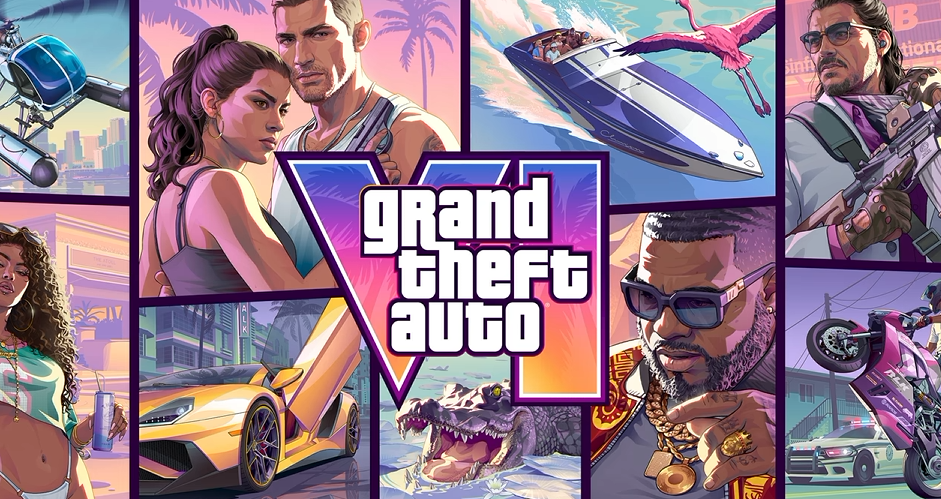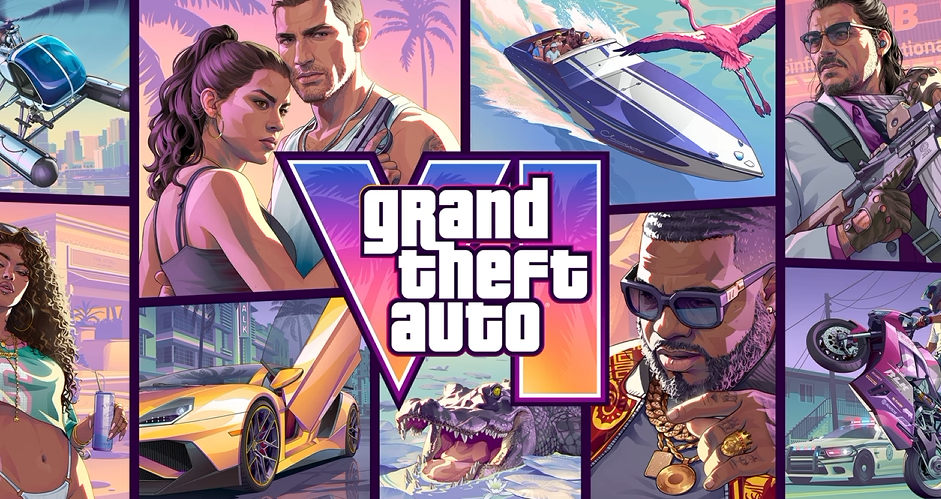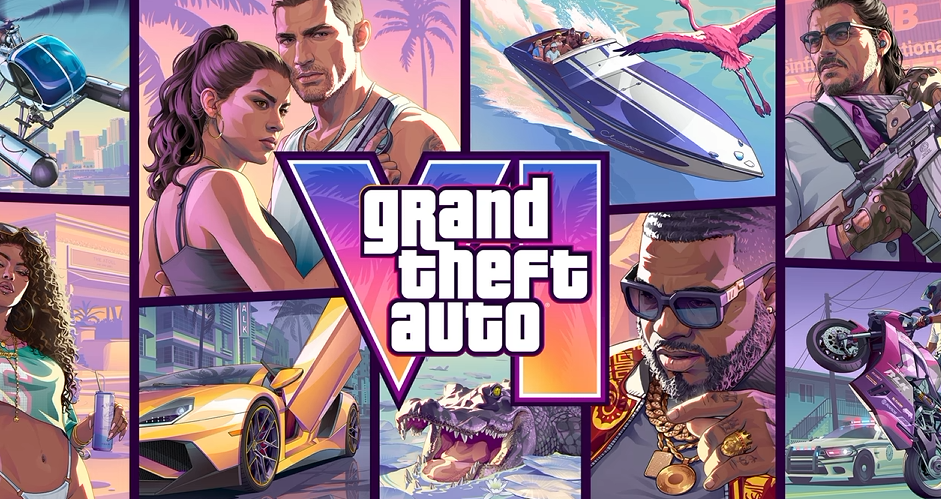
GTA 6 doesn't include the full first-person mode found in GTA 5, but you can still switch perspectives in certain situations. Whether you're aiming a weapon, examining your surroundings, or driving, there are a few ways to experience Leonida from a first-person view.
How to Switch to First Person in GTA 6
To aim in first person in GTA 6, equip a weapon with an optic, hold L2 on PS5 or LT on Xbox, and press R3 or the right stick. This switches to a first-person aiming view through your weapon's sights.
Here's how to set it up:
This perspective is designed for aiming rather than normal exploration. You cannot freely walk around with the same first-person camera active.
Can You Look Around in First Person Without a Weapon?
GTA 6 also provides a limited first-person viewing option while standing still. Hold L2 or LT and use the stick-click camera controls to switch perspectives. The view returns to third person when you begin moving.
For the stationary viewing option, some launch guides specify clicking both L3 and R3 while holding L2, rather than R3 alone. Avoid pressing both sticks without holding the aim button, as that can activate Focus Mode instead.
How to Drive in First Person in GTA 6
There is a workaround for driving in first person, although it doesn't function like a dedicated vehicle camera setting.
This is a temporary camera workaround, not an alternative to the normal third-person driving camera.
Does GTA 6 Have a Full First-Person Mode?
No. GTA 6 does not currently offer a complete first-person gameplay mode like GTA 5 or Red Dead Redemption 2.
You cannot permanently switch to first person for walking, general exploration, and missions. The first-person perspectives currently available are restricted to specific interactions, including scoped aiming, stationary viewing, and certain vehicle situations.
Rockstar has not confirmed plans to add a full first-person mode in a future update. Until that changes, third person remains the standard perspective for exploring Leonida.