GTA 6 lets you store money in a BuckMe bank account or transfer it into Family Savings, but the two serve different purposes. Banking protects your cash from being lost during arrests or deaths, while Family Savings preserves money across major story events. Here's how to use both.
How to Put Money in Family Savings
How to Unlock BuckMe
Bank Account vs. Family Savings
How to Save Money for Chapter 2
How to Put Money in the Bank in GTA 6
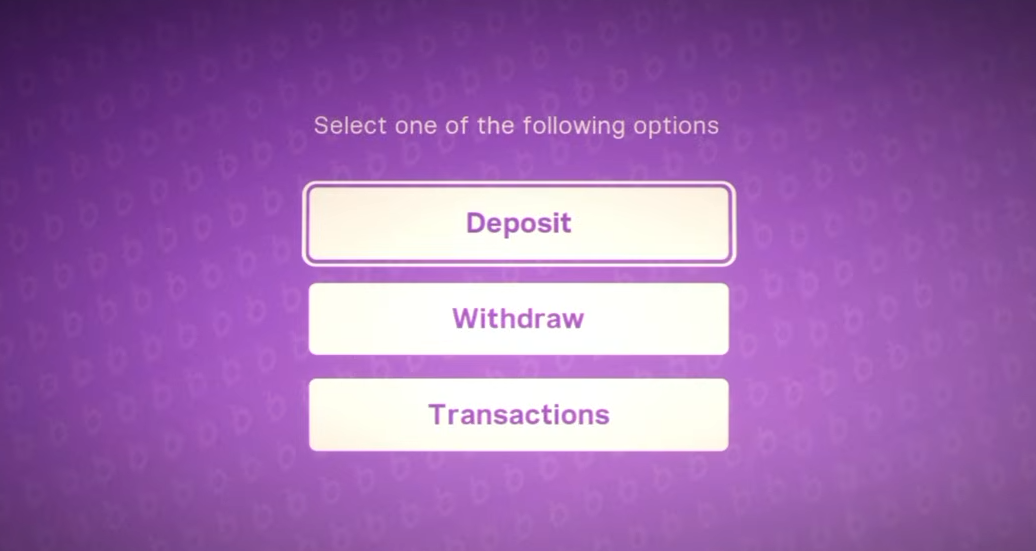
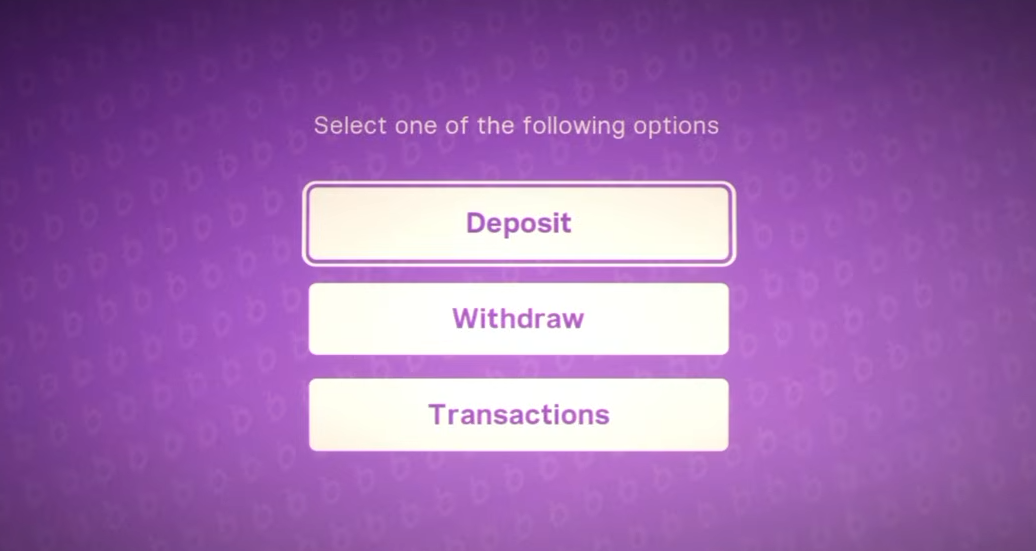
To deposit money in GTA 6, open the BuckMe app on your phone, use ATM Finder to locate a nearby machine, and select Deposit after interacting with the ATM. The money moves from your pocket cash into your BuckMe checking account.
There's an ATM beside Jason's house in Key Lento, making it a convenient place to deposit money during Chapter 1.
Unlike cash carried on your character, your checking balance isn't lost when you're killed or arrested. You can also withdraw money from ATMs when you need physical cash.
How to Put Money in Family Savings in GTA 6
To put money into Family Savings, open BuckMe on your phone, enter your Checking Account, and select Buck Yourself. This transfers money from checking into the shared Family Savings balance.
You cannot transfer pocket cash directly into Family Savings. Deposit it into your checking account at an ATM first, then complete the transfer through BuckMe.
Family Savings is shared between Jason and Lucia. Unlike your regular bank balance, money placed here is permanently committed to savings goals, so don't transfer cash you still need for vehicles, weapons, or upgrades.
How to Unlock BuckMe Banking in GTA 6
BuckMe becomes available during the Chapter 1 mission Buck Me. Lucia contacts Jason about opening a bank account, leading to a visit to Fleeca Bank in Key Lento.
After the bank refuses them a traditional account, Jason and Lucia gain access to BuckMe instead. The account comes with a $100 welcome deposit, which you can transfer to Family Savings as part of the introductory objectives.
The follow-up missions Deposit Cash Into BuckMe and Save for the Future introduce the deposit and savings systems.
If you haven't unlocked the BuckMe app yet, continue the Chapter 1 story until this banking sequence becomes available.
BuckMe Checking Account vs. Family Savings
Both accounts protect money, but only your regular checking balance remains available for everyday spending.
| Feature | Checking | Family Savings |
|---|---|---|
| Protected from death | Yes | Yes |
| Can withdraw money | Yes | No |
| Survives Chapter 1 ending | No | Yes |
| Unlocks savings rewards | No | Yes |
Family Savings also increases your checking account's maximum balance as you reach savings milestones. For example, reaching the $5,000 Buckin' Broke goal raises your checking limit to $15,000, while later milestones allow much larger balances and unlock additional benefits.
For ordinary spending, money held in checking is generally more practical. Shops charge purchases over $999 to BuckMe automatically, while smaller purchases use pocket cash when available.
How to Save Money Before Chapter 2 in GTA 6
There is an important reason to use Family Savings before finishing Chapter 1.
Minor Chapter 1 story spoilers follow.
Starting Tourist Trap begins the final sequence of Chapter 1, after which Jason loses access to his existing pocket cash, checking balance, and bedroom cash stash. Money deposited into Family Savings survives the transition.
Before beginning Tourist Trap, transfer up to $5,000 into Family Savings. This is the Chapter 1 savings limit and allows you to preserve some of your earnings rather than losing everything you've accumulated.
Any remaining money in checking or pocket cash won't carry into Chapter 2, so make any necessary purchases before crossing that point of no return.
For a full explanation of savings milestones, checking limits, and banking rewards, see our GTA 6 BuckMe guide.