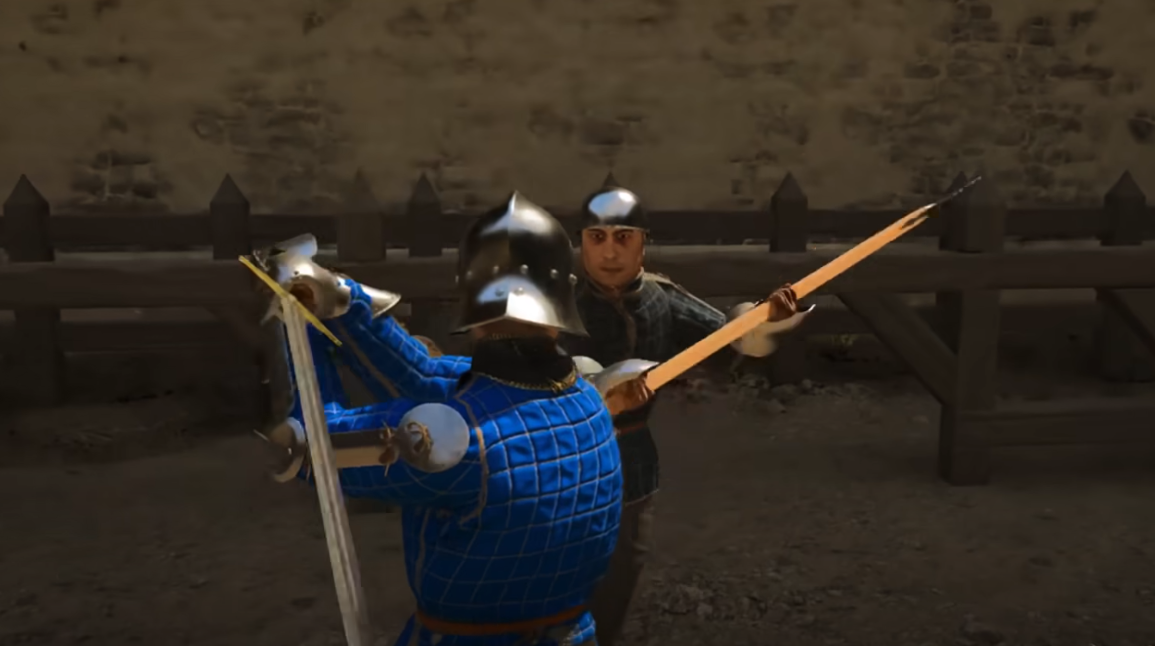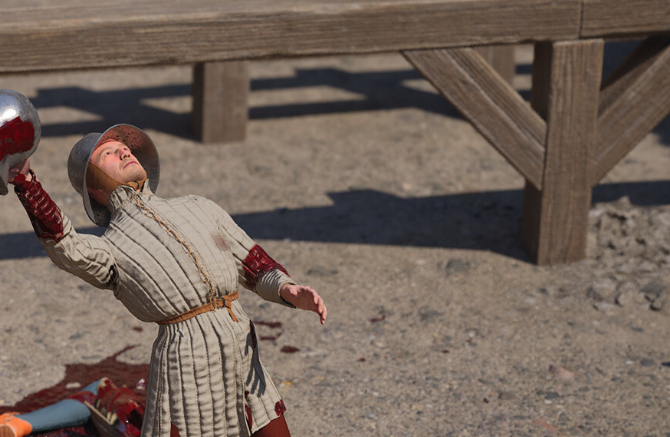
Kicking in Half Sword is done by pressing the Space bar. There is no separate keybind shown in the settings, and kicking is tied directly to this default input.
This guide explains exactly how to kick, why it is not listed as a keybind, and how to use it properly in combat.
How To Kick In Half Sword
To kick, press the Space bar during combat. That is the only input required.
There is no dedicated kick key shown in the controls menu. The action is hard bound and works automatically when Space is pressed.
Why There Is No Kick Keybind
Half Sword does not list kick as a separate bind. The game treats kicking as a contextual movement action rather than a standalone attack.
Because of this, you will not find it in the keybind menu. Space handles kicking by default.
When Kicking Works Best
Kicking is most useful at close range. It can create space or interrupt an enemy long enough to reposition.
Timing matters more than spam. A poorly timed kick can leave you open, which usually ends badly.
Use kicks when enemies are crowding you
Kick to stagger before repositioning
Avoid kicking during enemy wind ups
Common Mistakes With Kicking
Many players assume kicking is missing because they look for a keybind. Others press Space outside of proper range and think it does nothing.
Make sure you are close enough to the enemy. Kicks are short range and will not connect from a distance.
Final Blurb
Kicking in Half Sword is simple but easy to overlook. Press Space bar and kick happens, no menu setup required. Once you know the input, it becomes a useful tool instead of a mystery button.
FAQ
How do you kick in Half Sword
Press the Space bar.
Is there a kick keybind in the settings
No. Kick is not listed as a separate keybind.
Can you rebind the kick button
No. Kick is tied to Space by default.
Why does my kick not work sometimes
You are likely out of range or mistiming the input.
Is kicking useful in combat
Yes. It helps create space and interrupt enemies when used correctly.
Half Sword Guides