

How to Drift in JDM Japanese Drift Master
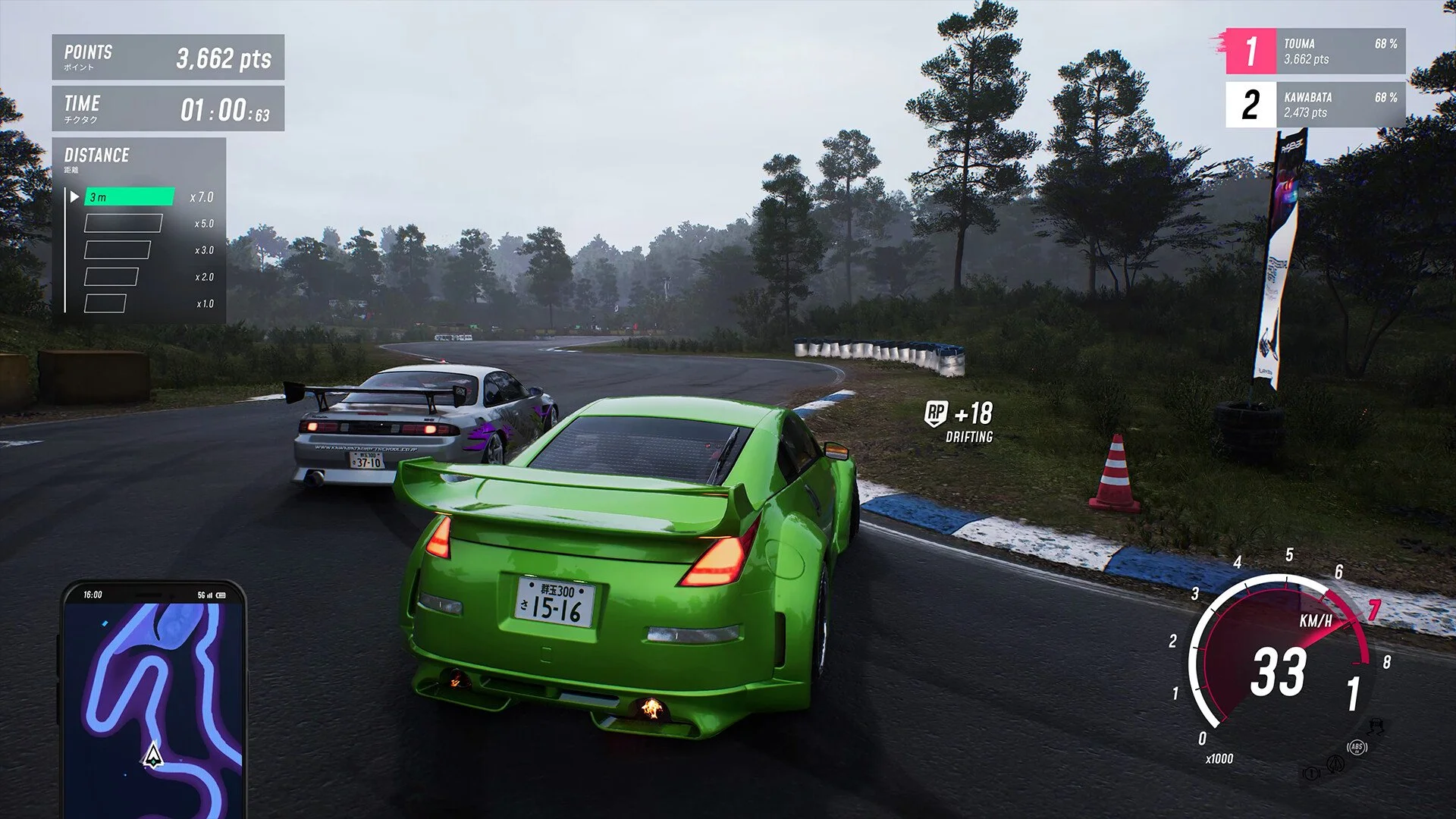
Image Credits: Gaming Factory, JDM Japanese Drift Master
Drifting in JDM: Japanese Drift Master looks simple, but under the hood, it can be pretty difficult. Here's how to actually control those sideways moments, especially if you’re using a steering wheel and not just mashing buttons on a controller.
Use the Right Driving Model
If you want to, go into Settings > Driving & Assists and switch to the Simcade driving model. This mode gives you more realistic behavior without being a full sim.
The arcade mode makes drifting look easy, but it fights your wheel inputs.
If you don’t change this, your wheel will feel like it’s either drunk or asleep. No in-between.
Know Your Gear
If your car spins out instantly in first gear, that’s normal. Most players find second or third gear to be the sweet spot for initiating and holding a drift. First gear tends to be too twitchy unless you're using a low-power car with soft tires.
Start in second gear, then practice breaking traction by flicking the wheel and giving the throttle a quick jab. Once the rear slides, modulate your input to keep it from turning into a full 360.
Master Throttle Control
This game punishes bad throttle work. Go too hard and you’ll spin out like a clown car. Too soft and your car sticks like glue.
The trick is to feather the gas while adjusting your steering angle mid-drift.
Pro tip: Lift off the gas slightly if the rear starts to kick out too hard. It’ll stabilize the car faster than yanking the wheel around.
Tweak Your Car Setup
Your stock setup is decent, but if you're serious, tweak the following:
Increase steering angle so you have more control mid-drift.
Lock the differential to 100% so both rear tires spin together.
Use grippier front tires and slightly looser rears for balance.
Avoid max tire spacers unless you want the rear to feel like it’s stuck to rails.
Go to the garage and experiment. Small changes can make or break your entire flow.
Use the Drift School
Yes, there’s a Drift School. It's on the right side of the map and has small and large practice tracks. This area lets you fail safely without dodging traffic or squeezing through alleys like you're delivering tofu at midnight.
If you can't chain drifts together on this course yet, don’t even try the city. That’s like trying to run before you’ve figured out how to crawl sideways.
Bonus: Play with Manual and Clutch
Using manual with clutch gives better throttle and gear control, especially with low-horsepower cars. You’ll be able to hold higher RPMs through corners and time your drifts better.
If you don’t want to go that deep, just stick with manual for now.
Final Blurb & FAQ
Drifting in this game is rough early on. It’s not as smooth as Assetto Corsa and it’s not as dumb-easy as CarX. You’ve got to put in the reps, especially on a wheel.
Once you dial in the setup and stop flooring it like it’s Need for Speed, you’ll find a rhythm.
Just be patient... and maybe don’t blame the game when you spin out for the eighth time. Probably.
FAQ
Q: Why does my car spin out immediately when I try to drift?
Because you’re either using too much throttle or not enough steering angle. Try initiating drifts in second gear and modulating the gas more gently.
Q: Is the game better with a controller or a steering wheel?
Right now, controller feels more polished. Wheel support exists but still needs improvement, especially for force feedback and countersteer.
Q: Do I need to change tires to drift better?
Yes. Softer rear tires and stock fronts work best. Grippy tires in the back will kill your slide potential.
Q: Can I practice without traffic getting in the way?
Yes, use the Drift School area. It’s on the right side of the map and perfect for low-stress practice.
Q: How do I countersteer properly on a wheel?
Increase your steering angle setting and let the wheel return slightly on its own before catching it. Trying to overcorrect instantly just makes things worse.
Recommended | View all JDM Japanese Drift Master


