How to Place Items in Your Condo – Tower Unite
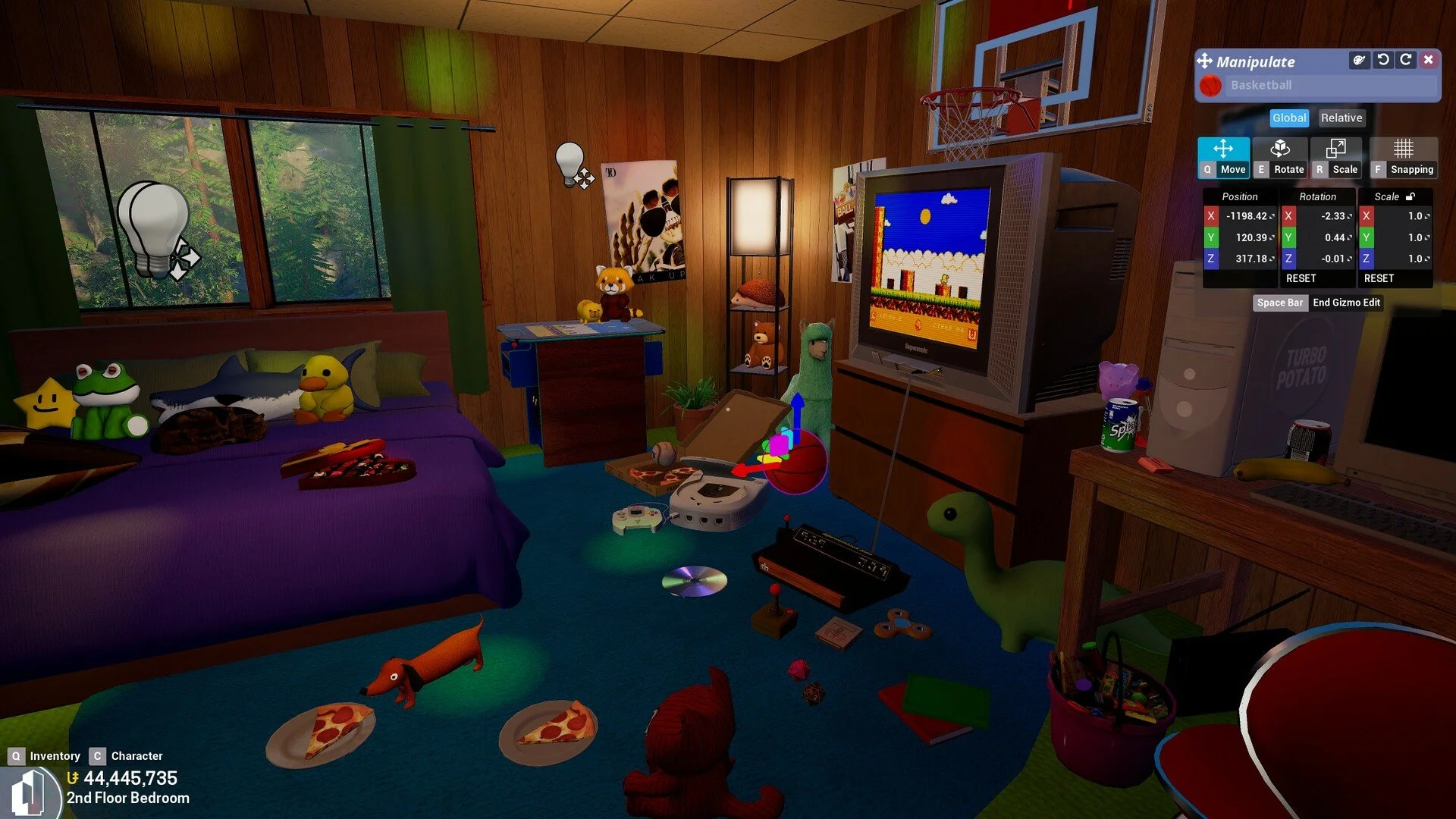
Image Credits: PixelTail Games
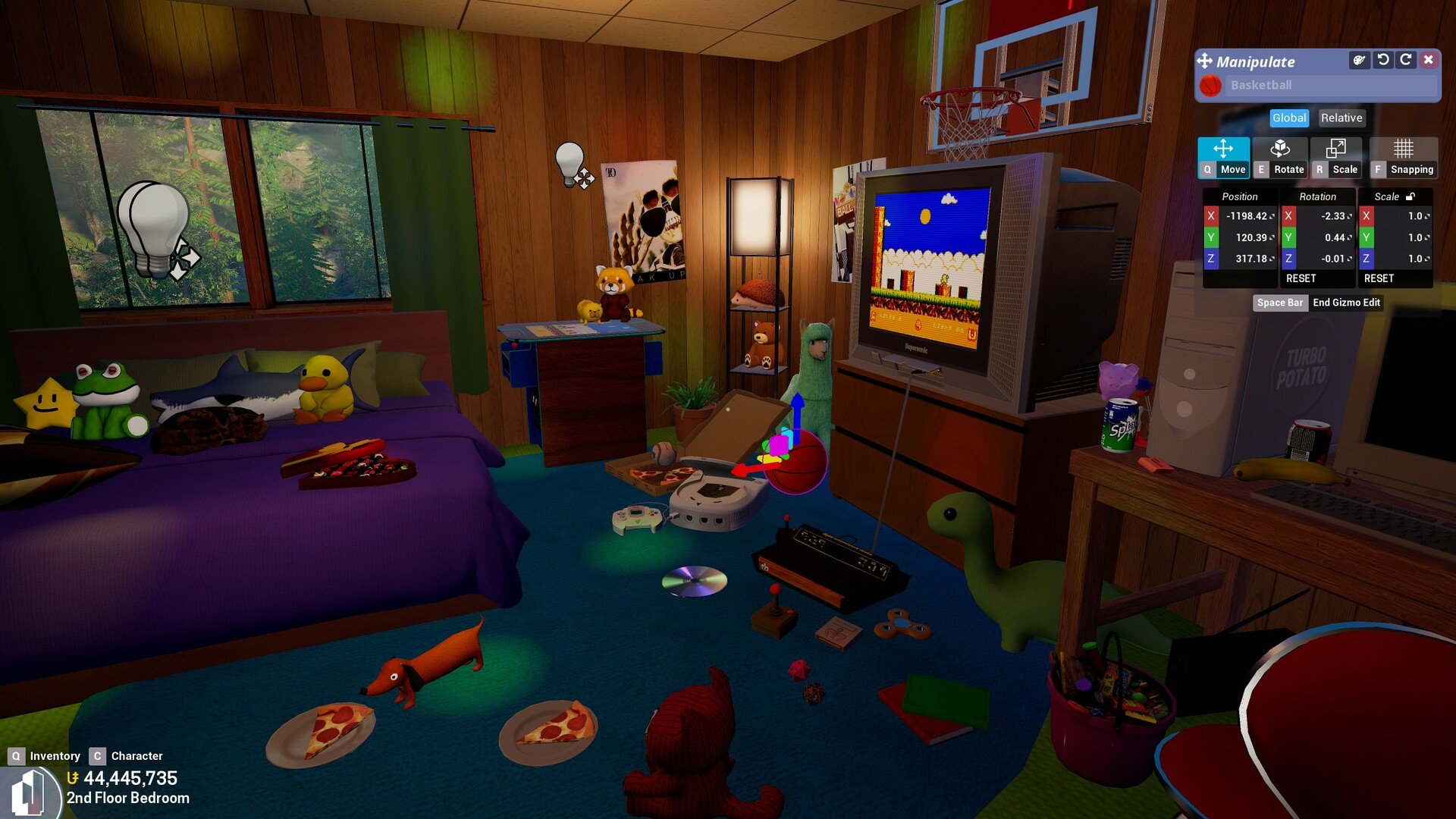
Setting up your condo in Tower Unite is one of the most fun parts of the game, regardless of whether you’re building a cozy apartment or a crazy museum of weird collectibles. Here’s how to place your items n’ stuff.
Read More: How to Make Money in Tower Unite
Step 1: Enter Your Condo
Open the Condo Hub from the main Plaza.
Pick any condo you own and load in.
You’ll need to be inside your condo to place items—this won’t work from the Plaza.
Step 2: Open the Inventory (Q Menu)
Press and hold Q to open the inventory menu.
The bottom half of the screen shows your Condo inventory—this includes all your placeable items like furniture, lights, decorations, etc.
Use the search bar or category tabs to find what you want.
Step 3: Place an Item
Click and drag the item you want to place into the world.
Move it around by pointing at any valid surface.
Left-click to place it.
You can rotate items with the scroll wheel or by using the advanced edit mode, which you can toggle with the button near the top of the inventory window.
Step 4: Adjust Placement
Use Undo/Redo buttons at the top if you make a mistake.
You can also reselect any placed item by clicking on it while holding Q to move or delete it.
Final Blurb
Decorating your condo is super easy—just open your Q menu, drag your stuff into place, and click to drop it. Whether you're building a dream home or just trying to show off your gnome collection, it all starts with knowing where your stuff is and how to use it.
Recommended | View all Tower Unite