

Mage Arena Mic Not Working Fix Guide (Steam Game)
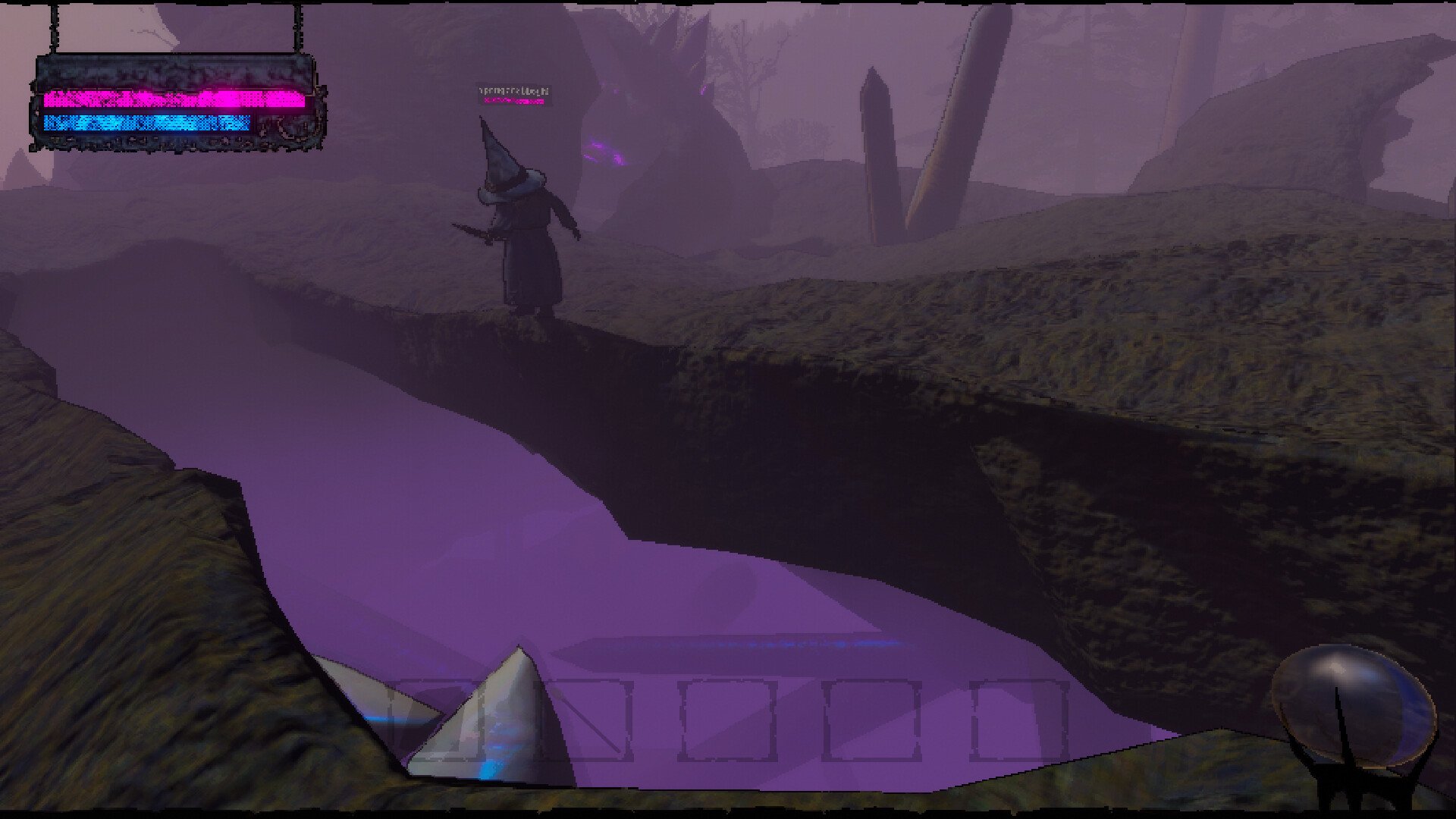
If your mic works for normal voice chat but spells will not cast, the issue is usually settings rather than your pronunciation.
The game uses voice recognition tied to specific in-match settings and system defaults. Fixing these often restores spell casting.
How To Fix Mic Issues (Potential Causes)
Open the in-game menu, go to settings, and click Reset Voice Settings. This clears bugged audio configurations and often resolves casting problems immediately.
Check your mic settings in Windows or your operating system. Set your active microphone as the default device and also as the default communications device. This is required because the game sometimes only listens to the communications input channel.
Open the spellbook to the correct page when casting. Some players attempt to cast without the book open or on the wrong page, which prevents recognition.
If using a non-American accent, speak clearly and avoid altering pronunciation for fun. The voice system is tuned to standard English phonetics and may struggle with strong regional accents.
Worst case scenario, close out the game completely and restart. If that doesn’t work, try a fresh re-install. The game does have some bugs but the devs have been working on it.
General Tips For Spell Voice Casting
Use a quality mic with minimal background noise.
Careful with shouting too loud. Speak at normal volume and speed.
Stay close to your mic and test in-game before a match.
Rebind your push-to-talk key if it conflicts with spell casting.
Update audio drivers and ensure no other apps are blocking the mic input.
Final Blurb
Most mic issues in Mage Arena come down to settings or accent sensitivity. Resetting voice settings, confirming your system mic defaults, and using clear pronunciation typically resolve the problem.
Once fixed, you can cast spells reliably and enjoy the full voice-casting experience.
FAQ
Why does my mic work for chat but not spells?
Spell casting uses a separate recognition system that relies on system default communication settings and active spell pages.
Do I have to keep the book open to cast?
Yes, you must be on the spell page when casting, or it will fail.
Can I use any accent?
The system is tuned for standard English. Heavy accents or unusual pronunciation can cause missed triggers.
What if none of these fixes work?
Report the issue to the developers and include your system audio settings. Some players have reported bugs that only patches resolved.
More Mage Arena


