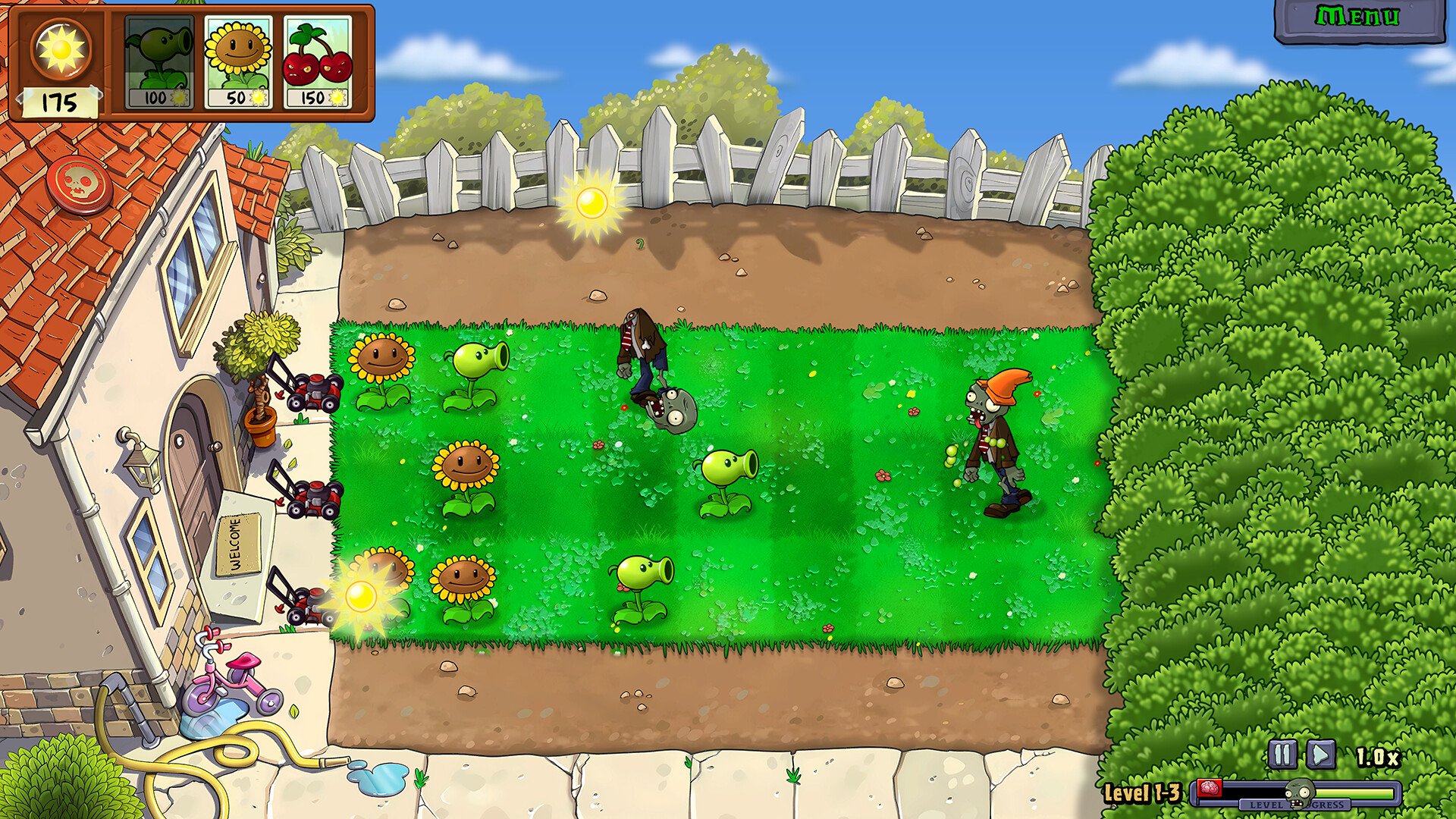
Plants vs Zombies Replanted Not Loading Fix
If Plants vs Zombies Replanted freezes when you try to load, you’re not alone. Some players get stuck after pressing Play or when starting or joining a game. Here’s how to fix it fast so you can actually get back to blasting zombies.
Quick Fix For The Loading Freeze
Most cases are caused by damaged or missing game files. The simplest fix is to verify your game files through Steam.
Open your Steam Library
Right-click Plants vs. Zombies Replanted and select Properties
Choose Installed Files
Click Verify Integrity of Game Files
Steam will scan your install and replace any missing or broken files. Once it finishes, restart Steam and launch the game again.
Other Common Fixes That Work
If verification doesn’t solve it, try these next steps.
Update your GPU drivers through your graphics software or device manager
Disable any third-party overlays like Discord or NVIDIA GeForce Experience
Run the game as Administrator to avoid permission issues
Make sure your antivirus isn’t blocking the Replanted.exe file
Restart your PC to clear out background locks from Steam or the launcher
These small resets often fix stuck loads without reinstalling the entire game.
Full Reinstall Option
If the problem continues, uninstall the game from Steam, restart your computer, then reinstall it fresh. This clears any cached files or partial downloads that can hang the loading screen.
Extra Tip For Co-op Freezes
Some players report freezes when joining a friend’s session. If that’s your issue, have both players restart the game and wait to connect after the host has fully loaded into their world.
Final Blurb
The stuck loading bug usually comes down to bad files or background apps. A quick file check and restart usually fix it in minutes. Once it runs clean, you can jump back in without that endless loading screen staring you down.
FAQ
Why does Plants vs. Zombies Replanted freeze on loading
It’s usually caused by a broken file, outdated driver, or conflicting overlay.
Will verifying files delete my saves
No, Steam only checks and replaces game data, not your progress.
Can antivirus software cause it
Yes, if it blocks Replanted.exe from launching. Add it to your exceptions list.
What if it freezes when joining a friend
Have both players restart the game and reconnect after the host finishes loading.
Should I reinstall the game
Only if verification doesn’t fix it. A clean install clears out lingering data issues.
© 2025 GamerBlurb. Linking is welcome with credit to GamerBlurb.com. Copying or reproduction without permission is prohibited.
More Plants vs Zombies Replanted