Path of Exile 2 Merchant Tab Guide | POE2 Trading and Shop Setup
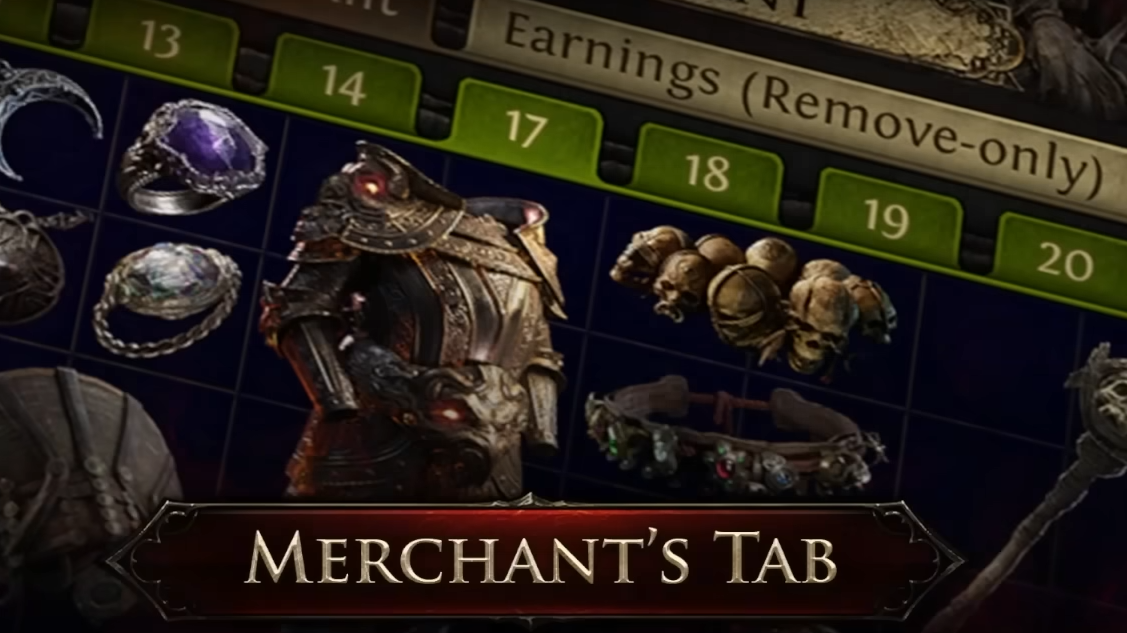
Merchant Tabs in Path of Exile 2 change how selling works, and the setup is not obvious at first. This guide explains how Merchant Tabs work, how to activate your shop, and what to expect once items are listed.
When Merchant Tabs Become Available
Merchant Tabs are available once you can access a hideout.
In Standard, this usually means immediate access if your account has already completed the campaign. In a League, hideouts unlock later, typically around Act 4 after early quests.
Without a hideout, your shop cannot function.
How to Set Up Merchant Tabs
Merchant Tabs are created from Premium Stash Tabs.
You convert them through your account page on the Path of Exile 2 website or by pressing M in game. Once converted, the tab becomes a Merchant Tab and can be used for selling items.
Converted tabs keep existing items. You can remove items freely, but you cannot add new items unless the tab supports it.
Where Your Shop Actually Lives
Your shop exists inside your hideout.
Once inside, you interact with Ange. Ange is the NPC that manages your merchant listings and sales history.
If Ange is missing, it usually means the hideout is not unlocked yet.
How Selling Items Works
Items listed in Merchant Tabs are sold asynchronously.
Buyers find your items through the trade website using Instant Buyout. When they purchase, the item is taken directly from your Merchant Tab.
You do not need to be online.
Listing items costs no gold. The buyer pays gold when purchasing.
Pricing Rules and Limitations
Each item must be priced individually.
There is no tab wide pricing and no dump tab support yet. Lowering prices later requires manual updates per item.
This is intentional and part of the new system.
How Buying Items Works
To buy items, players use the Path of Exile 2 trade website.
They filter for Instant Buyout listings and use Visit Hideout to access the seller’s shop. Purchases happen without player interaction.
The system favors convenience over negotiation.
Common Merchant Tab Mistakes
Trying to sell without a hideout
Forgetting to convert a Premium Tab
Expecting tab wide pricing
Assuming listing costs gold
Looking for Ange before unlocking the hideout
Once these are understood, the system is simple.
What the Merchant Tab Does Well
Merchant Tabs excel at passive selling.
They allow you to list items and keep playing without trade interruptions. Sales history is tracked automatically, making it easy to review past trades.
It feels slower than POE1 dump tabs, but far cleaner.
Final Blurb
Merchant Tabs in Path of Exile 2 are built for convenience, not speed flipping. Once your hideout is unlocked and tabs are converted, selling becomes hands off and reliable. Pricing takes more effort, but the payoff is trading without whispers, invites, or downtime.
FAQ
Do Merchant Tabs cost gold to list items
No. Only the buyer pays gold.
Can I price an entire tab at once
No. Each item must be priced individually.
Do I need to be online to sell items
No. Sales happen asynchronously.
What happens to items when converting tabs
Items stay in the tab and can be removed safely.
Is this system available in League and Standard
Yes, but hideout access timing differs.