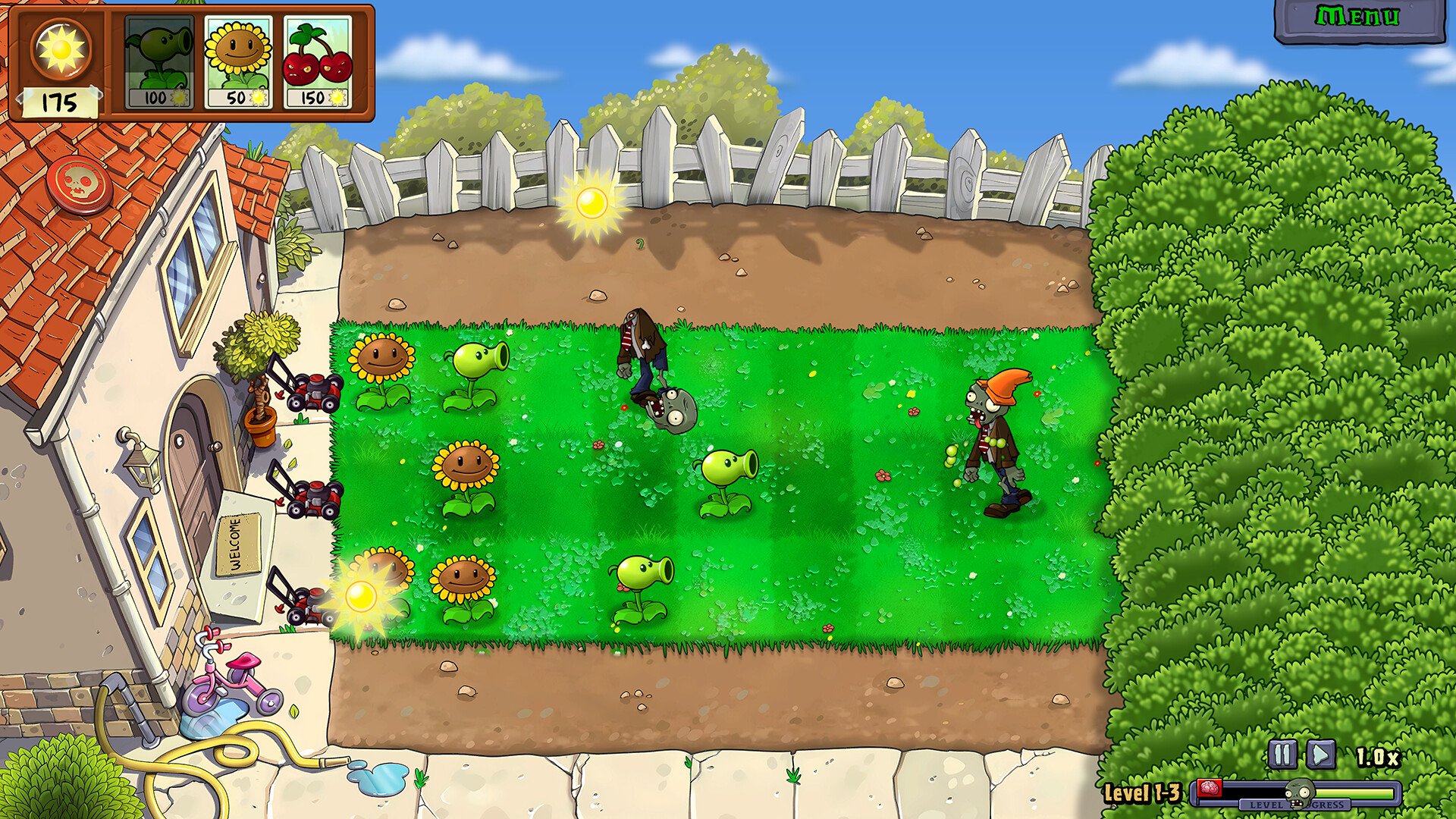
Plants vs Zombies Replanted Black Screen Fix Guide
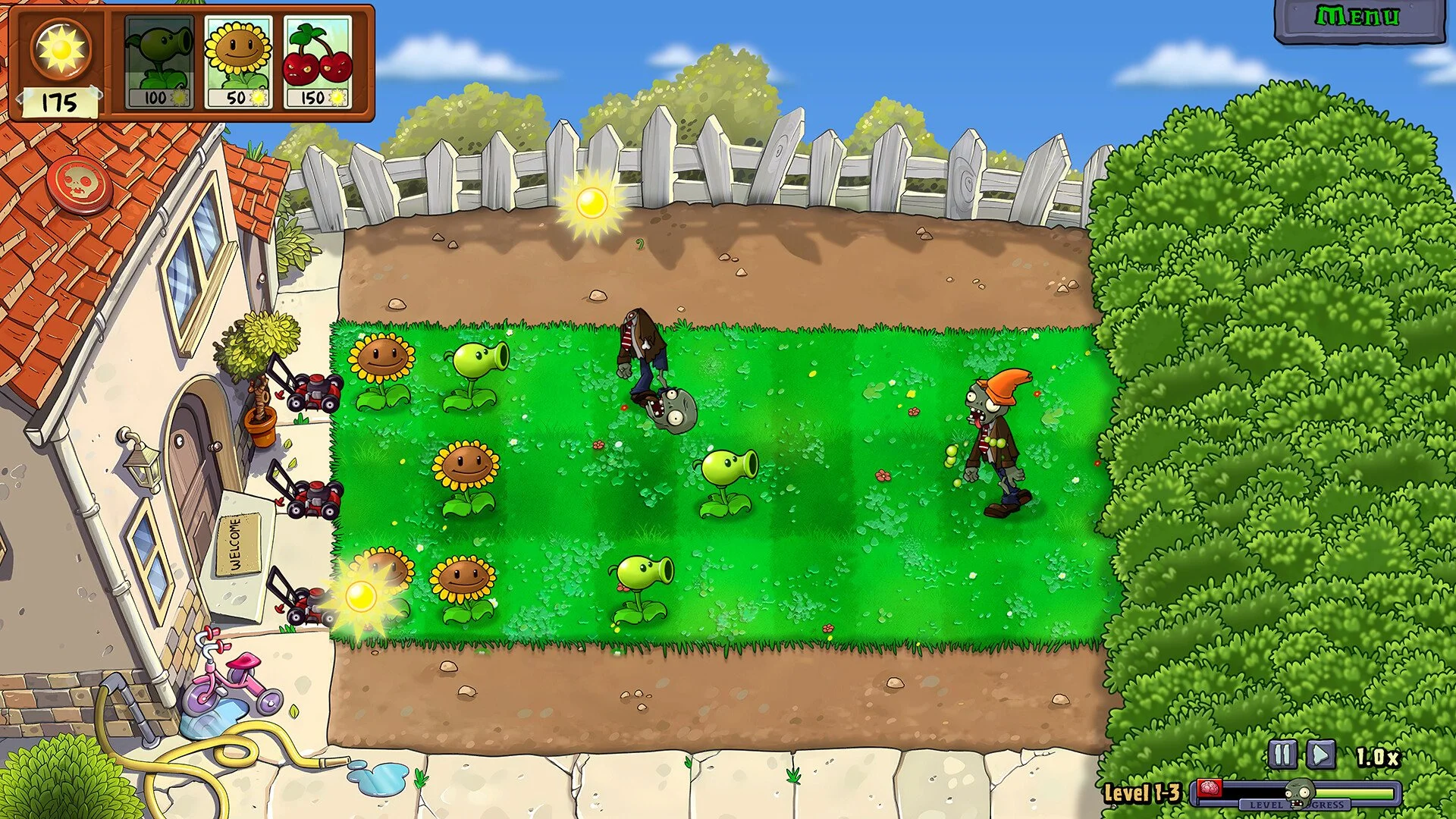
Some players get stuck after the EA logo, leaving nothing but a black screen and looping music. It’s a frustrating soft lock that can happen on both PC and console. Luckily, a few workarounds have already proven to fix it.
How to Fix the Black Screen After EA Logo
The most common solution is to disable the Steam Overlay. Open your Steam Library, right-click Plants vs Zombies Replanted, go to Properties, and uncheck “Enable the Steam Overlay while in-game.” Then restart the game and see if it loads properly. Several players report this instantly removes the long black screen.
Other Fixes That Work
If turning off the overlay doesn’t fix it, there are a few more steps that have helped others get past the freeze.
Wait a few minutes on the black screen. Some users eventually loaded into the main menu after 2 or 3 minutes.
Try Alt+Tabbing out and back into the window once the black screen appears. It can trigger the next scene to load.
Disable any third-party overlays like Discord, Nvidia, or Xbox Game Bar before launching.
Verify the integrity of game files through Steam.
Update your GPU drivers and make sure Windows is fully patched.
Launch the game in windowed mode if it’s stuck fullscreen.
Platform Notes
On PC, overlays and driver conflicts are the most common reason for black screens. On consoles, restarting the system or reinstalling the game has worked for some users. EA’s first-day patches have also been rolling out gradually, so future updates may resolve this issue completely.
Final Blurb
The black screen in Plants vs Zombies Replanted isn’t permanent, just stubborn. Disabling overlays or waiting out the freeze usually does the trick. If nothing helps, verifying files or switching to windowed mode almost always forces the game to load. Hopefully EA patches this before more players start memorizing the black void.
FAQ
Why does Plants vs Zombies Replanted get stuck after the EA logo
It’s usually caused by overlay conflicts or delayed loading on startup.
Does waiting fix the black screen
Yes, sometimes it loads after a few minutes if you leave it running.
What helps the most for PC players
Turning off the Steam Overlay has fixed it for most users.
Should I reinstall the game
Only if verifying files and disabling overlays doesn’t work.
Is this issue being patched
EA is aware of launch-day bugs, so future updates are expected to fix it.
© 2025 GamerBlurb. Linking is welcome with credit to GamerBlurb.com. Copying or reproduction without permission is prohibited.
More Plants vs Zombies Replanted