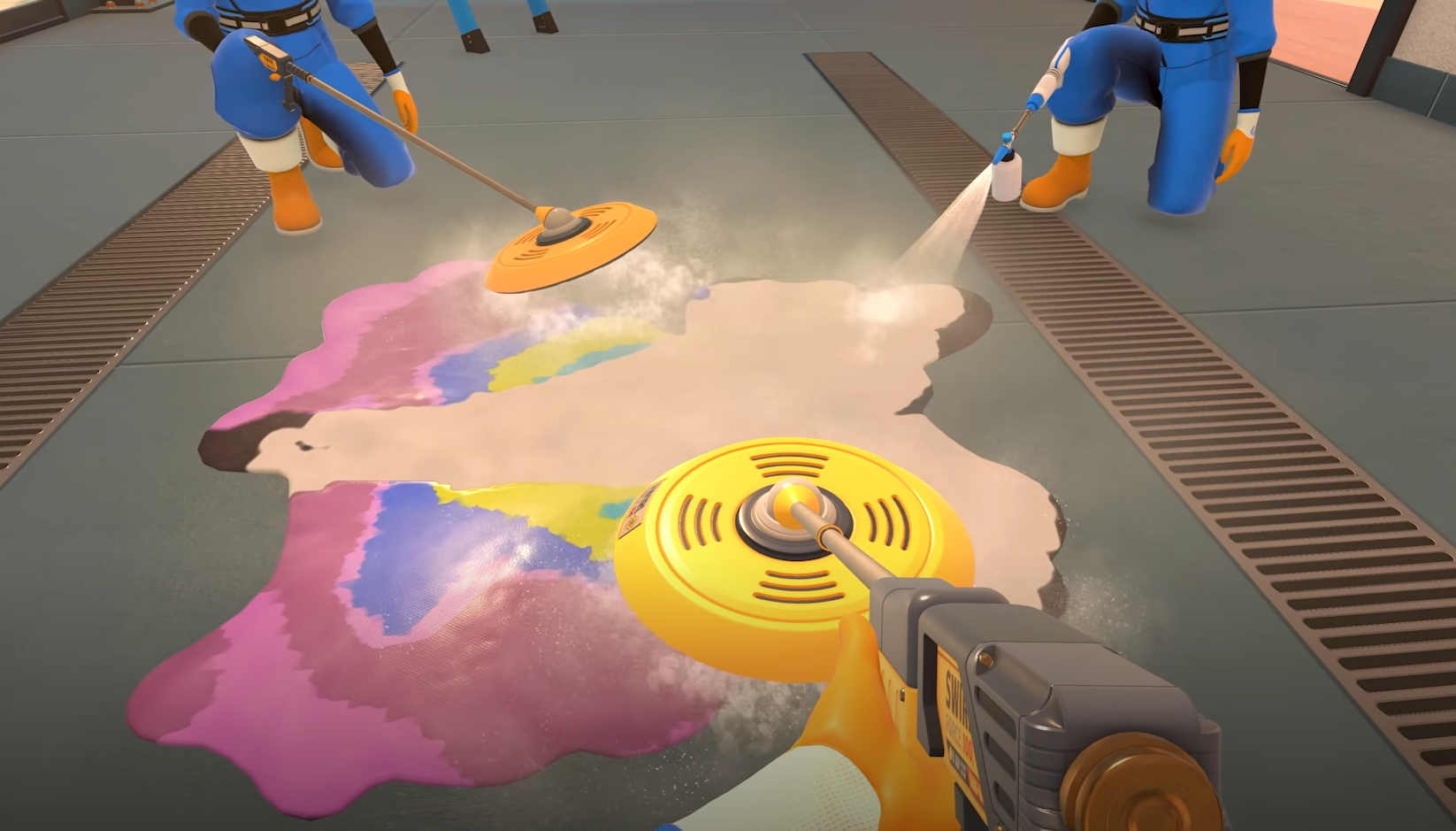
PowerWash Simulator 2 Co Op Not Working & Can’t Join Friends Fix Guide
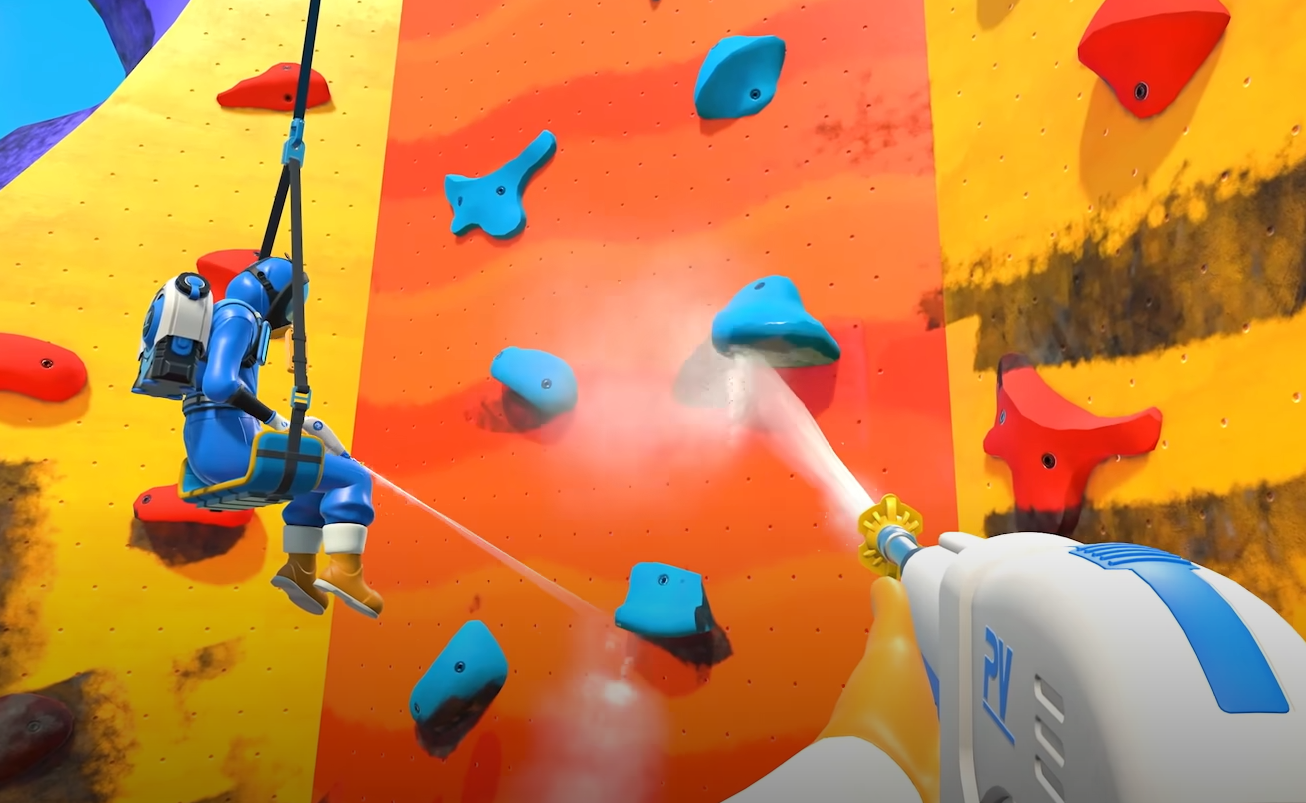
Trying to clean with friends but getting kicked mid spray is the worst kind of dirt. PowerWash Simulator 2’s Co Op mode is acting up again, and here’s what you can do to get it running.
Why Co Op Keeps Disconnecting
Most of the current connection errors come from FuturLab’s servers, not your setup. Players report random timeouts, “session doesn’t exist” messages, and full drops after an hour of play. It happens on Steam and crossplay both, usually after a few successful jobs. Local network setups are also affected, so it’s not peer to peer like some expected.
How To Try Fixing Co Op
Turn crossplay off, then back on again in the settings
Restart PowerWash Simulator 2, Steam, or your console
Use direct invites instead of room codes when reconnecting
If you already have a room code, close your current session before reentering it
Go into settings and clear FuturLab’s server cache, then relaunch
If all fails, wait it out, since the issue often clears once servers stabilize
The problem started appearing most around the Tea of Serenity job, but it can happen on any map. It’s a temporary server issue, not a permanent bug.
When Co Op Might Be Fixed
Server downtime and overloads usually last a few hours. FuturLab hasn’t posted an official maintenance window, but it’s clear they’re patching the backend. Once it reconnects normally, sessions and invites should start working again without needing any extra steps.
Final Blurb
Co Op’s still rough around the edges, but it’ll stabilize once the servers stop flooding. For now, maybe enjoy a solo wash session and pretend your friends are “helping” from afar. Once the reconnects start holding, you’ll be back scrubbing rooftops together in no time.
FAQ
Why does Co Op stop working after a few minutes
The game’s servers sometimes drop active sessions when overloaded.
How do you use a room code
You have to close your current online session first, then enter the code to join.
Does crossplay cause more issues
Sometimes, yes. Turning it off and on again refreshes your connection to servers.
Is the issue happening on all platforms
Yes, PC and console players both report identical errors.
Can you still play offline
Yes, single player still works fine while servers are unstable.
© 2025 GamerBlurb. Linking is welcome with credit to GamerBlurb.com. Copying or reproduction without permission is prohibited.
More PowerWash Simulator 2