Resident Evil Requiem FPS Drops Fix: How To Stop Frame Rate Stutter
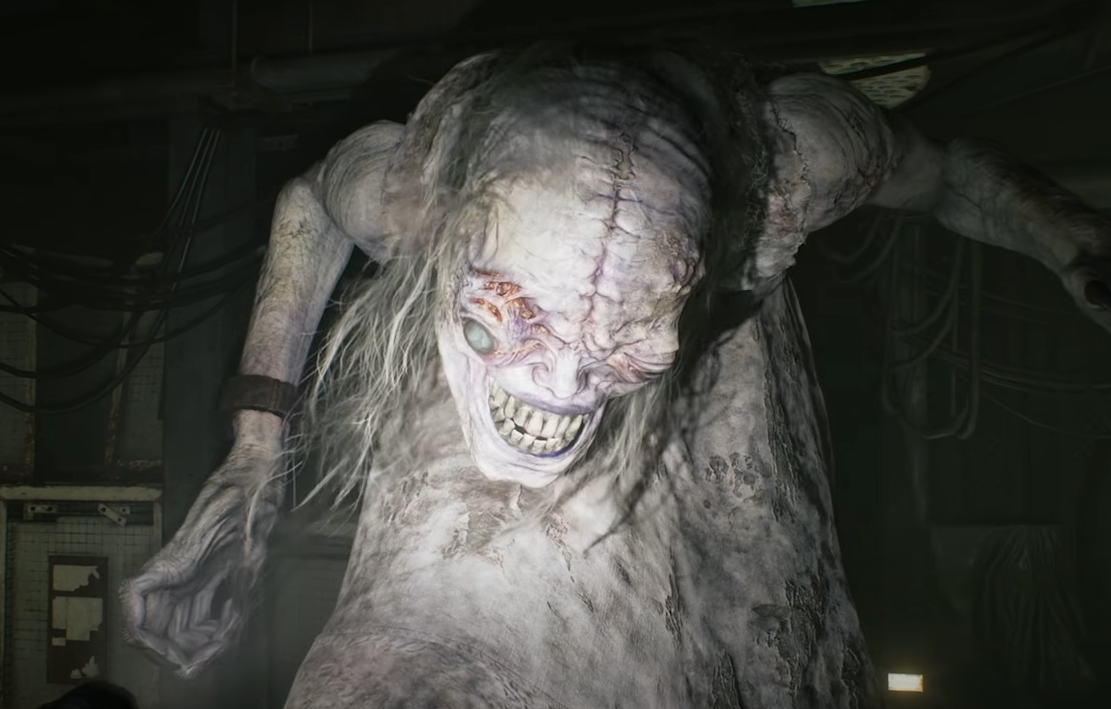
Resident Evil Requiem FPS drops on PC are usually caused by specific graphics settings, Resizable BAR conflicts, or Frame Generation issues. The most consistent fixes right now are lowering Mesh Quality on AMD cards, disabling Resizable BAR in BIOS, and turning off Frame Generation.
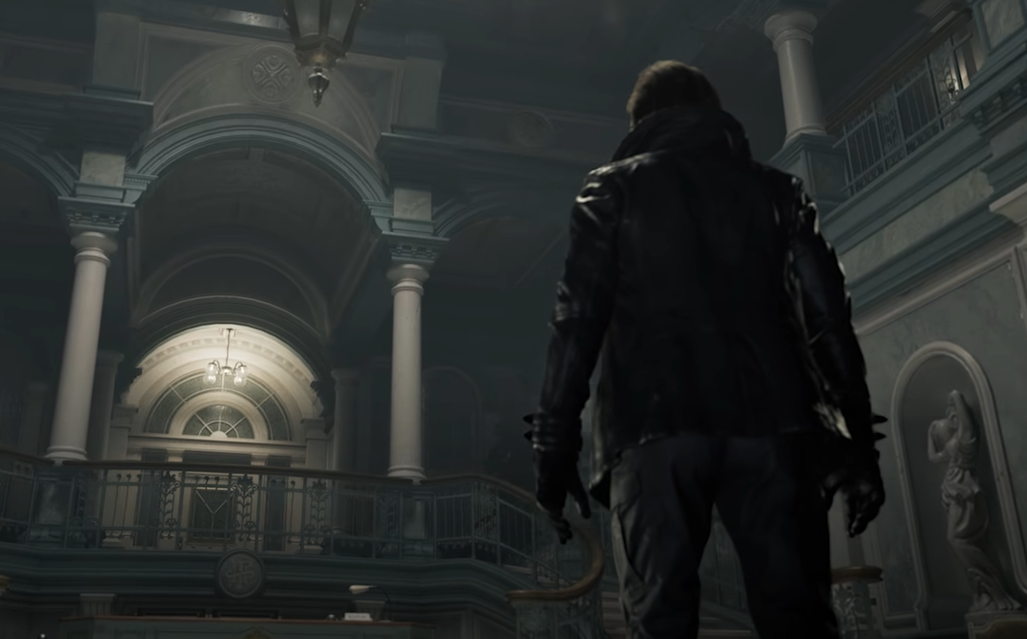
If your game runs at high FPS but suddenly drops to 20 to 40 during gameplay, especially in Leon’s city sections, this guide will walk you through the real fixes that players are confirming work.
What Is Causing FPS Drops In Resident Evil Requiem
FPS drops in Resident Evil Requiem are not always tied to weak hardware. Even high end systems like 4090, 5080, and 5090 setups are reporting severe dips.
The most common causes right now are:
Mesh Quality setting on AMD GPUs
Resizable BAR enabled on RDNA4 cards
Frame Generation causing periodic hitching
Certain Nvidia driver versions
Path Tracing with unstable drivers
Unlimited FPS cap
The good news is that most of these are fixable.
Fix 1: Lower Mesh Quality On AMD GPUs
If you are using an AMD card, especially 9070 XT or other RDNA4 GPUs, this is the first setting to change.
Go to Graphics Settings and set Mesh Quality to Low.
Multiple players confirmed this instantly removed heavy FPS drops in Leon’s city sections. Other settings can stay high. This specific option appears to be triggering engine side streaming issues.
Try this before touching your BIOS.
Fix 2: Disable Resizable BAR In BIOS
If you are on AMD RDNA4 hardware and still getting FPS drops, disabling Resizable BAR has fixed it for many players.
Steps:
Enter your motherboard BIOS
Locate Resizable BAR
Disable it
Save and reboot
Several 7800X3D and 9070 XT users reported stable FPS after doing this.
Resizable BAR usually improves performance in most games, but RE Engine titles currently appear unstable with it enabled on certain GPUs.
Fix 3: Turn Off Frame Generation
If your FPS drops happen every 20 to 30 seconds like clockwork, Frame Generation is likely the cause.
Turn Frame Generation off completely and test again.
Many users with 5080 and 5090 cards reported consistent interval stutters that disappeared once Frame Generation was disabled.
You can still use DLSS without Frame Generation if needed.
Fix 4: Avoid Unlimited FPS Cap
Running the game on Unlimited frame rate has caused instability for some players.
Instead:
Set FPS cap to 60, 90, or 120 depending on your monitor
Avoid Unlimited
This reduces engine spikes and can stabilize frame pacing.
Fix 5: Nvidia Driver Rollback For 4090 Issues
Some RTX 4090 users reported low GPU power draw and major FPS drops with newer drivers.
Rolling back to driver 576.88 significantly improved performance for several players. In some cases FPS increased from 70 to over 110 with the same settings.
If you are on a 4090 and performance feels abnormally low, try a clean driver install with DDU and test an earlier stable driver.
Fix 6: Reduce Path Tracing Load
If you are using Path Tracing at 4K with DLSS Performance and Frame Generation, you are heavily stressing the engine.
Try:
Turning off Path Tracing
Dropping to normal Ray Tracing
Lowering internal resolution
Path Tracing magnifies driver level instability.
Fix 7: Update DirectStorage
Some players reported smoother performance after updating DirectStorage to version 1.3.
This helps texture streaming and can reduce sudden drops when moving between areas.
Why FPS Drops Are Worse In Leon Sections
Leon’s city sections appear to stream more geometry and environmental assets. That is why Mesh Quality is directly impacting performance there.
Grace sections are often more contained environments, which explains why many players report smoother performance during her segments.
Final Blurb
Resident Evil Requiem FPS drops are currently tied more to specific settings and driver behavior than raw hardware power.
Start with Mesh Quality on Low if you use AMD. Disable Resizable BAR if that does not work. Turn off Frame Generation if your drops happen in regular intervals. Avoid Unlimited FPS cap. Roll back Nvidia drivers if you are on a 4090.
These fixes have restored stable performance for many players across high end systems. Until further patches arrive, these are the most reliable solutions.
FAQ
Why does Resident Evil Requiem FPS drop in Leon’s city area
Leon’s sections stream more geometry and environmental detail. Mesh Quality on AMD GPUs appears to trigger heavy stutter in those areas.
Does disabling Resizable BAR hurt performance in other games
It can reduce performance in some titles, but in Resident Evil Requiem it has fixed severe FPS drops for many RDNA4 users.
Why does my FPS drop every 30 seconds
That pattern is strongly linked to Frame Generation. Turning it off has fixed the interval stutter for many players.
Is this a hardware issue
Not usually. High end GPUs like 4090, 5080, and 5090 are also reporting FPS drops, suggesting driver or engine level conflicts rather than weak hardware.