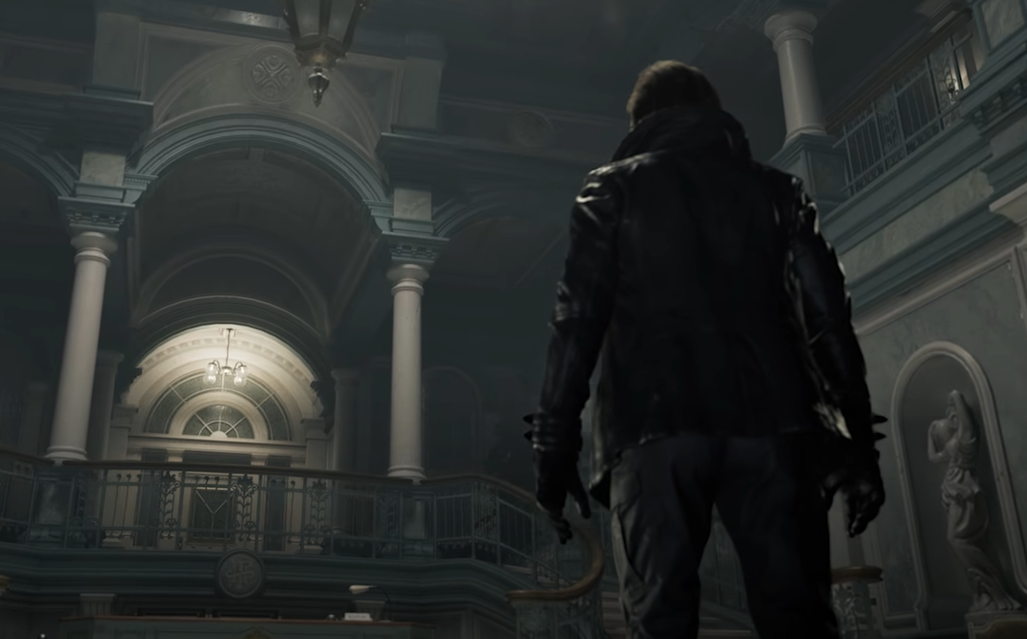
Resident Evil Requiem RTX 3070 Performance Guide
The RTX 3070 runs Resident Evil Requiem very well at 1440p, as long as you do not max out textures or enable path tracing. This card has strong raw performance, but its 8 GB of VRAM is the limiting factor. With High textures, Normal ray tracing, and DLSS Quality, the experience is smooth and stable in most areas of the game.
If you try to force Ultra textures or heavy ray tracing at high resolution, stutter becomes the problem, not frame rate.
Where RTX 3070 Performs Best
The RTX 3070 is built for 1440p raster gaming. Resident Evil Requiem fits that use case perfectly.
At 1440p:
High preset runs well
DLSS Quality improves stability
Normal ray tracing is usable
Frame pacing stays consistent if VRAM stays under limit
This resolution gives you the best balance between clarity and performance.
1080p works easily, but the 3070 has enough power that 1440p is the better target.
The Real Limitation: 8 GB VRAM
Resident Evil Requiem can allocate more than 8 GB of VRAM when textures are set to Max, even at 1080p. That does not mean you need more than 8 GB to run the game. It means the engine will use extra memory if it is available.
On the RTX 3070, exceeding VRAM causes:
Hitching during movement
Stutter when new areas load
Frame time spikes during heavy lighting scenes
The fix is simple. Use High textures instead of Max.
High textures still look excellent and avoid memory overflow.
Best RTX 3070 Settings For 1440p
Use these settings as a stable baseline:
Texture Quality High
Shadow Quality High
Lighting Quality High
Ray Tracing Normal
Path Tracing Off
DLSS Quality
Volumetrics Medium
Motion Blur Off
Chromatic Aberration Off
This keeps VRAM under control and maintains strong visuals.
If you want more performance, reduce shadows before touching textures.
Ray Tracing On RTX 3070
The RTX 3070 supports ray tracing, but it is not a path tracing card.
Normal ray tracing provides improved reflections and better shadow accuracy without major performance loss.
High ray tracing reduces performance noticeably and is not recommended at 1440p unless you lower other settings.
Path tracing should remain disabled. It heavily impacts performance and is designed for top tier GPUs.
1080p On RTX 3070
At 1080p, the card has more headroom.
You can use:
Texture Quality High
Ray Tracing Normal or High
DLSS Off or Quality
Even here, Max textures may approach the VRAM limit in busy scenes. Monitor memory usage and adjust if needed.
4K Expectations
4K is possible but requires compromises.
You will need:
DLSS Performance
Ray Tracing Off
Reduced volumetrics
High textures only
Even then, performance will not match 1440p smoothness.
The RTX 3070 is far better suited for 1440p in this game.
DLSS And Upscaling
DLSS Quality is strongly recommended at 1440p. The image remains sharp and performance improves significantly.
DLSS Balanced can be used in heavy scenes if you prefer higher frame rates.
The 3070 does not support DLSS Frame Generation, so do not expect frame interpolation options.
What Causes Stutter On RTX 3070
Most stutter reports come from:
Max texture settings
Entering new areas for the first time
Heavy lighting transitions
VRAM exceeding 8 GB
Lowering texture quality solves most of these problems immediately.
If stutter continues, reduce volumetrics before adjusting core lighting settings.
Should You Upgrade From RTX 3070
For 1440p gaming without path tracing, the RTX 3070 remains fully capable.
Upgrade only if you want:
4K high refresh gameplay
Path tracing
Ultra textures with full VRAM headroom
Otherwise, this card still delivers strong results in Resident Evil Requiem.
Final Blurb
The RTX 3070 handles Resident Evil Requiem extremely well when configured properly. High textures, Normal ray tracing, and DLSS Quality at 1440p create a smooth and visually impressive experience. The GPU has the power, but its 8 GB VRAM requires smart settings. Avoid Max textures and path tracing, and the game runs exactly as it should.
FAQ
Can RTX 3070 run Resident Evil Requiem at 1440p
Yes. 1440p with DLSS Quality and High textures runs smoothly.
Is 8 GB VRAM enough for this game
Yes for High textures. Max textures can exceed VRAM and cause stutter.
Should I enable ray tracing on RTX 3070
Normal ray tracing is recommended. High RT reduces performance noticeably. Path tracing should be disabled.
Is DLSS required for RTX 3070
At 1440p it is strongly recommended for better stability and smoother frame pacing.