Resident Evil Requiem Not Launching On Steam: Full Fix Guide
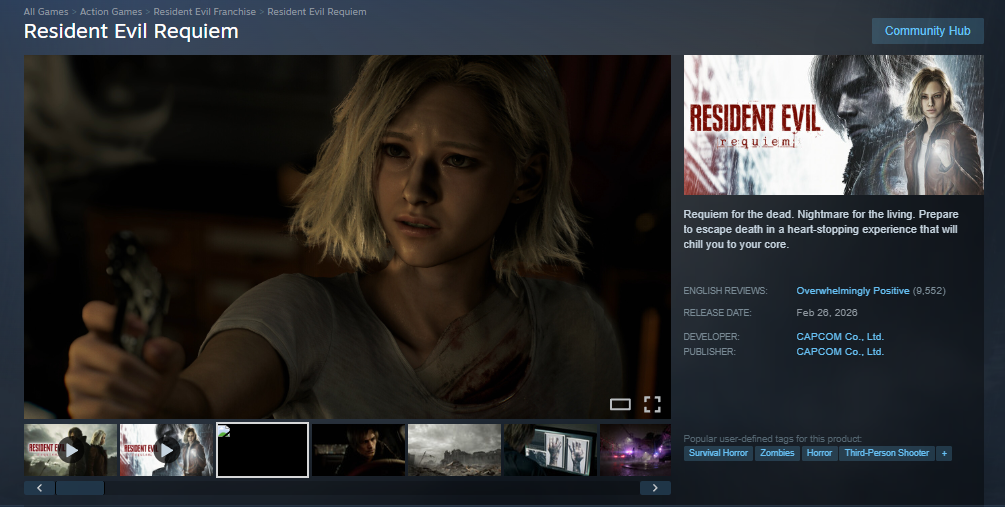
If Resident Evil Requiem is not launching on Steam, not downloading properly, or simply not working after you press Play, the issue is usually tied to corrupted files, driver conflicts, antivirus interference, or system configuration. In most cases, the game either does nothing when launched, crashes instantly, or fails before the Capcom logo.
The good news is that most Resident Evil Requiem Steam launch issues are fixable. You just need to work through the right steps in order.
Resident Evil Requiem Not Downloading On Steam
If Resident Evil Requiem is not downloading, stuck at 0 percent, or keeps pausing, try these fixes first:
Restart Steam completely
Restart your PC
Clear Steam download cache
Change Steam download region
Check available storage space
To clear download cache, open Steam, go to Settings, Downloads, then click Clear Download Cache. Steam will restart automatically.
If the download still fails, make sure your drive has enough free space. Steam may fail silently if space is too low.
Resident Evil Requiem Not Launching On Steam
If you click Play and nothing happens, or the game closes instantly, follow these steps.
Verify Game Files
Right click Resident Evil Requiem in your Steam Library. Select Properties, Installed Files, then click Verify integrity of game files.
Steam will scan for missing or corrupted files and redownload anything broken.
Run Steam As Administrator
Close Steam fully. Right click Steam.exe and choose Run as administrator. Then launch the game again.
If needed, go into the installation folder and try running re9.exe as administrator as well.
Disable Compatibility Mode
Right click re9.exe, select Properties, open the Compatibility tab, and make sure compatibility mode is not enabled.
Do the same for Steam.exe. Compatibility mode can prevent proper launch.
Resident Evil Requiem Not Working On Steam After Update
If the game stopped working after a patch or GPU update, the issue is often driver related.
Try this:
Update your GPU drivers
Perform a clean driver install using DDU
Reboot after installation
Update Windows fully
Outdated or corrupted drivers are a very common reason for launch crashes.
Add Resident Evil Requiem To Antivirus Exceptions
Some antivirus or firewall software blocks the game executable.
Add these to your exception list:
Steam installation folder
Resident Evil Requiem installation folder
re9.exe
If the game launches after disabling antivirus temporarily, you found the problem.
Delete Shader Cache Files
If Resident Evil Requiem crashes immediately on startup, damaged shader cache files may be the cause.
Go to the game installation folder and delete:
shader.cache
shader.cache2
pipelinelist.bin
If they are not there, skip this step. The game will regenerate them automatically.
Set High Performance Graphics Mode
Open Windows Settings, go to System, then Display, then Graphics settings.
Add Resident Evil Requiem manually if needed. Select Options and choose High performance.
Also open Control Panel, Power Options, and select High performance.
This prevents integrated graphics from overriding your main GPU.
Close Background Applications
If Resident Evil Requiem is not working on Steam or crashes at launch, close:
Recording software
GPU overlays
Monitoring tools
RGB software
Browser tabs
Overlays and background tools are frequent causes of startup crashes.
Check Minimum System Requirements
If your PC does not meet the minimum system requirements, the game may not launch at all.
Mobile GPUs, external GPUs, and Windows Insider builds are not officially supported and may cause startup issues.
When To Contact Support
If Resident Evil Requiem still is not launching on Steam:
Check for a CrashReport folder in the installation directory
Generate a DxDiag report
Save your config.ini file
Contact Capcom support with detailed specs
Providing system details speeds up troubleshooting.
Final Blurb
If Resident Evil Requiem is not downloading, not launching on Steam, or not working after installation, the problem is usually file corruption, driver issues, antivirus conflicts, or system configuration.
Work through each fix step by step. Do not change everything at once. Most Steam launch problems are simple once you isolate the cause.
Press Play. Let it actually play.
FAQ
Why is Resident Evil Requiem not launching on Steam
The most common causes are corrupted files, outdated drivers, antivirus blocking the game, or compatibility mode enabled.
Why is Resident Evil Requiem not downloading on Steam
Steam download cache issues, low storage space, or region server problems can prevent downloads from completing.
Why does Resident Evil Requiem crash immediately on startup
Damaged shader cache files, driver conflicts, or overlay software are common causes.
Where is the CrashReport folder located
It is inside the Resident Evil Requiem installation folder within SteamApps common.