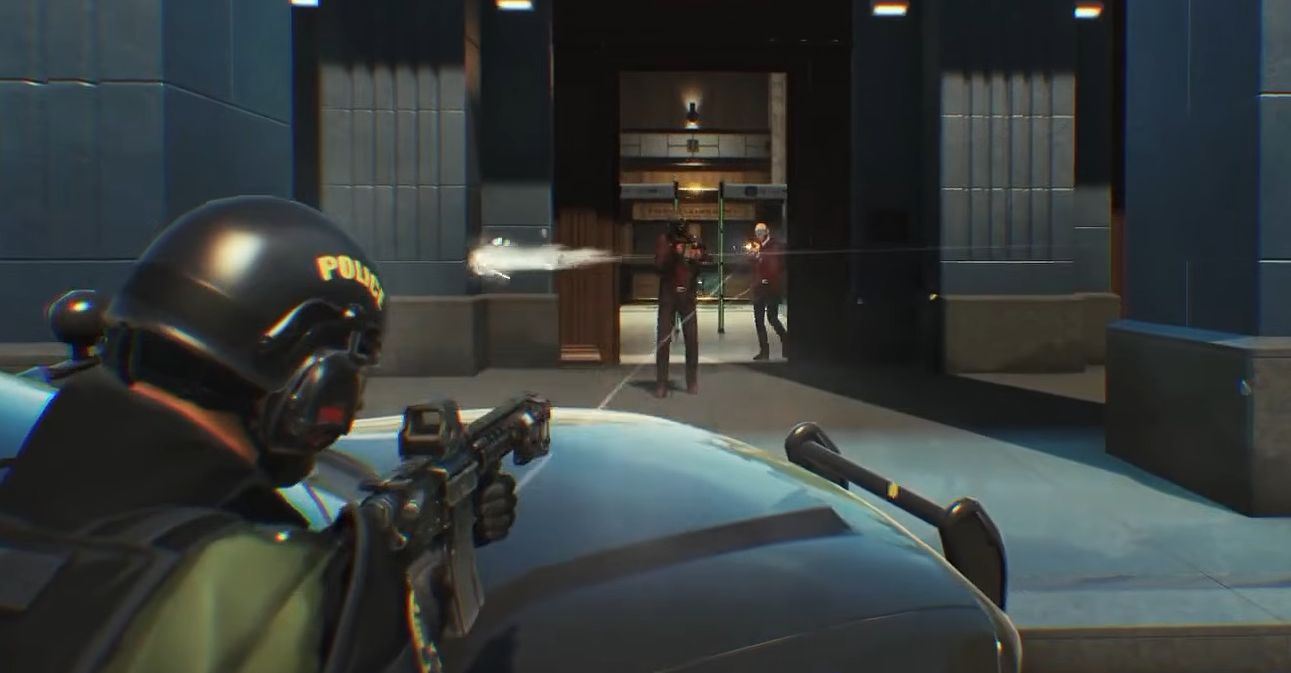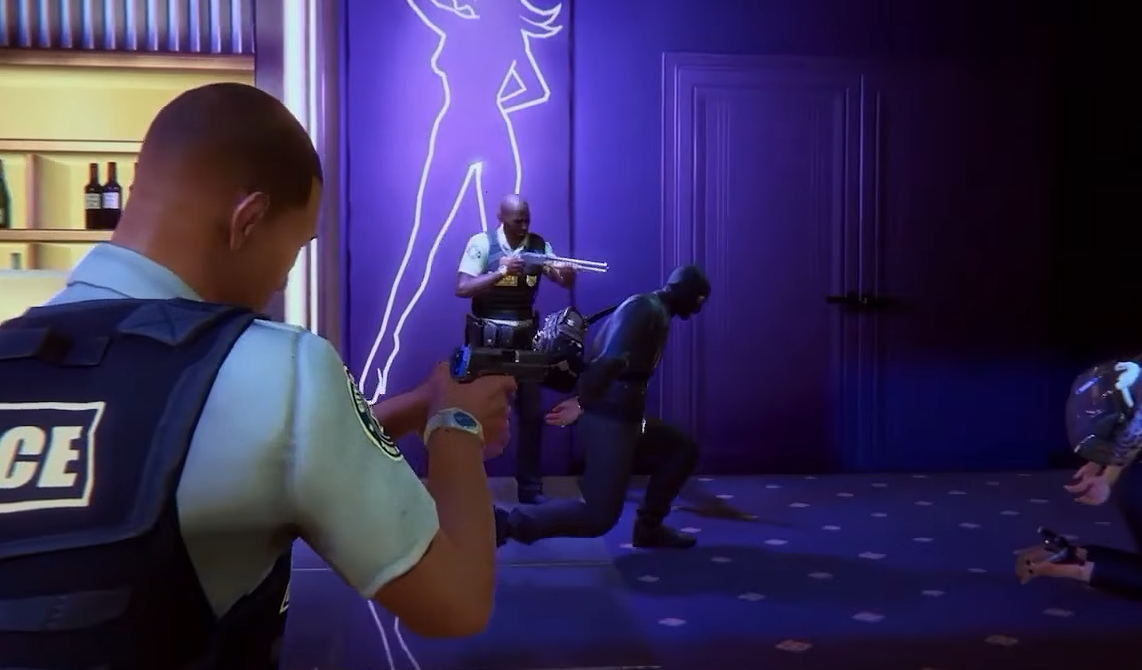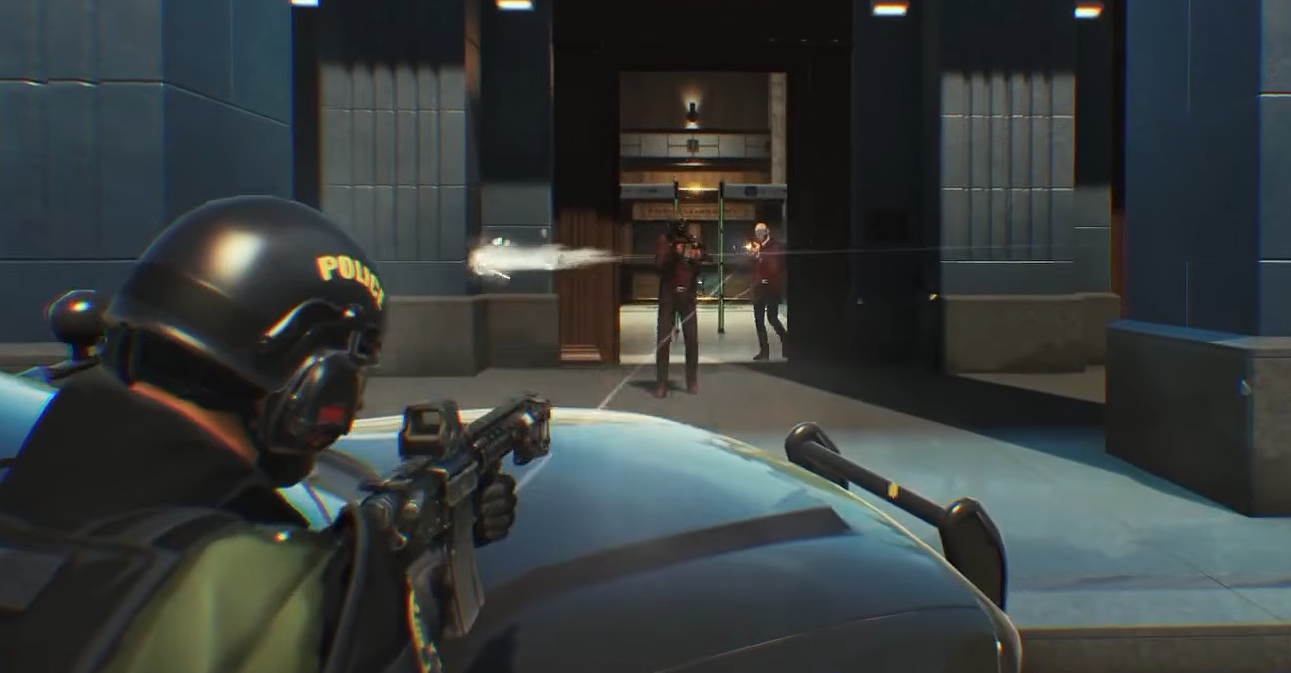
ROB RUN uses third-person aiming by default, but you can switch to aiming directly through your weapon's sights. The option isn't immediately obvious because it requires two inputs rather than one. Here's how to activate ADS and which weapons support it.
How to ADS in ROB RUN
To aim down sights in ROB RUN, equip a compatible firearm, hold right-click to aim, and press B while aiming. This switches your camera from the normal third-person view to first-person ADS.
- Equip a rifle or SMG, such as the AK.
- Hold the right mouse button to enter Aim Mode.
- While holding right-click, press B.
- Your camera will switch to first-person aiming through the weapon's sights.
- Press B again while aiming to return to the third-person view.
You must already be aiming when pressing B. Using the key by itself won't switch your camera.
ADS is also temporary. When you stop aiming, ROB RUN returns to its normal third-person camera rather than keeping you in first person.
Can Every Weapon Aim Down Sights?
No. First-person ADS is available on compatible firearms, including rifles and SMGs, but pistols and handguns currently don't support the feature.
This can make the controls appear broken when switching between weapons. If you've been trying to ADS with a pistol, equip an AK or another supported firearm and repeat the right-click and B combination.
Third-person aiming remains useful during close-range fights because it provides a wider view of your surroundings. ADS is particularly helpful when you want a direct sight picture for shots against distant targets.
Why Isn't ADS Working in ROB RUN?
If pressing B doesn't switch your view, check the Aim Mode binding under Settings and Controls. The default key is B, but your assigned input may differ if you've customized your controls.
Also, don't confuse B with X. The X key changes which shoulder your third-person camera looks over. It doesn't activate ADS.
For a quick test, draw a supported rifle, hold right-click, and press your assigned Aim Mode key. This isolates the weapon and control requirements without needing to change unrelated graphics or camera settings.