Changing your car's color in ROB RUN doesn't require a paint shop or garage upgrade. Vehicle colors are handled through the game's customization system, although there's one important precaution before switching appearances. Here's where to find the option and how to make your new color appear.
How to Change Your Car Color in ROB RUN
To change your car color in ROB RUN, open Customization from the main menu and select Vehicles. Choose your car and apply an available paint skin to change its appearance.
- Empty any valuables from your car's trunk before changing its appearance.
- Press Esc to open the main menu.
- Select Customization, then open the Vehicles tab.
- Choose the vehicle you want to customize.
- Select a compatible color or skin you have unlocked and apply it.
- Check the vehicle when it next spawns at your base.
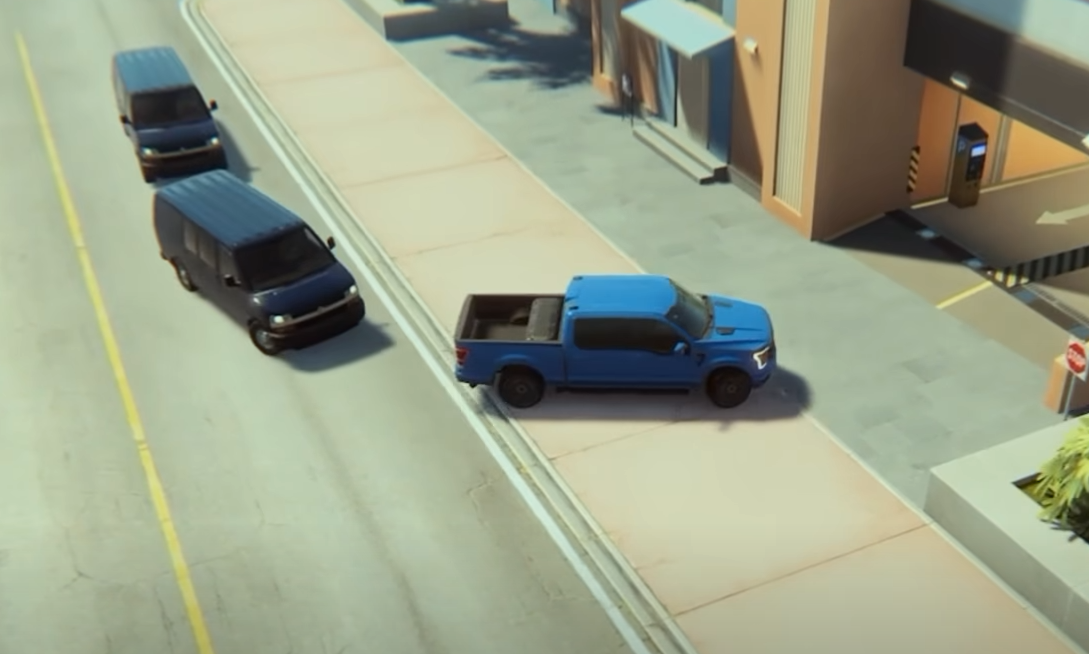
ROB RUN uses vehicle skins rather than a free-form painting system. Different cars have their own compatible paints, so a color available for one model might not appear for another.
Changing skins is cosmetic. It won't improve your vehicle's speed, handling, or storage capacity.
Why Isn't Your New Car Color Showing?
If you've selected a new paint but your vehicle still looks the same, check it after its next spawn at your base. The updated appearance may not become visible immediately on a car that's already out in the world.
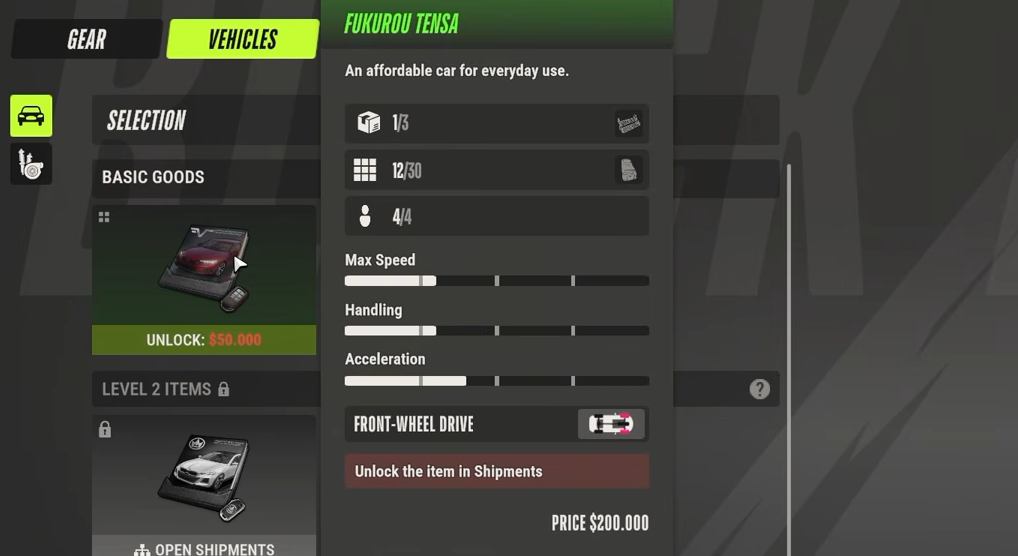
Make sure the skin is compatible with your vehicle and actually unlocked. Purchasing a vehicle skin also doesn't give you the car itself. You still need to obtain the vehicle separately.
Important: Changing Skins Can Drop Your Trunk Items
Applying a different vehicle skin can reset your car's trunk contents, dropping stored items onto the ground.
Always unload your loot before changing colors, especially after a robbery or shipment run. A fresh paint job isn't worth accidentally leaving valuable cargo behind.