Slay The Spire 2 Can’t Buy On Steam: Purchase Failed Fix
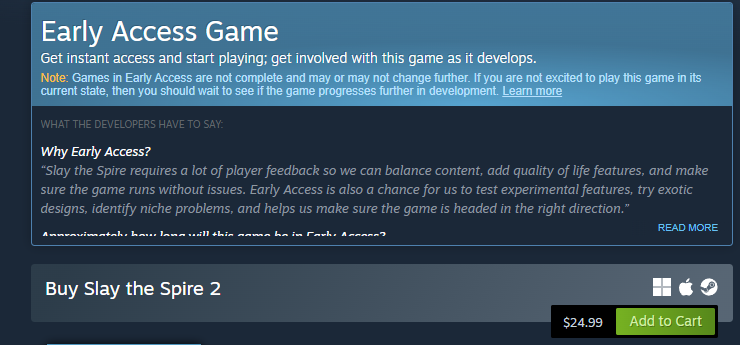
Steam checkout errors are preventing some players from buying Slay The Spire 2 at launch, even though their bank shows a charge. In most cases, this is a pending authorization during heavy traffic, not a completed transaction.
The money you see in your account is usually temporary.
Why Slay The Spire 2 Purchase Fails But Shows Charged
During big release windows:
Steam sends the payment request
Your bank approves it temporarily
Steam’s processor times out under load
Steam marks it as declined
Your bank still shows a pending charge
That pending charge is not finalized. It is just a temporary hold.
Launch traffic spikes cause this more than anything else.
What To Do When Slay The Spire 2 Won’t Add To Library
Do this in order:
Wait 30 to 120 minutes
Restart Steam completely
Check your Library again
Open Account Details and View Purchase History
Many transactions complete once traffic stabilizes.
Do Not Immediately Buy It Again
Trying again right away can create:
Multiple pending charges
Refund delays
More confusion
Let the first attempt settle before retrying.
How To Check If The Purchase Actually Failed
In Steam:
Click your profile name
Go to Account Details
Open View Purchase History
If it says failed, the pending charge will usually drop within 1 to 3 business days.
If it says completed, the game should appear shortly.
Is This A Bank Issue
Almost never.
Your bank likely approved the transaction correctly. The breakdown happens between Steam and its payment processor during peak demand.
This is common during launch day surges.
When To Contact Steam Support
Contact Steam Support if:
The charge fully posts instead of staying pending
The game does not appear after several hours
The pending charge does not disappear after a few days
Do not panic call your bank unless the charge fully settles.
Final Blurb
Slay The Spire 2 checkout errors at launch are usually traffic related payment timeouts, not real card declines. The charge showing in your bank is typically a temporary authorization. Wait before rebuying, check your Steam purchase history, and give the system time to process. Most cases resolve on their own once servers calm down.
FAQ
Why can’t I buy Slay The Spire 2 on Steam
High launch traffic can cause payment timeouts that mark purchases as declined.
Why was I charged but the game isn’t in my library
The charge is usually pending authorization, not a finalized payment.
Should I try buying again
Wait first to avoid duplicate charges.
Will I lose my money
If the transaction failed, the pending hold typically disappears within a few business days.