Sol Cesto Performance Guide And Best Settings
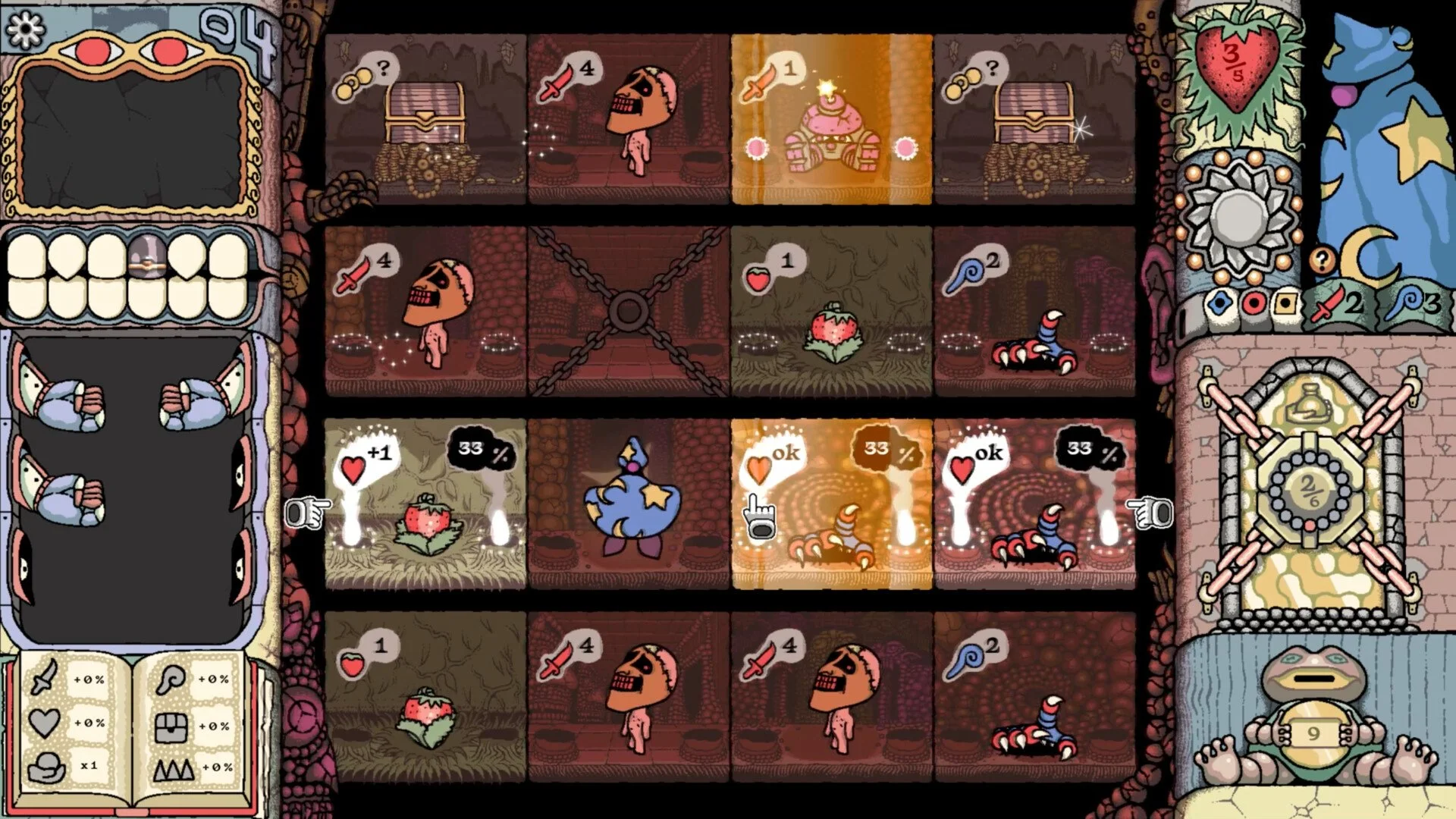
Sol Cesto should run smoothly on most systems, but early access quirks and default settings can cause unexpected lag, stutter, or crashes. The biggest issues come from how the game handles framerate and display behavior, not raw hardware limits.
Best Settings To Improve Performance In Sol Cesto
To fix performance in Sol Cesto, cap your FPS, avoid fullscreen issues, and reduce CPU strain since uncapped framerate can cause stutter, lag, and crashes.
The game has very low system requirements, but it does not manage performance automatically. If you let it run unrestricted, it will push your system harder than it should.
What you will notice in-game is inconsistent performance. Smooth moments followed by sudden stutter, input delay, or even crashes. This usually ties back to framerate being too high or unstable.
Quick Performance Fixes
Cap FPS to 60 or 120 in your GPU control panel
Avoid uncapped framerate, it can spike CPU usage
Switch to windowed or borderless if fullscreen flickers
Restart after first launch if performance feels off
Why Sol Cesto Has Performance Issues On Good PCs
The system requirements are extremely low. Even the recommended specs only call for a 2 GHz dual core CPU and 4 GB of RAM.
That tells you the issue is not power, it is behavior.
When the game runs uncapped, it tries to push as many frames as possible. This can drive CPU usage extremely high, sometimes close to max, which causes instability.
You feel this as stutter or random slowdowns, even on systems that should easily handle the game.
The FPS Cap Fix That Stabilizes Everything
This is the single most effective change.
Once you cap FPS, the game stops overworking your system. CPU usage drops, frame pacing becomes consistent, and crashes become less frequent.
You do not need high FPS here. The game does not benefit from it the same way a competitive shooter would.
60 FPS gives the most stable experience. 120 FPS can work if your system handles it cleanly, but going higher usually creates more problems than it solves.
Fullscreen Issues And Input Stutter
Fullscreen mode can introduce small but noticeable problems.
Players report:
Brief black screens when clicking
Input feeling slightly delayed
Visual flicker during interactions
Switching to windowed or borderless smooths this out immediately. The game becomes more consistent, especially during longer sessions.
Steam Deck And Low-End Performance Behavior
On Steam Deck or lower-end PCs, Sol Cesto is still playable, but only if you control settings.
The biggest issue is again uncapped FPS. Once you limit it and avoid problematic display modes, performance stabilizes quickly.
You will notice fewer spikes, smoother input, and more predictable gameplay overall.
First Launch Performance Problems
The first time you launch the game can feel worse than normal.
You might see:
White screen during the intro
Temporary lag or slow response
General instability
This is usually tied to the intro cinematic and initial load. After reaching the title screen and restarting once, the game tends to run more consistently.
Final Blurb
Sol Cesto performance issues are not about hardware, they come from how the game handles framerate and display modes. Once you cap FPS and avoid fullscreen problems, the difference is immediate. The game feels stable, inputs respond properly, and the random spikes that ruin early sessions largely disappear.