

The King Is Watching How to Destroy & Remove Buildings
Written by Alec Blackwood | The King is Watching
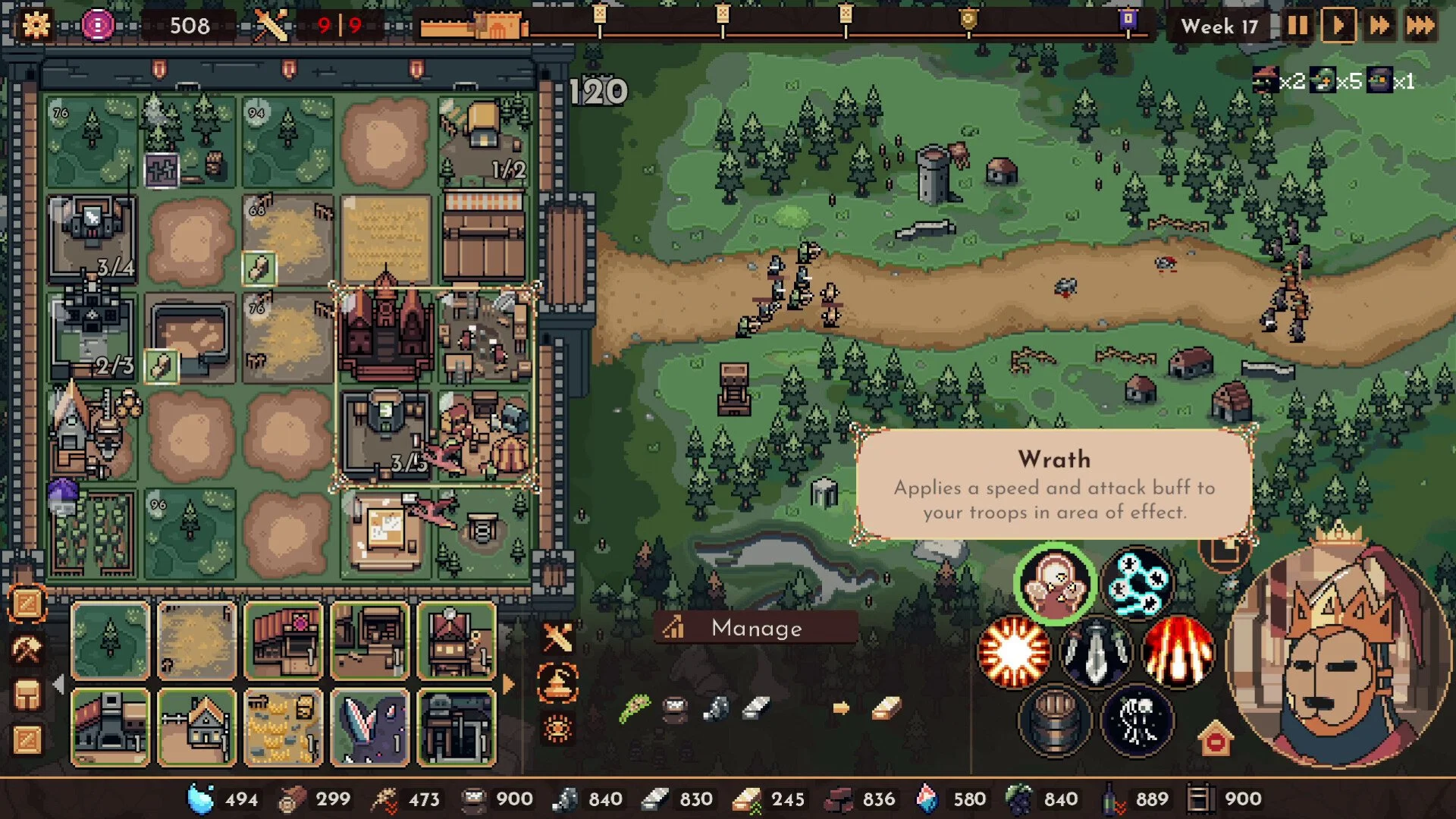
To delete a building in The King Is Watching, click the small [-] icon near your King's screen on the left side. Once active, click any building to remove it. Right-click outside your vision area to cancel delete mode.
There is no keybind for deleting. This is the only method in the game. Use it carefully; deletion is instant and permanent for that run.
Note: If you want to move a building rather than delete/remove it, check out our guide on moving buildings here.
When to Delete / Remove Buildings
Destroy buildings to free up space for better upgrades. For example, remove your Market once you unlock a Gold Mine. IT might be worth deleting the Militia Camp if you’re switching to Dragon training.
You can also remove:
Old Wheat Fields after switching to Flour
Early spell buildings if you're done casting
Extra production buildings if they block vision rotation
Be sure to move buildings first if you plan to reuse them elsewhere. Delete only what you no longer need.
Final Blurb
Destroying buildings in The King Is Watching clears your layout and keeps your setup lean. Just click the delete icon, choose what to remove, and rotate your space for something better.
FAQ
How do I delete a building in The King Is Watching?
Click the [-] icon on the left of the King’s screen. Then click the building you want to remove.
Is there a hotkey to delete buildings?
No. The delete icon is the only way to remove buildings.
How do I cancel delete mode?
Right-click outside your vision area. This closes delete mode instantly.
Can I undo a building removal?
No. Once deleted, a building is gone for that run.
When should I delete buildings?
Delete when replacing old economy pieces, switching troop types, or freeing vision space.
© 2025 GamerBlurb. All rights reserved. Feel free to link to or quote this guide; please provide a direct link back for attribution.
More The King is Watching


