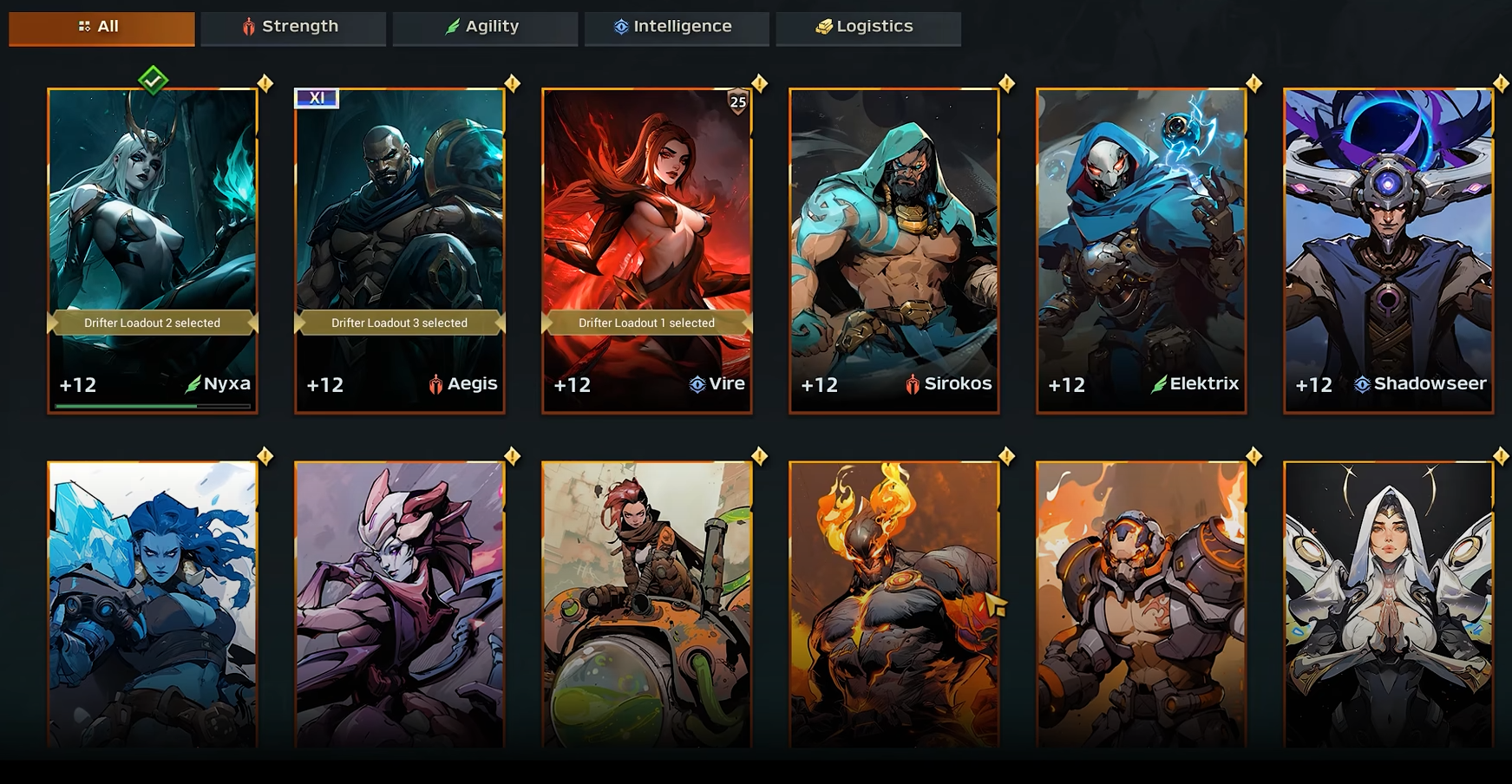
Sometimes you reach a point in Warborne: Above Ashes where a character no longer fits your plans. Maybe you made bad choices, tested the wrong build, or just want a clean slate. Deleting a character is simple, but you should know what happens before you commit.
Step-by-Step Guide to Deleting a Character
Open the Character Menu
From the main screen, head into the character selection or management menu where all your characters are listed.Pick the Character
Choose the one you want to remove. Double-check their inventory and progress. Make sure nothing important is left behind.Confirm Deletion
Select delete, then confirm when prompted. The game asks again since this is permanent.Finalize the Deletion
Once confirmed, the character is gone forever. The slot is now open for a new creation.
What to Keep in Mind
Deleting a character wipes everything linked to that profile. All progress, items, and experience vanish. There’s no way to undo it.
If you spent time building up that Drifter or gathered rare gear, use or transfer anything valuable first. Some players take notes or screenshots of builds before deleting so they can recreate them later.
Tips After Deleting a Character
Treat your new character as a chance to reallocate resources more wisely. Spend Solarbite and gold on essentials that speed up early progress.
Use the fresh slot to test a different Drifter build or strategy. This makes experimenting easier without clutter.
Learn from community advice. Many players share efficient routes and builds, saving you from repeating old mistakes.
Final Blurb
Deleting a character in Warborne: Above Ashes is easy but permanent. Take time to clear out items, note down builds, and plan your next move. With smart preparation, starting fresh can be the best way to play more efficiently and explore new styles without being weighed down by past decisions.
FAQ
Can you recover a deleted character?
No, deletion is permanent with no recovery option.
Do items or gold transfer automatically?
No, everything tied to that character is lost unless used beforehand.
How many characters can you create?
You can create as many as your slots allow, and deleting one frees up space for another.
Should you delete or just make a new character?
If you have free slots, making a new character is safer. Delete only if you need the space.
More Warborne Above Ashes