Waterpark Simulator Controls Guide (Steam)
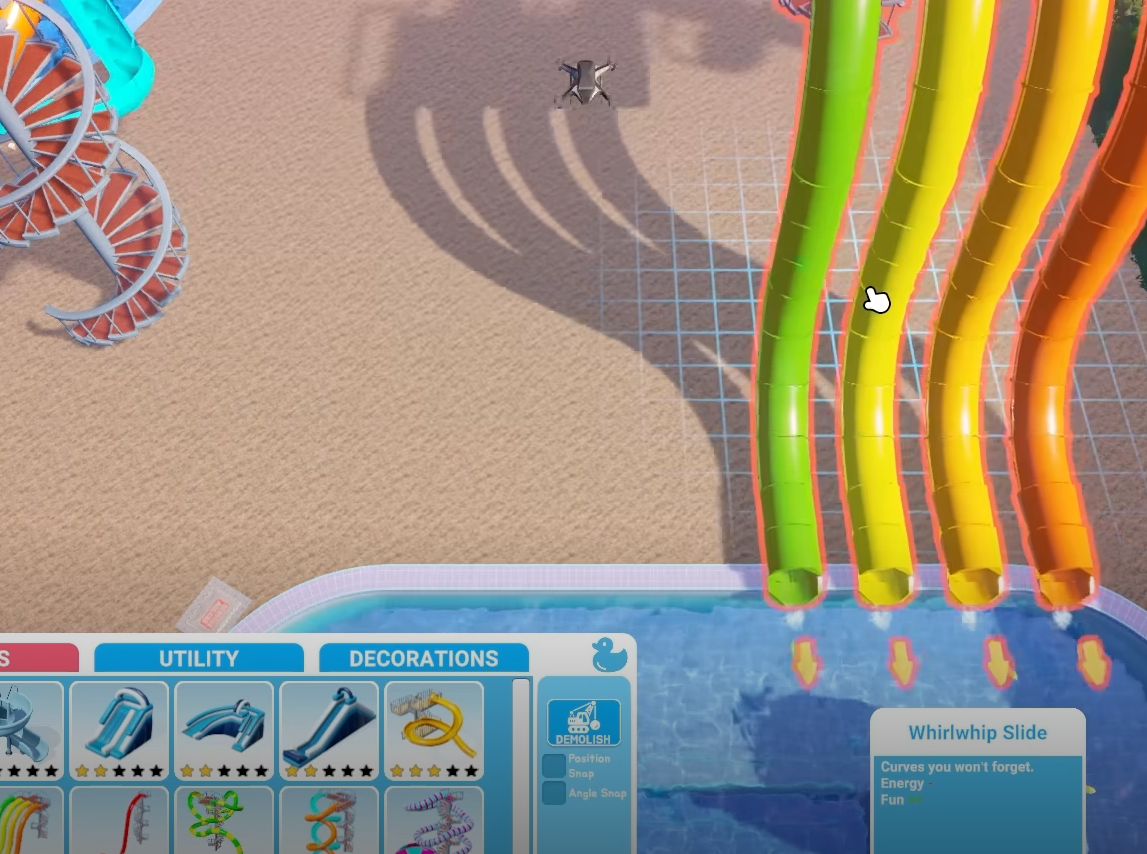
Getting started in Water Park Simulator on Steam is easier once you know all the controls. The game uses a mix of keyboard and mouse actions for moving, building, cleaning, and managing visitors.
Basic Movement Controls
W A S D to move around the park
Shift to sprint
Spacebar to jump
R to ragdoll
Interaction and Tools
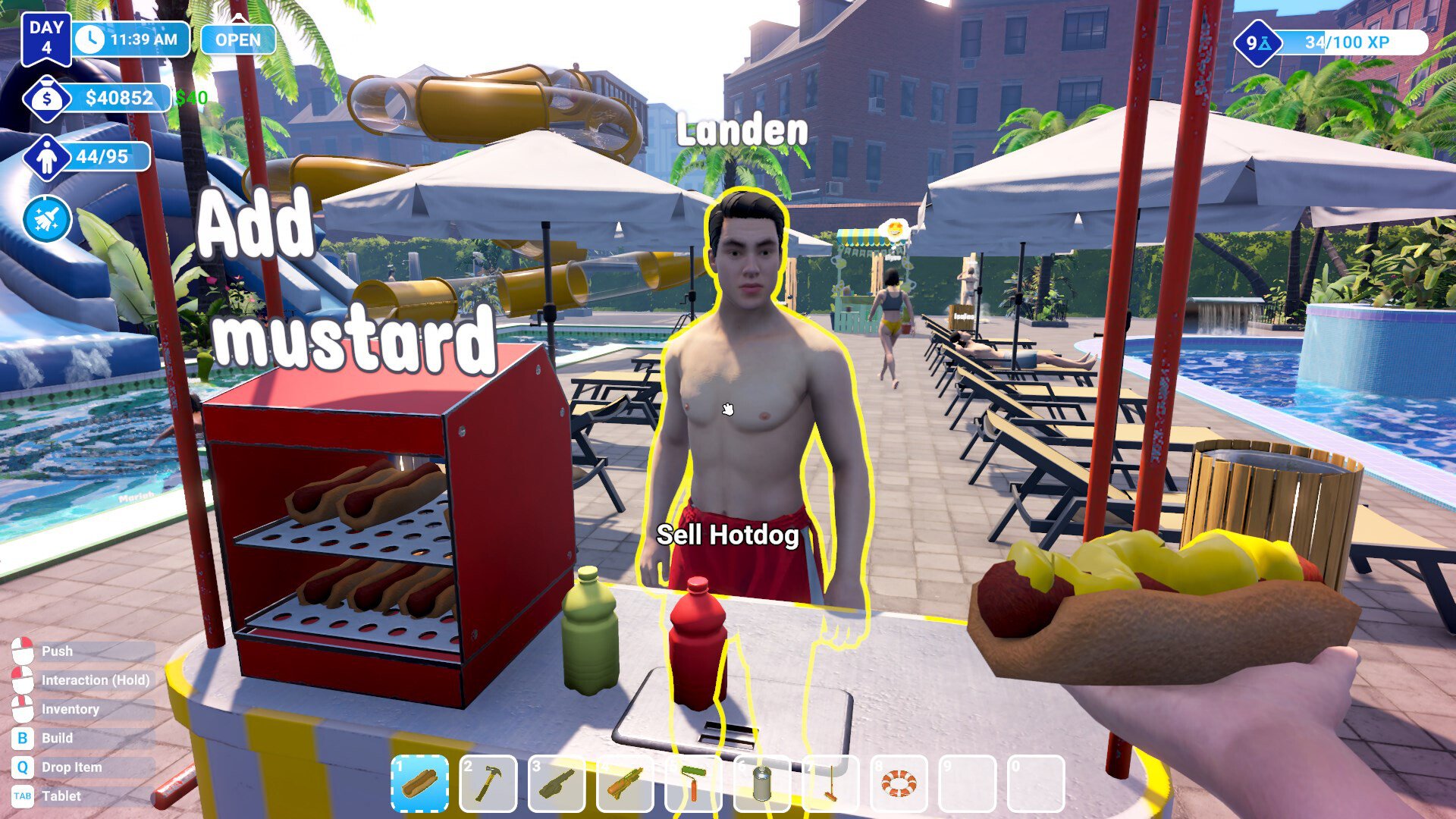
Left Mouse to interact or hold for tasks like hammering or cleaning
Right Mouse to push visitors or throw trash bags
Q to drop items
B to open the build menu
Tab to open the tablet
Management Keys
I to open your inventory
V to switch the camera view
Building and Cleaning Tips
From the demo, some extra functions make gameplay smoother:
Press B to open build mode and use WASD to fly the drone camera
Rotate builds with the mouse wheel
Use the hammer by holding Left Mouse to finish construction
Buy trash bags for cleanup, then pick up trash with hands (press 1 to swap back)
Use Right Mouse to throw filled trash bags into bins
Mop puddles with the mop tool to prevent slipping accidents
Guest Management
Print tickets at the booth by selecting the right pass type
Push out ticket cheats with Right Mouse if they lack a bracelet
Give visitors slide passes after building slides
Use flyers (costs $5) to attract guests outside the park
Final Blurb
The controls in Water Park Simulator are simple but cover everything from movement to running your park. Mastering the build menu, tools, and guest management will help you grow your park quickly and avoid accidents.
FAQ
How do you rotate items while building
Use the mouse wheel to rotate structures before placing them.
What button opens the build menu
Press B to open the build menu.
How do you deal with guests sneaking in
Look for missing bracelets and push them out with Right Mouse.
How do you clean puddles
Equip the mop and hold Left Mouse to wipe up the water.
How do you hand out flyers
Print them for $5 and give them to people outside the park to attract visitors.
© 2025 GamerBlurb. All rights reserved. Please credit GamerBlurb.com by linking to any information used from this site.
More Waterpark Simulator