Waterpark Simulator Vendor Not Working Fix
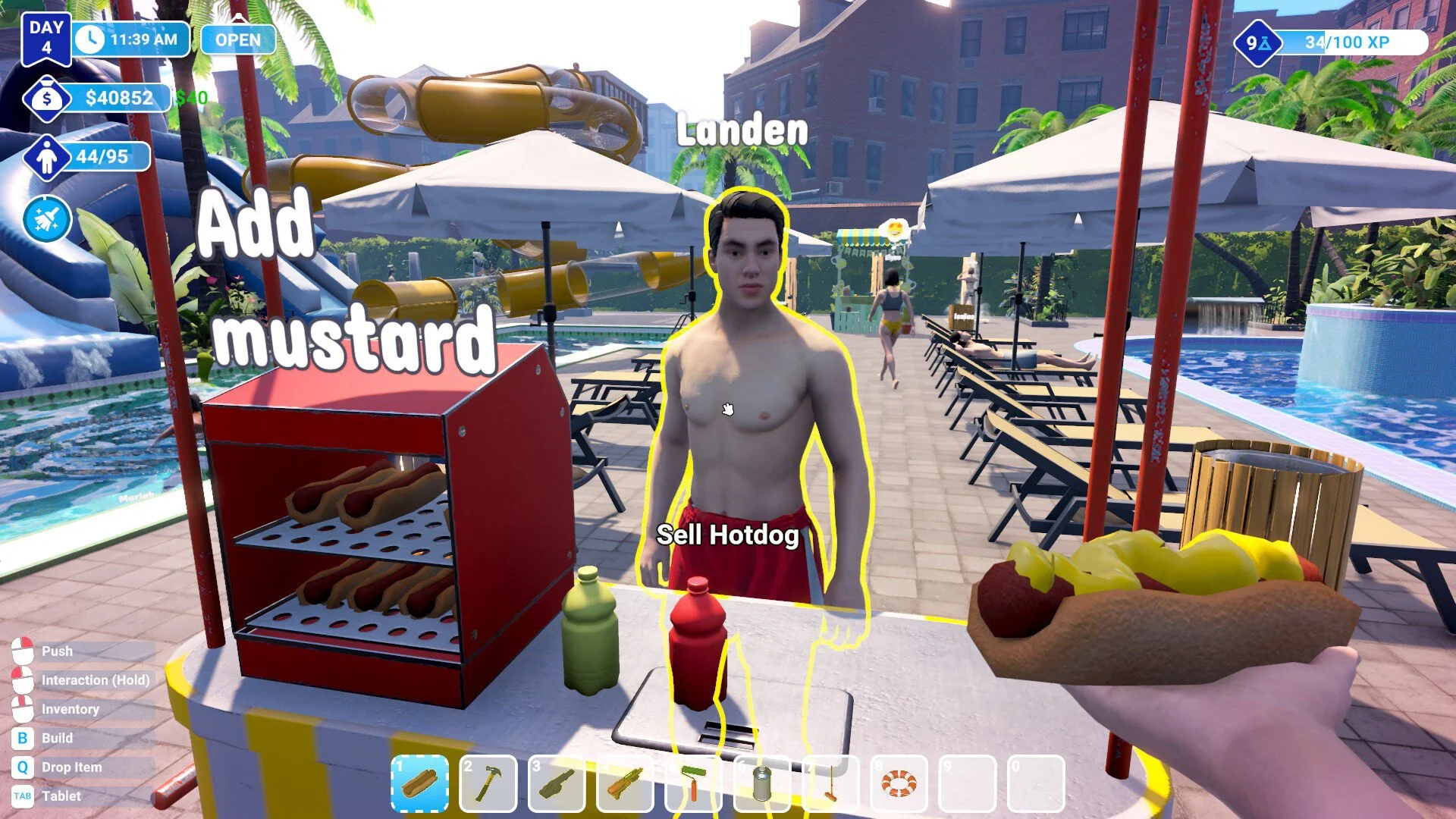
Vendors in Waterpark Simulator are supposed to run your hot dog and lemonade stands so you can focus on repairs, cleaning, and park management. But many players run into a problem where their vendor just wanders around doing nothing, even when the stand is stocked and customers are waiting. If your vendor is broken, here’s how to fix it.
How to Fix Vendors Not Working in Waterpark Simulator
Assign the Vendor to a Stand
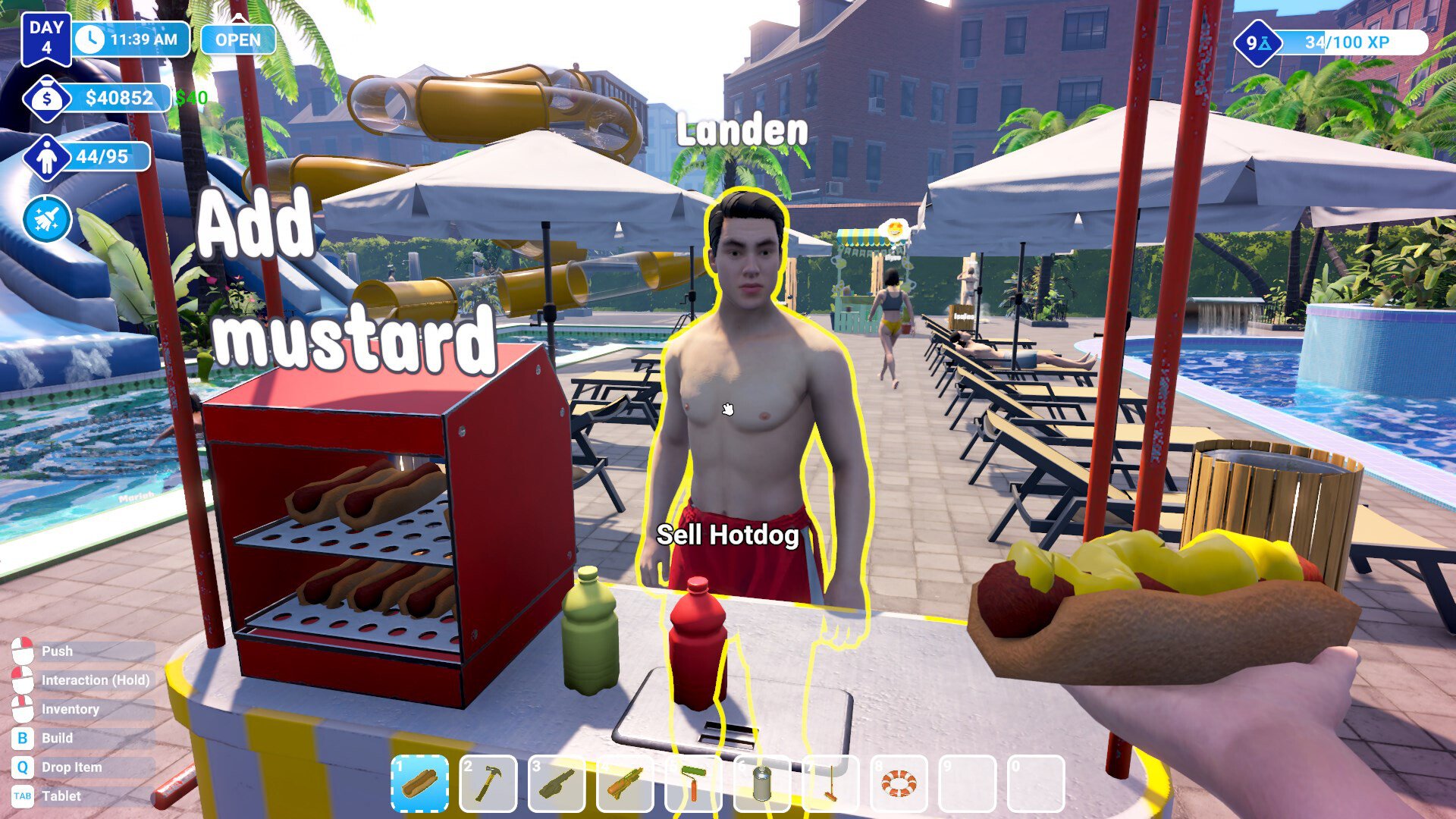
Vendors will not automatically take over a stall. Go to the hot dog or lemonade stand, look for the small sign that says No staff, and click it. Then choose the correct vendor from your staff list.
Hire the Right Type of Staff
There are different staff roles, and only the vendor with the food and hot dog icon can run stands. If you hired someone with the three boxes icon, that is a restocker, not a vendor. Replace them with the correct hire.
Save and Reload the Game
Sometimes vendors bug out and refuse to work even when assigned. Saving and reloading your game can reset them, and they will return to the stand properly.
Use Alternatives if Needed
If vendors keep breaking, you can place vending machines instead. These don’t need staff and can be restocked by a restocker. It saves time until the vendor system is patched.
Final Blurb
Vendors not working in Waterpark Simulator usually comes down to either hiring the wrong staff type, forgetting to assign them, or running into a small bug. Make sure you hire the vendor with the food icon, assign them to the stand, and reload if they get stuck. If nothing works, vending machines and restockers can take over until updates improve staff behavior.
FAQ
How do I assign a vendor to a stand?
Walk up to the hot dog or lemonade stand, click the No staff sign, and select your vendor from the list.
Why does nothing happen when I click the stand?
You may have hired the wrong staff type. Only vendors with the food and hot dog icon can be assigned to stalls.
What if my vendor still does nothing after being assigned?
This is a known bug. Save your game, reload, and the vendor should reset and start working.
Can vending machines replace vendors?
Yes. Vending machines do not need vendors. You only need a restocker to keep them filled.
© 2025 GamerBlurb. All rights reserved. Please credit GamerBlurb.com by linking to any information used from this site.
More Waterpark Simulator