Waterpark Simulator Lag Fix Guide
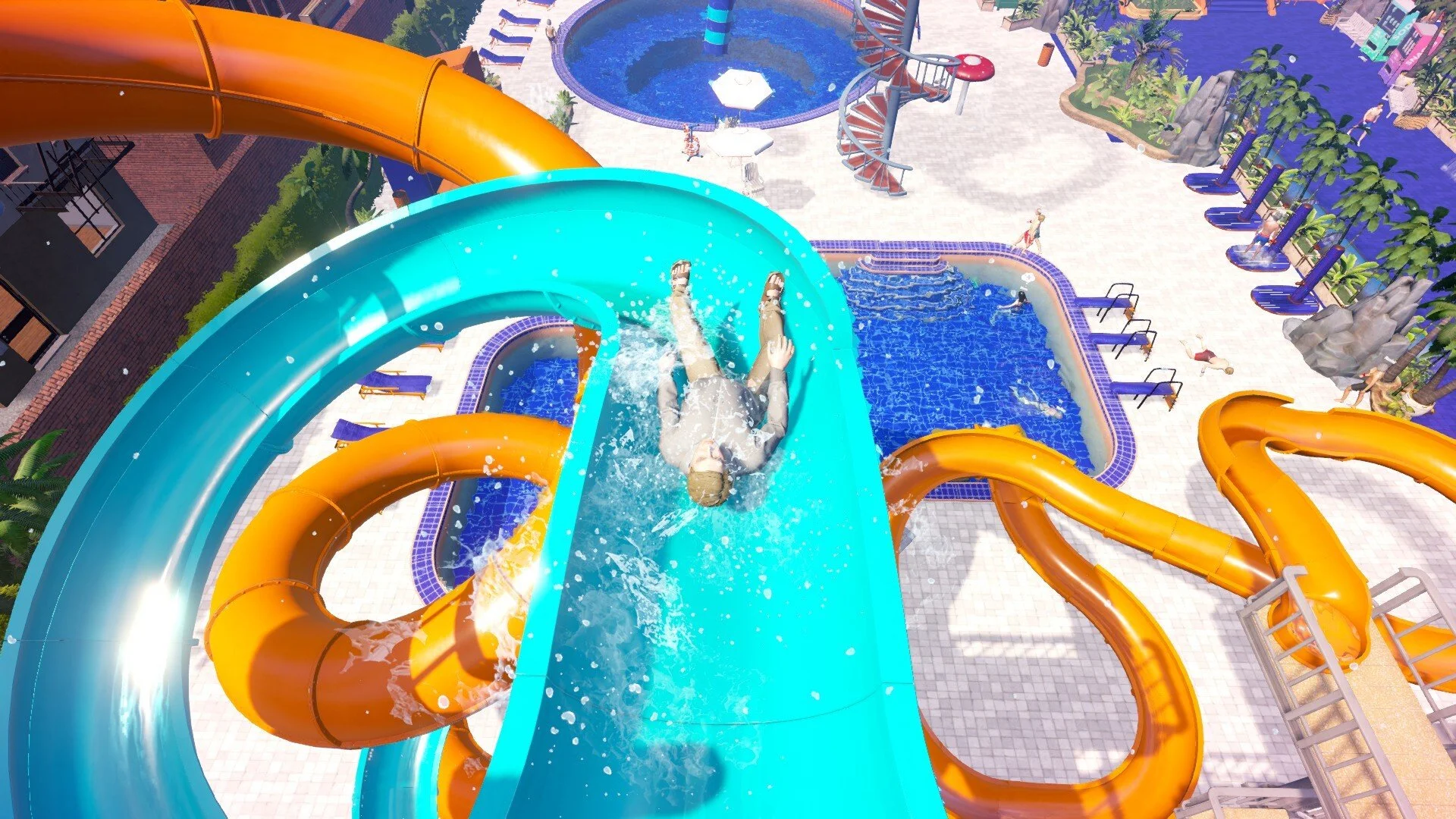
Lag in Waterpark Simulator can make the game feel like it is running in slow motion, almost like low gravity is turned on. Many players report smooth gameplay on streams, but struggle with stuttering, slowdown, and frame drops on their own PCs. If your park feels sluggish, there are proven fixes that can help.
How to Fix Lag in Waterpark Simulator
Lower Graphics Settings
The biggest cause of slow motion is FPS drops from graphics strain.. Lower whatever you can. Even on high-end rigs, the game runs smoother when set to medium or low.
Limit Guest Numbers
More guests means more AI calculations, which increases lag. Reduce your park capacity or build fewer attractions at once. A smaller park runs more efficiently and keeps gameplay at normal speed.
Check Your FPS
When FPS drops too low, the entire simulation slows down. Turn on an FPS counter to confirm. Stay near 60 FPS for the most stable play.
Update GPU Drivers
Install the latest graphics drivers from Nvidia, AMD, or Intel. Old drivers can cause performance issues or stutter. Keep them current for smoother gameplay.
Verify Game Files
On Steam, right-click Waterpark Simulator, go to Properties, Installed Files, and select Verify integrity of game files. Corrupted files can lead to heavy lag.
Restart After Changes
Restart the game after changing settings or hiring staff. Some players found this cleared bugs that caused slowdown.
Understand Hardware Limits
Even powerful CPUs like a Ryzen 9 5900X can’t offset GPU bottlenecks. Players with RTX 3080 Ti cards have still needed to lower graphics. Optimization is ongoing, so expect more fixes from updates.
Final Blurb
Waterpark Simulator lag is usually caused by FPS drops, which makes the whole game feel like it is running in slow motion. Lower graphics, limit guests, and keep your drivers and game files updated to restore normal speed. Until more optimization patches are released, smaller parks and reduced visuals are the best solution.
FAQ
Why does my game feel slower than streamers?
Streamers usually run very high-end setups. Their PCs can handle max settings while yours may need reduced graphics.
Is slow motion normal in Waterpark Simulator?
No, slow motion is not part of the gameplay. It happens when your FPS drops too low.
Do I need to upgrade my PC to fix lag?
Not always. Many players with strong PCs still run the game on low because of optimization limits.
Will developer patches improve lag?
Yes, updates are planned to balance employees and improve optimization. Keeping the game updated will help over time.
© 2025 GamerBlurb. All rights reserved. Please credit GamerBlurb.com by linking to any information used from this site.
More Waterpark Simulator