Waterpark Simulator How to Destroy Buildings
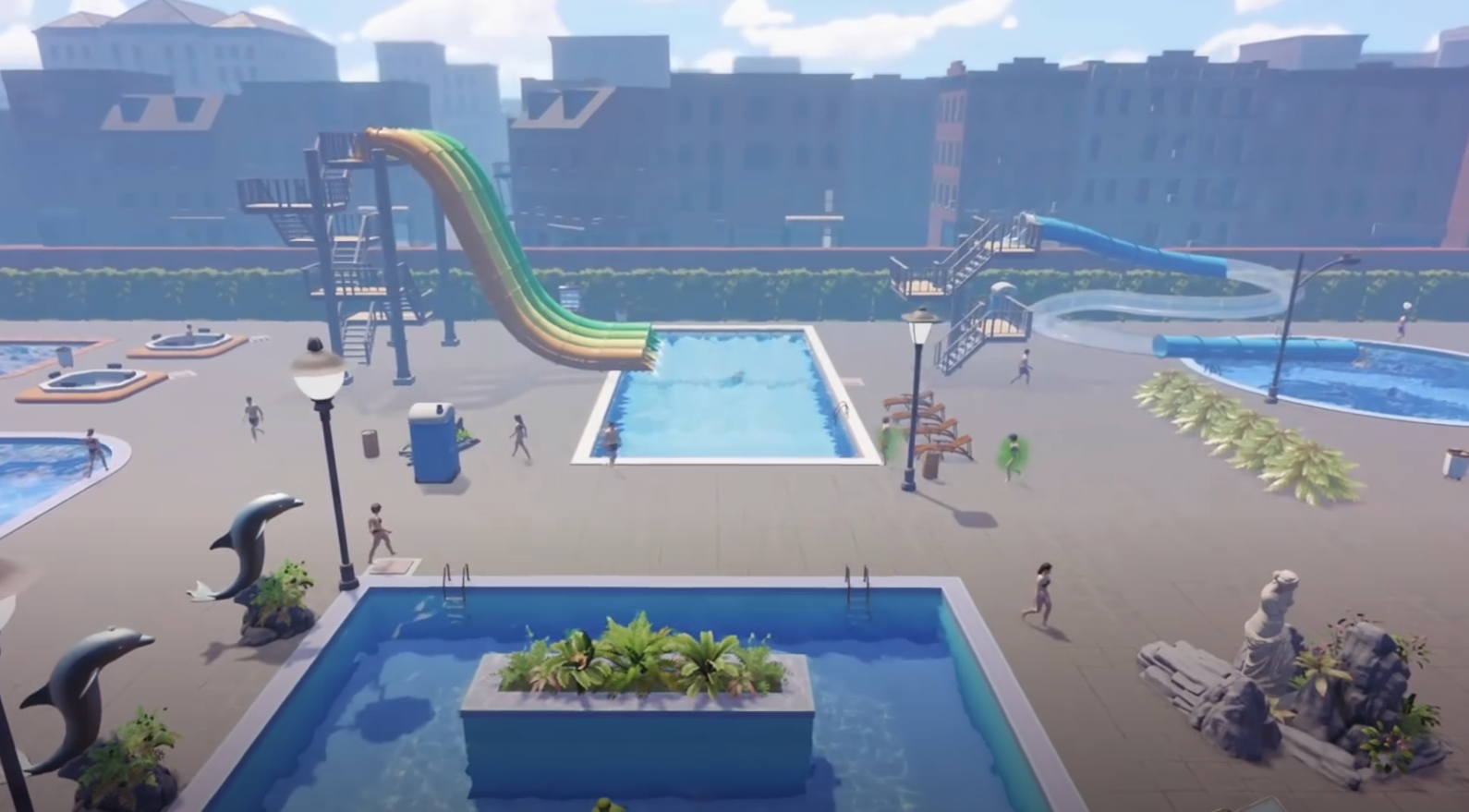
Managing your park sometimes means tearing things down to make space for better rides and facilities. Many players have been getting stuck figuring out how to actually remove a building, since it isn’t immediately obvious in the menus. Here’s the clear step-by-step process.
How to Destroy Buildings in Waterpark Simulator
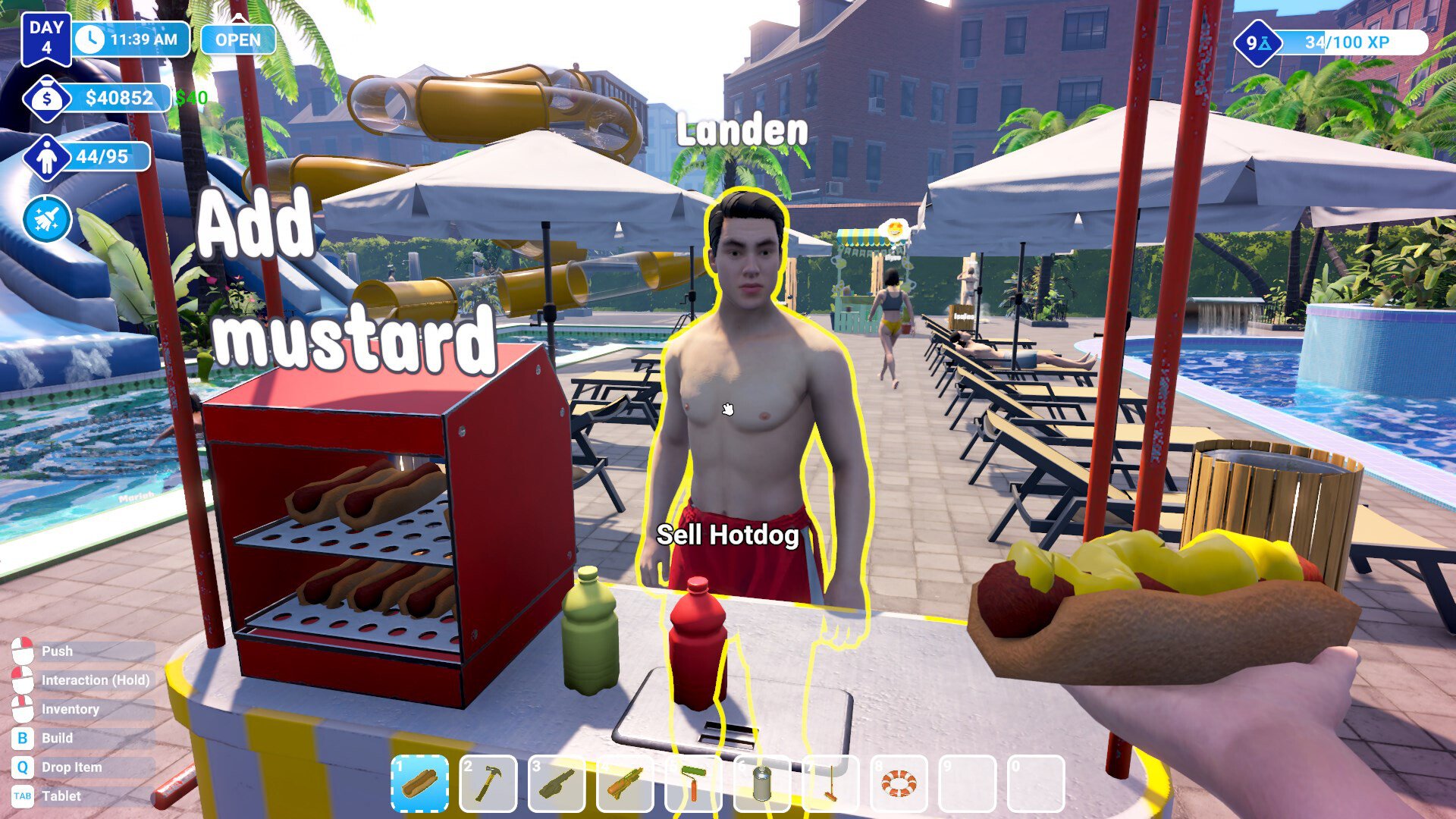
Equip your sledgehammer tool.
By default, this is bound to the 2 key on your keyboard.
Walk up to the building you want to remove.
When the prompt appears that says Destroy Building, left-click your mouse.
Keep clicking until the building is completely removed.
Tips for Removing Buildings
Make sure you’re close enough to the structure for the destroy option to appear.
Some larger buildings may take multiple hits before disappearing.
Clearing buildings is permanent, so be certain before you remove anything.
Final Blurb
To destroy a building in Waterpark Simulator, equip the sledgehammer with the 2 key, walk up to the building, and left-click until it’s gone. This lets you clear space for new attractions and better layouts in your park.
FAQ
What tool do you need to destroy buildings?
You need the sledgehammer, equipped with the 2 key by default.
Can you remove any building in the game?
Yes, as long as the destroy prompt appears, you can clear it.
Do buildings cost money to remove?
No, there is no removal fee. You can demolish structures freely.
Can you undo a building destruction?
No, once demolished, the building is gone. You’ll need to rebuild it if you want it back.
© 2025 GamerBlurb. All rights reserved. Please credit GamerBlurb.com by linking to any information used from this site.
More Waterpark Simulator