Waterpark Simulator Tips and Beginner Strategy Guide
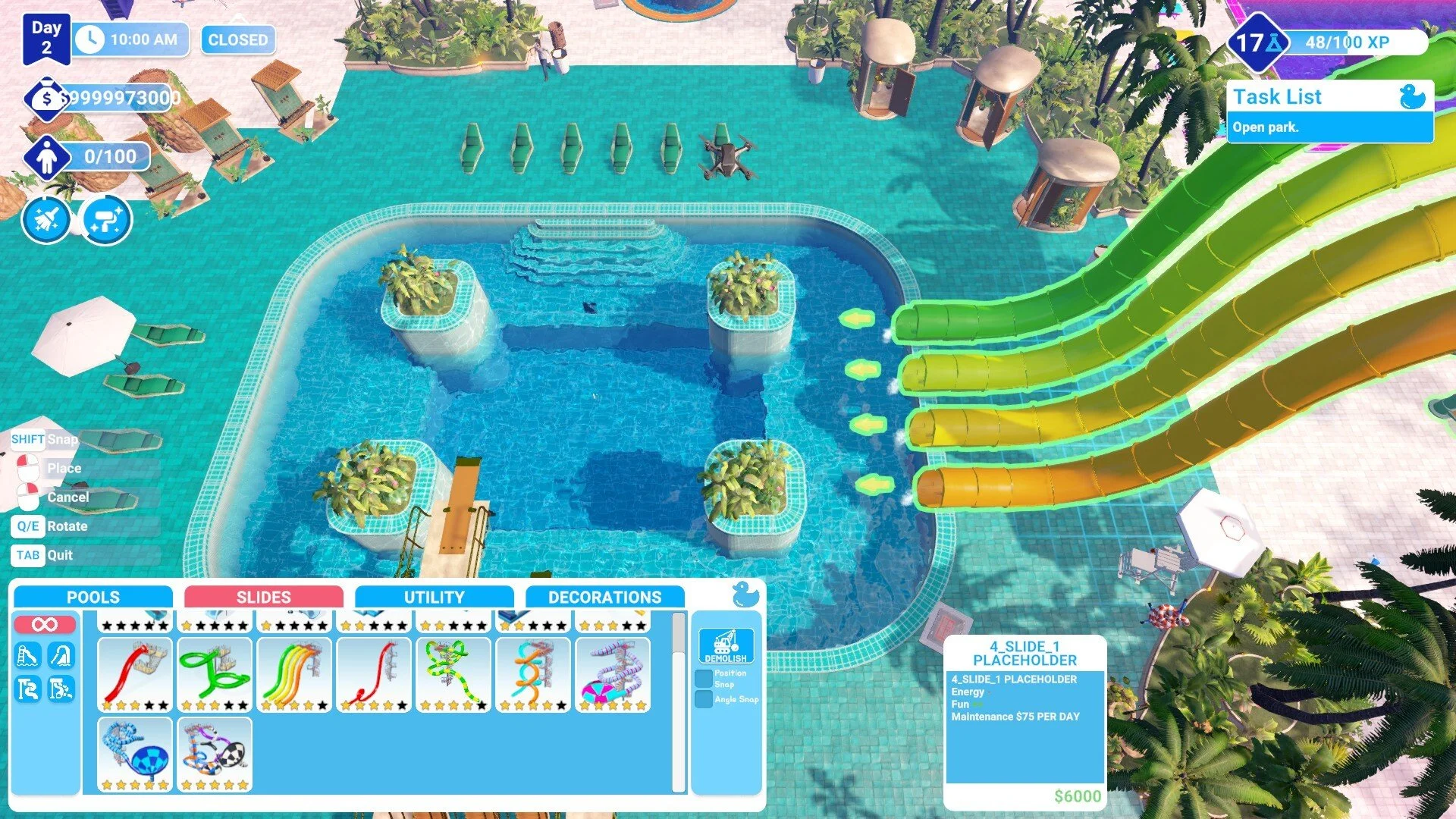
Waterpark Simulator looks like another casual builder, but under the surface it has layers of micromanagement that will test how well you can juggle building, cleaning, ticketing, and dealing with troublemakers. If you’re just starting out, the game can feel overwhelming with guests sneaking in, puddles causing ragdoll chaos, and hot dog stands running out of stock mid-shift.
This guide covers the best tips for keeping your park running smoothly and pushing your prestige stars higher.
Essential Tips for Waterpark Simulator
Start Small and Expand Gradually
Focus on building one pool and a diving board first.
Expansion adds more guests but also more cleaning, so don’t rush into multiple pools until you can manage the workload.
Master the Cleaning Loop
Trash bags cost money, so maximize each one by filling it before tossing.
Mop puddles quickly since visitors slip constantly, and ragdoll physics will cost you time and guest happiness.
Toilets and pools create extra cleaning challenges later, so always keep a mop handy.
Ticket Management and Cheaters
Guests sneak in without bracelets. Push them out before they ruin your revenue.
Always check tickets carefully, especially when multiple guests arrive at once.
Selling the right ticket type (adult, teen, senior, with or without slide pass) is crucial for satisfaction and income.
Build Placement Matters
Place trash bins near high-traffic areas to reduce litter spread.
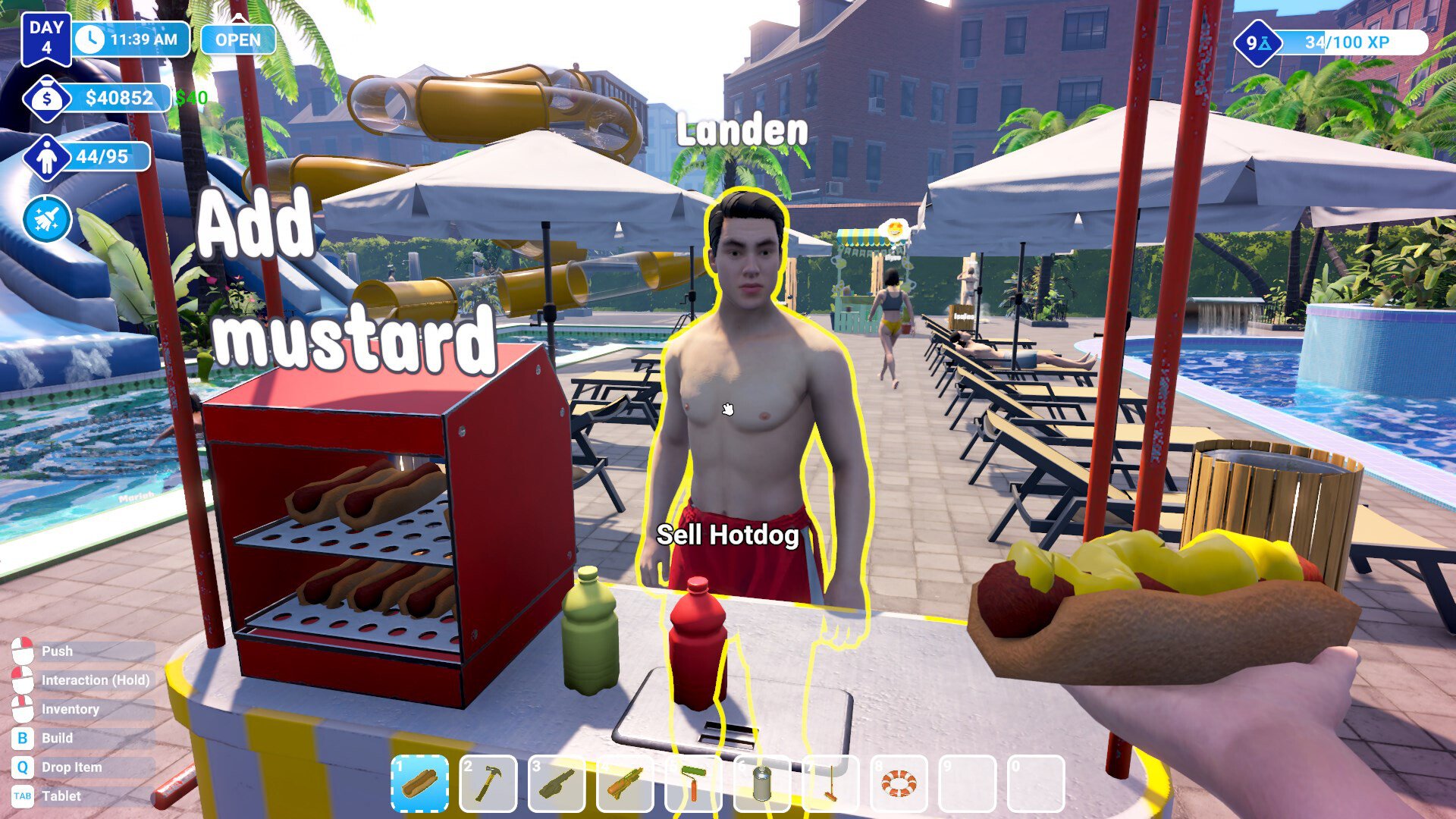
Put food stalls like hot dog stands near ticket counters so you can multitask between serving and checking in guests.
Rotate items properly when placing loungers, toilets, or slides. Misplaced builds cause crowding and inefficiency.
Food and Stock Management
Always restock before opening the park. Running out mid-day wastes precious time.
Guests request toppings like ketchup and mustard, so pay attention to details.
Food sales also tie into task lists and research progress, making them important beyond money.
Flyers and Marketing
Flyers cost $5 but can draw in waves of new guests.
Hand them out near the street to maximize traffic.
Don’t spam them too early or your park will overflow with visitors before you’re ready.
Research and Progression
Every action gives XP toward research points.
Unlock basics like showers and food stalls first to improve guest happiness.
Higher prestige stars open bigger attractions, so always aim for the next star milestone.
Handle Special Guests Quickly
Special NPCs can cause bad stuff, like stealing stock or leaving messes.
Deal with them fast to avoid spiraling problems.
Push panicking guests off diving boards so others can keep playing.
Balance Income and Costs
Spending on trash bags, flyers, and stock adds up fast.
Always keep a cash buffer before expanding or researching.
High prestige means higher expenses, so don’t overbuild without revenue to cover it.
Final Blurb
Waterpark Simulator is all about balancing chaos with careful planning. Keep your tools close, pay attention to guest behavior, and don’t overextend your park before you can handle the workload.
The grind for prestige stars comes from steady management, not rushing. Build smart, clean constantly, and keep guests moving, and your park will reach 5 stars.
FAQ
What’s the best way to make money early in Waterpark Simulator?
Selling tickets correctly and running a hot dog stand near the ticket booth gives steady income without wasted time.
How do I stop guests from sneaking in?
Look for missing bracelets and push them out immediately. If you ignore them, your revenue suffers.
What should I unlock first in research?
Prioritize showers, food stalls, and bins since they directly improve guest satisfaction and reduce complaints.
Why do guests keep slipping?
Unmopped puddles cause ragdoll slips. Clean them quickly or you’ll lose control of your park flow.
Can you get all stars in one save file?
Yes, progression builds naturally, but you’ll need to balance revenue, expansion, and guest care to reach 5 stars.
© 2025 GamerBlurb. All rights reserved. Please credit GamerBlurb.com by linking to any information used from this site.
More Waterpark Simulator