

WEBFISHING How to Play the Guitar
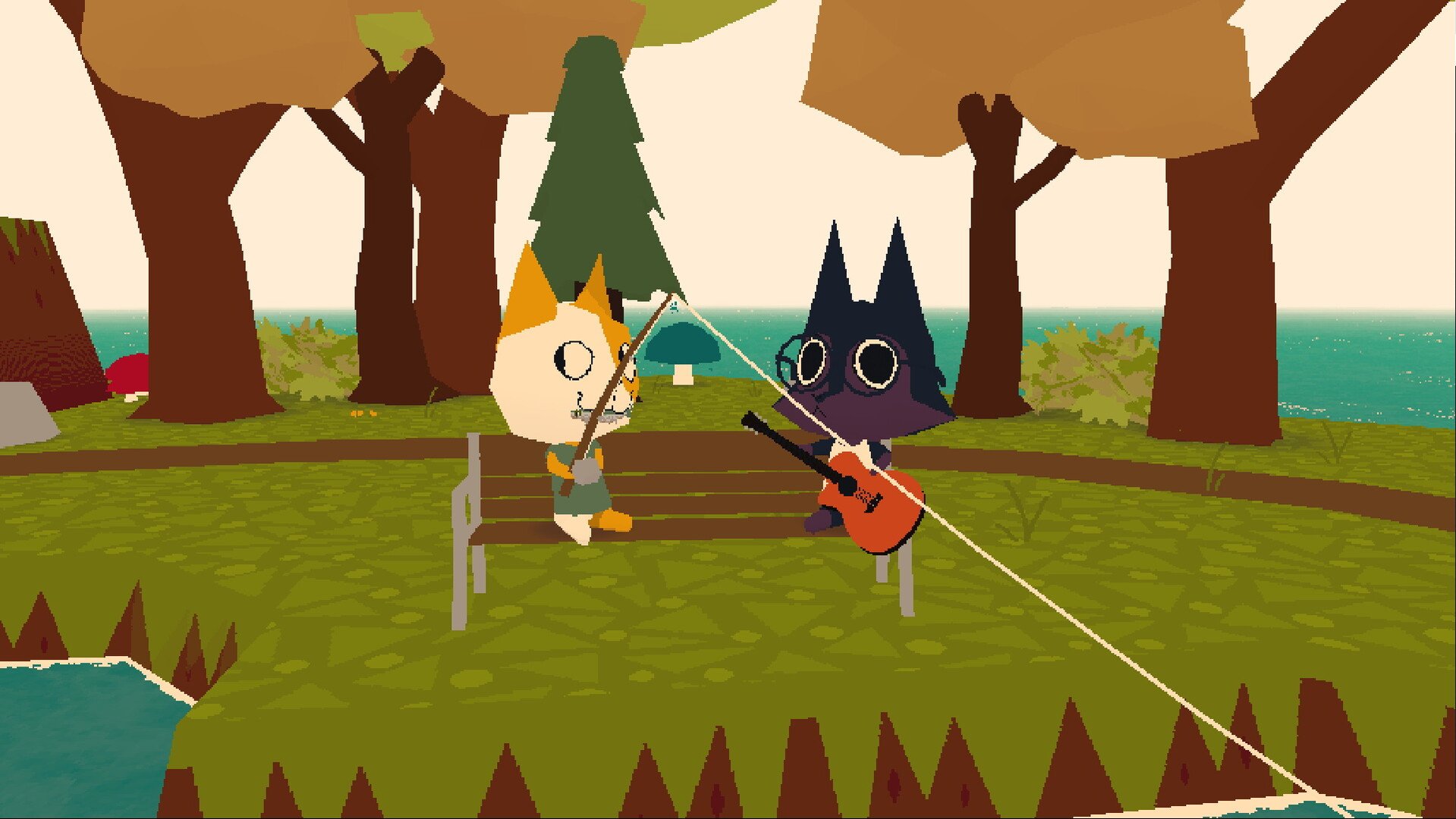
Image Credit: lamedeveloper, WEBFISHING
In WEBFISHING you can play a virtual guitar to create music. Here's how to get started playing the guitar:
1. Get the Guitar
Where to Find It: Look for the in-game shop or vendor that sells instruments.
Purchase: Buy the guitar from the vendor.
2. Equip the Guitar
Open Inventory: Access your items.
Select the Guitar: Choose the guitar and equip it to your character.
3. Play the Guitar
Strumming: Hold down the left mouse button and move your mouse across the strings to strum.
Plucking Strings: Click on individual strings to pluck them.
Changing Chords: Click on the frets while positioning your mouse underneath the string to set an individual string to a fret.
4. Save Chord Presets
Set Chords: Arrange the strings to form a chord.
Save Preset: Assign the chord to a number key for quick access.
Other Tips
Use MIDI Files: Some players use external programs to play MIDI files through the in-game guitar.
Practice: Practice makes perfect!
By following these steps, you can enjoy playing the guitar in WEBFISHING and even perform songs for other players. Have fun!
More WEBFISHING


