Windrose How To Build a Wharf
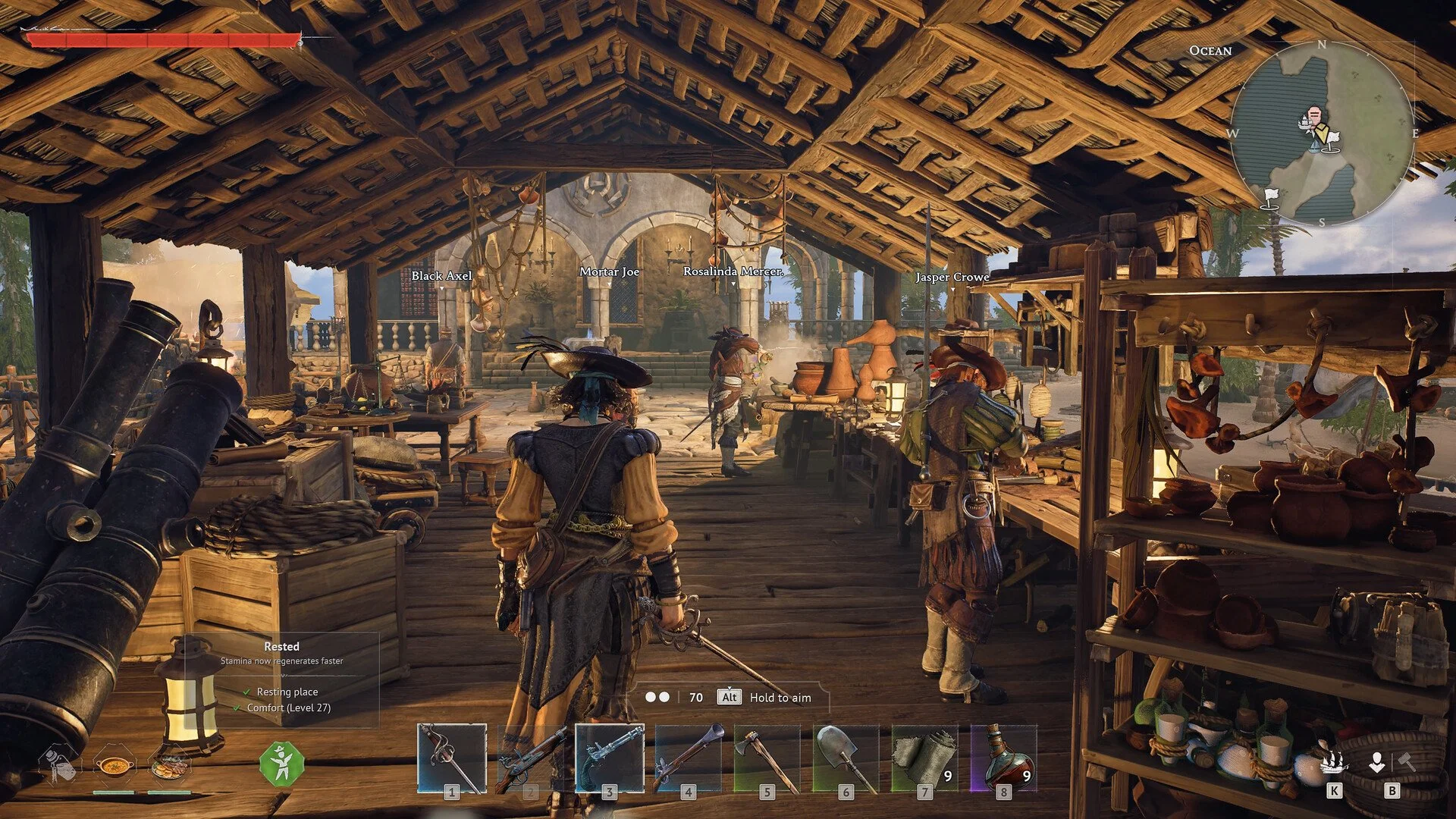
The wharf is what actually lets your ship become part of your progression. Until you build it, your ship is basically just movement between islands. Once it’s placed and working, you start interacting with ship systems instead of just sailing around.
How To Build a Wharf In Windrose
To build a wharf in Windrose, open the Building Menu, go to Crafting and Utilities, then use 10 Wood and 10 Coarse Fabric to place a Wharf directly at the shoreline.
If it’s not working after placing it, it’s almost always placement or missing processed materials.
What You Need Before Building a Wharf
The recipe itself is simple, but the prep is where people lose time.
Wood is easy from logs and stumps. Coarse Fabric is the step that slows things down because you have to gather Plant Fiber first, then convert it at the Workbench. If you skip that processing step and just run around collecting raw fiber, you’ll open the build menu and wonder why you can’t place it.
The smoother way to handle this is to overcraft Coarse Fabric early so you’re not stuck doing extra trips later.
Where To Place The Wharf So It Actually Works
This is the part that makes people think the system is bugged.
You can place a wharf slightly inland and it will still “build”, but your ship won’t properly interact with it. That’s where the confusion comes from.
The correct way to do it is simple. Stand at the edge of the water and place it as far out toward the shoreline as the game allows. If your ship isn’t lining up with it cleanly, it’s too far back.
Once you place it correctly, there’s no weird behavior. It just works.
Why Your Wharf Feels Useless Without The Workshop
A lot of players build the wharf first, then don’t understand what it’s doing.
The wharf doesn’t create anything. It’s not a crafting station. It’s where ship related items get used.
The Shipwright’s Workshop is where you actually craft ship upgrades and parts. The wharf is where those upgrades connect to your ship.
Once you understand that split, everything clicks:
Workshop = create ship items
Wharf = apply and manage them
If you only have one of these, the system feels incomplete.
What Actually Changes After You Build It
This is where the game opens up, and it’s easy to miss if you rush past it.
Before the wharf, your ship is just transport. You sail, you dock, that’s it.
After the wharf is placed correctly, you start treating your ship like part of your build. You’re thinking about upgrades, using ship related items, and actually engaging with naval systems instead of ignoring them.
You’ll notice you stop treating the ocean like empty space between islands and start seeing it as part of your progression loop.
Fast Way To Get This Done Without Wasting Time
If you want this step to feel instant instead of clunky:
Craft extra Coarse Fabric before opening the build menu
Build it at the shoreline first try, don’t “test” inland
Have the Shipwright’s Workshop ready right after
Doing this removes basically all friction from the process.
Final Blurb
The wharf is the point where your ship finally becomes part of your actual progression instead of just something you use to move between islands. Once it’s placed right at the shoreline and paired with the Shipwright’s Workshop, you start using your ship intentionally, not just traveling with it.
From there, your loop changes. You build, upgrade, and interact with your ship as part of what you’re doing, not something separate from it.