Windrose: How to Zoom Out On Ship
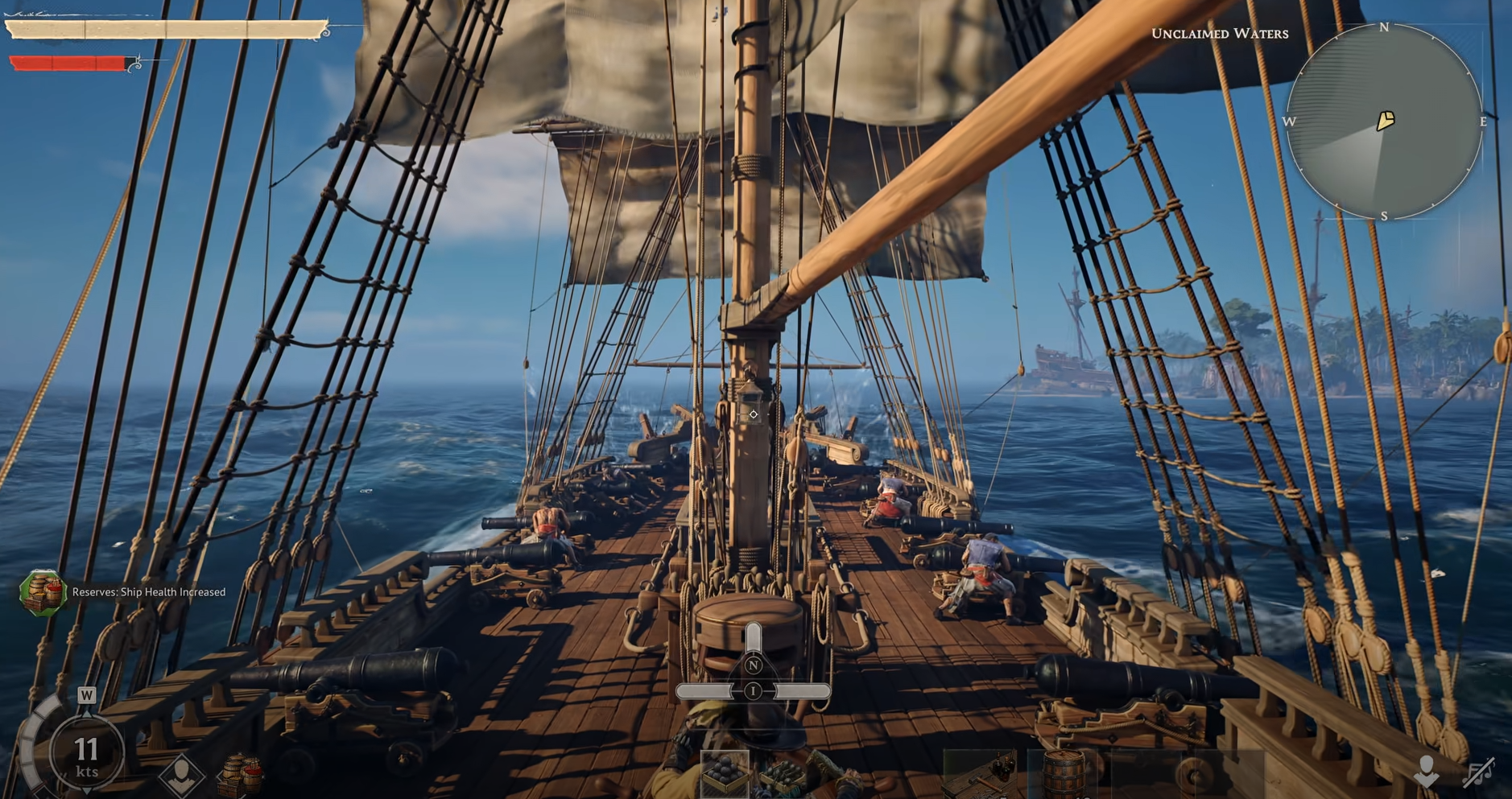
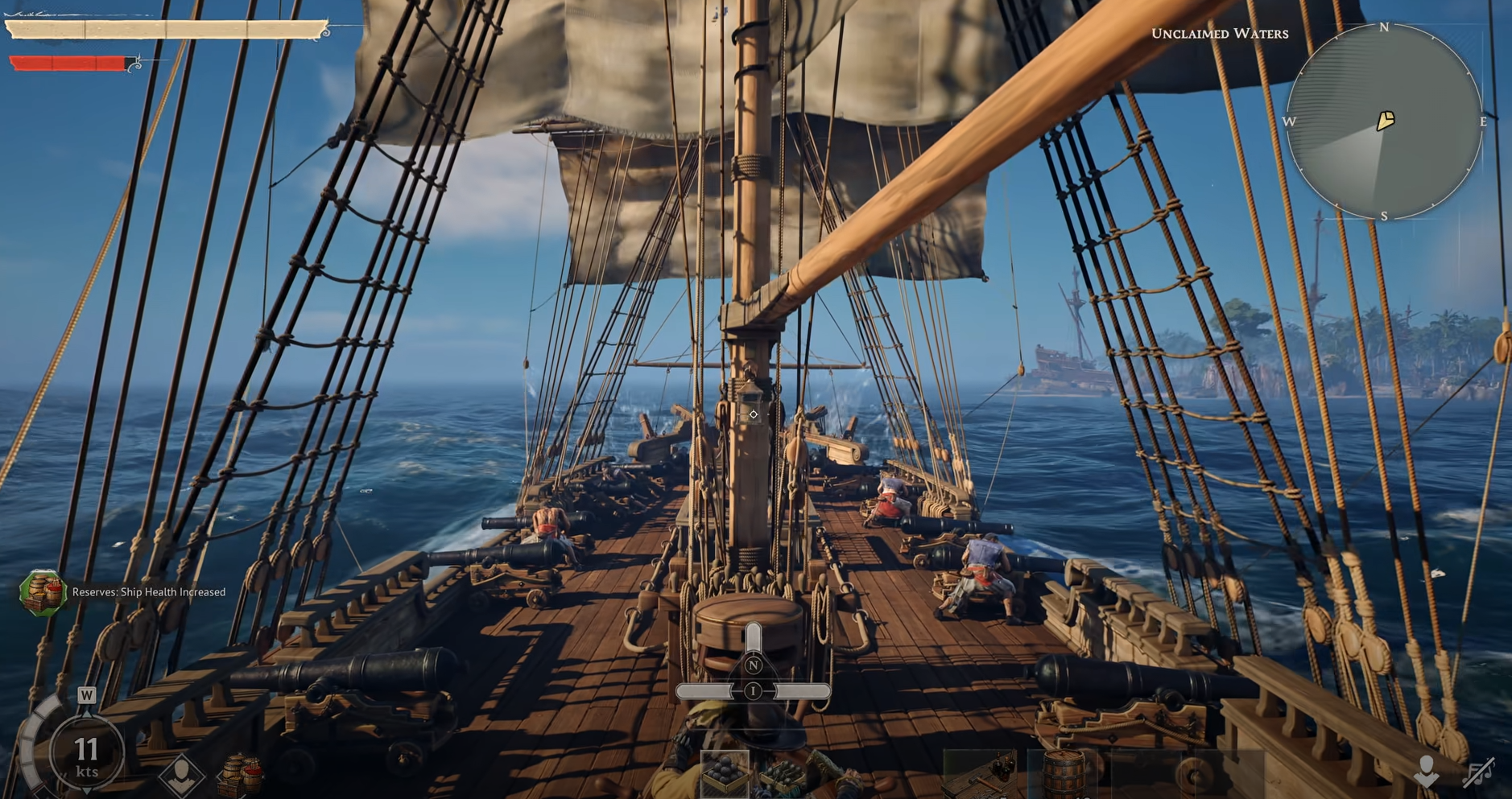
Sailing in Windrose feels much better once the ship camera is pulled back. The default view can sit too close to the boat, which makes travel feel tighter than it needs to be when reading the water, checking direction, or steering around nearby land.
How To Zoom Out While Sailing Your Ship In Windrose
To zoom out on your ship in Windrose, press F while sailing.
Pressing F pulls the ship camera back and gives a wider field of view around the boat. The change is immediate, so it is easy to test while already moving across the water. If the ship view feels cramped, this is the control that fixes it.
The wider camera helps most during normal sailing because it gives more space around the ship instead of keeping the view locked too close. It becomes easier to see the water ahead, follow the coastline, and keep track of nearby objects without constantly fighting the camera.
Why The Zoomed Out Ship Camera Helps
The close ship camera works, but it can make sailing feel boxed in. Windrose has a lot of movement happening around the boat, and a wider view gives a cleaner read on where the ship is headed.
This is especially useful when turning near islands, lining up travel routes, or trying to keep the ship from drifting into awkward spots. The extra view does not change the ship’s speed or handling, but it makes steering feel more controlled because there is more visual information on screen.
When To Use The Wider Ship View
The zoomed out camera is worth using any time sailing starts to feel too tight. It helps during longer trips, coastal movement, and any moment where the default view makes it harder to judge space around the ship.
A simple way to treat it is this:
• Use the close view when the ship is stopped or when looking at nearby details
• Use the zoomed out view while sailing, turning, or watching the water ahead
• Press F again any time the camera needs to be adjusted back
The biggest benefit is comfort. Sailing feels less cramped, and the ship becomes easier to read during movement.
Does Zooming Out Change Ship Controls
Zooming out does not change how the ship controls. It only changes the camera distance while sailing.
The ship still moves, turns, and handles the same way. The difference is visibility. With the camera pulled back, steering feels easier because the player can see more of the surrounding water and react sooner to nearby terrain or obstacles.
Final Blurb
Pressing F while sailing is the easiest way to zoom out on a ship in Windrose. It pulls the camera back, opens up the view, and makes ship travel feel much cleaner.
This is one of those small controls that is easy to miss but hard to stop using once it clicks. The wider view gives sailing more breathing room without changing how the ship handles.